
Enterprise
Multiple branches and stock transfers
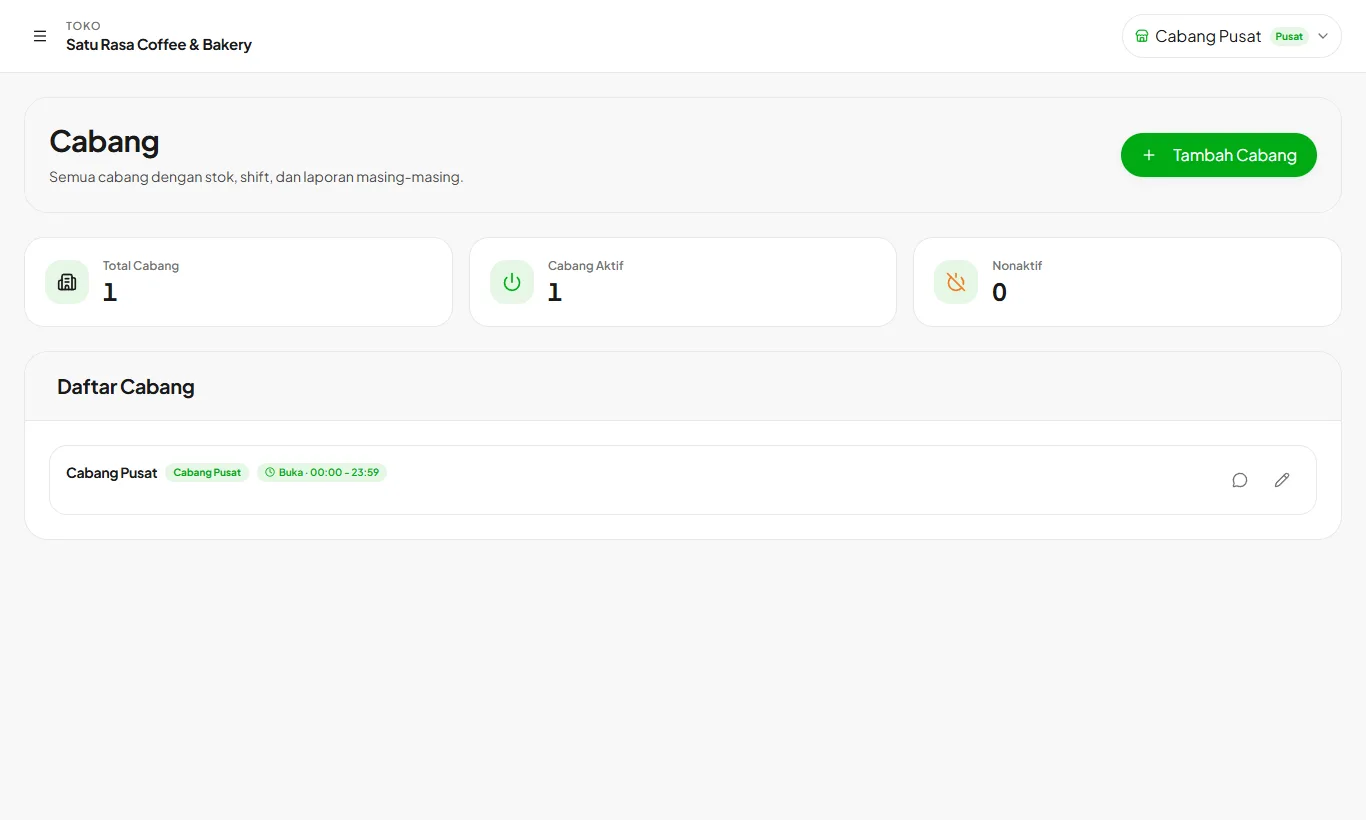
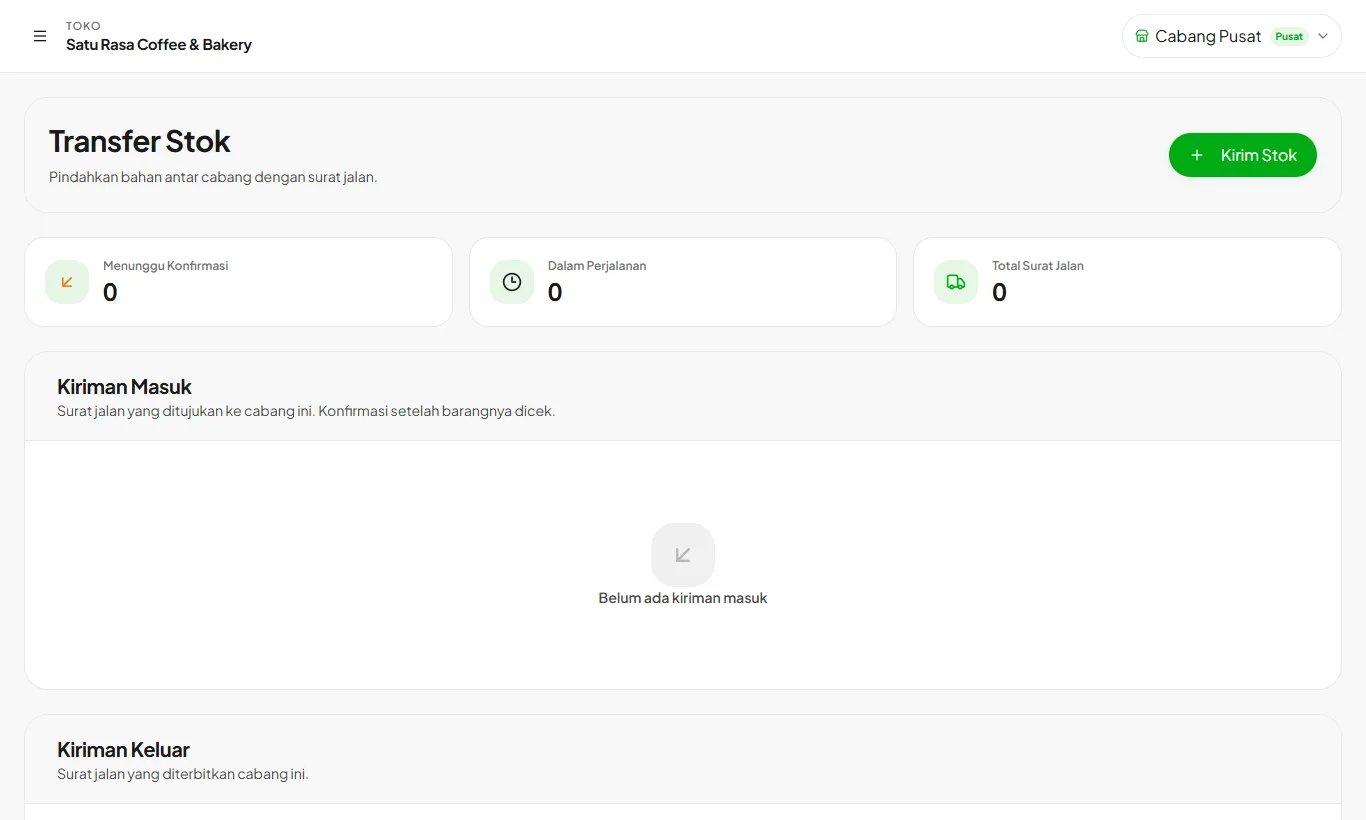
Run up to 5 branches in one store, each with its own stock, shifts, and reports.
Available on Enterprise
- 1
Turn on multiple branches
Open Branches then Enable Multiple Branches. Existing data automatically belongs to the Main Branch.
- 2
Add branches
Each branch has its own stock and reports. Menus, recipes, and customers are shared.
- 3
Transfer stock
Send ingredients from one branch to another. Both sides are recorded.
Ready to try it in your store?
Sign up free and follow this guide right in the app.