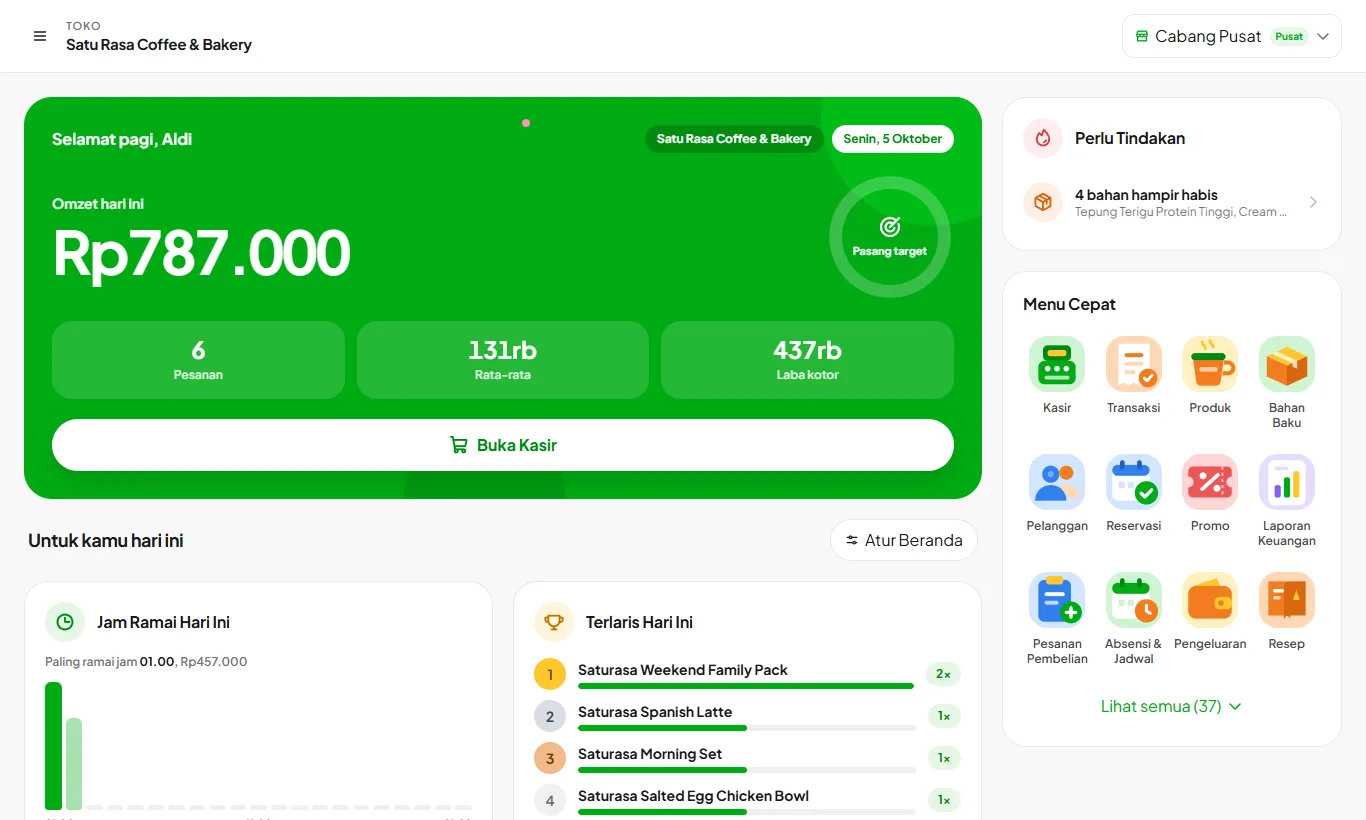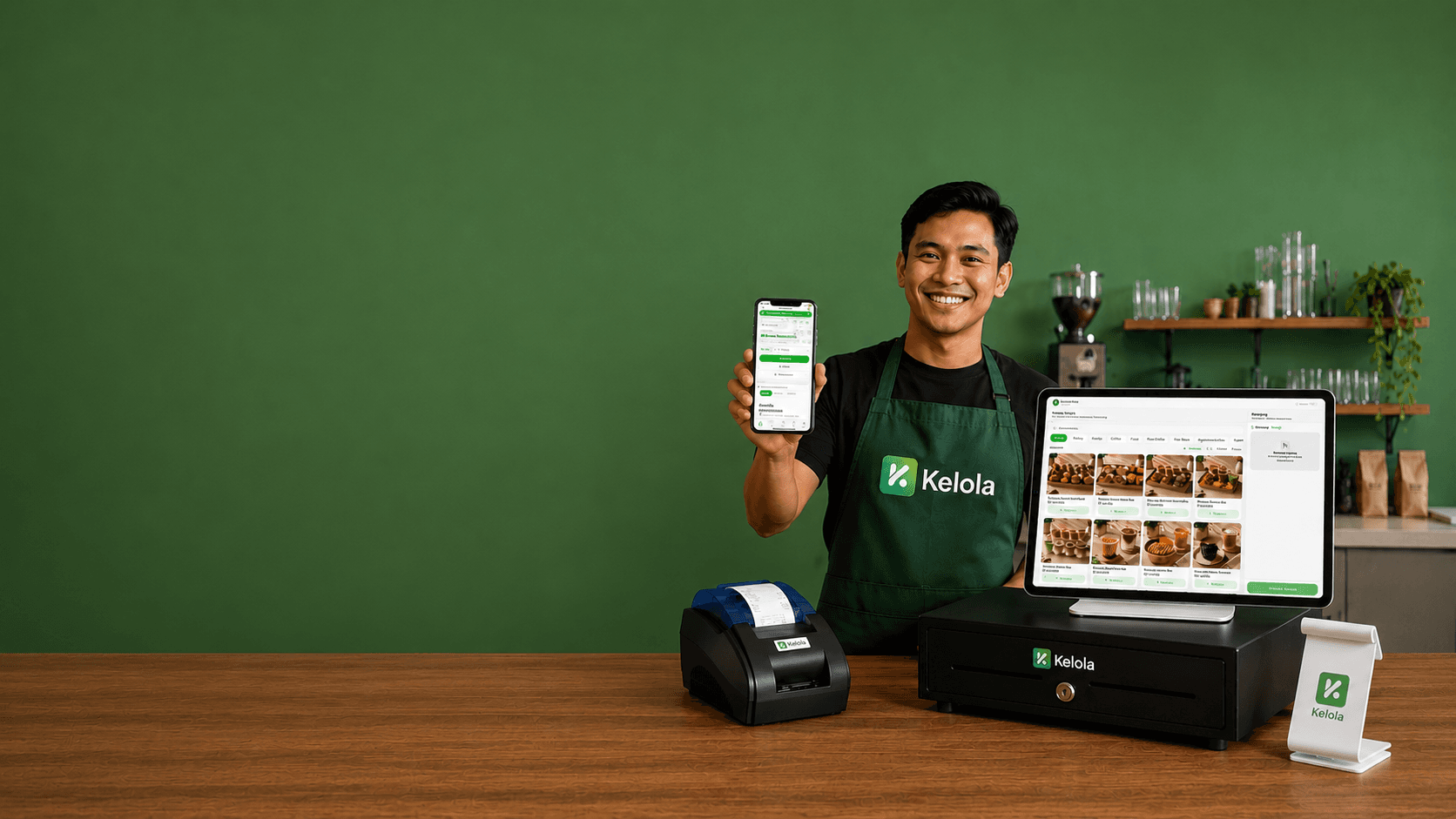
Complete F&B Cashier App, Run Your Business from Home
30 Days
Free trial
No credit card needed
< 15 min
Self-service setup
No IT team, no special hardware
PWA
Android, iOS, Windows, macOS
One app on every device, installed without an app store and always up to date
Offline
The register keeps running
Ingredient stock stays validated even without internet
See Kelola at Work in 95 Seconds
From checkout at the counter and orders to the kitchen, to cost per cup and a profit and loss report that builds itself.
From Checkout to Net Profit
Every transaction at the register deducts ingredient stock, records the real cost, and feeds your financial reports.
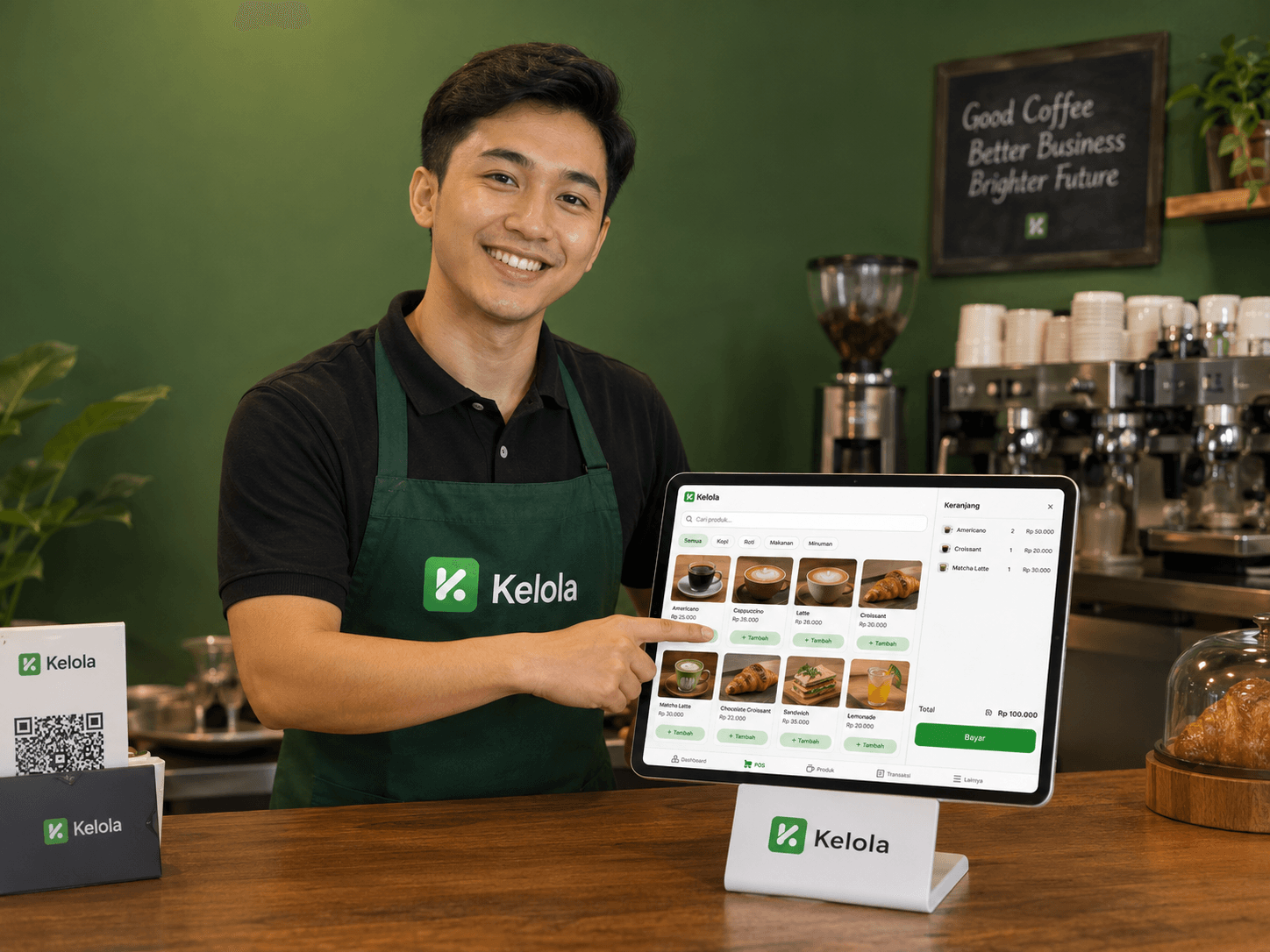
Kelola Point of Sale
A Register That Keeps Running When the Internet Goes Down
A simple checkout screen with variants, add-ons, promos, and point redemption. When the connection drops, Kelola still checks ingredient availability and holds the stock already used, then syncs the queued transactions once you're back online.
Explore Kelola Point of Sale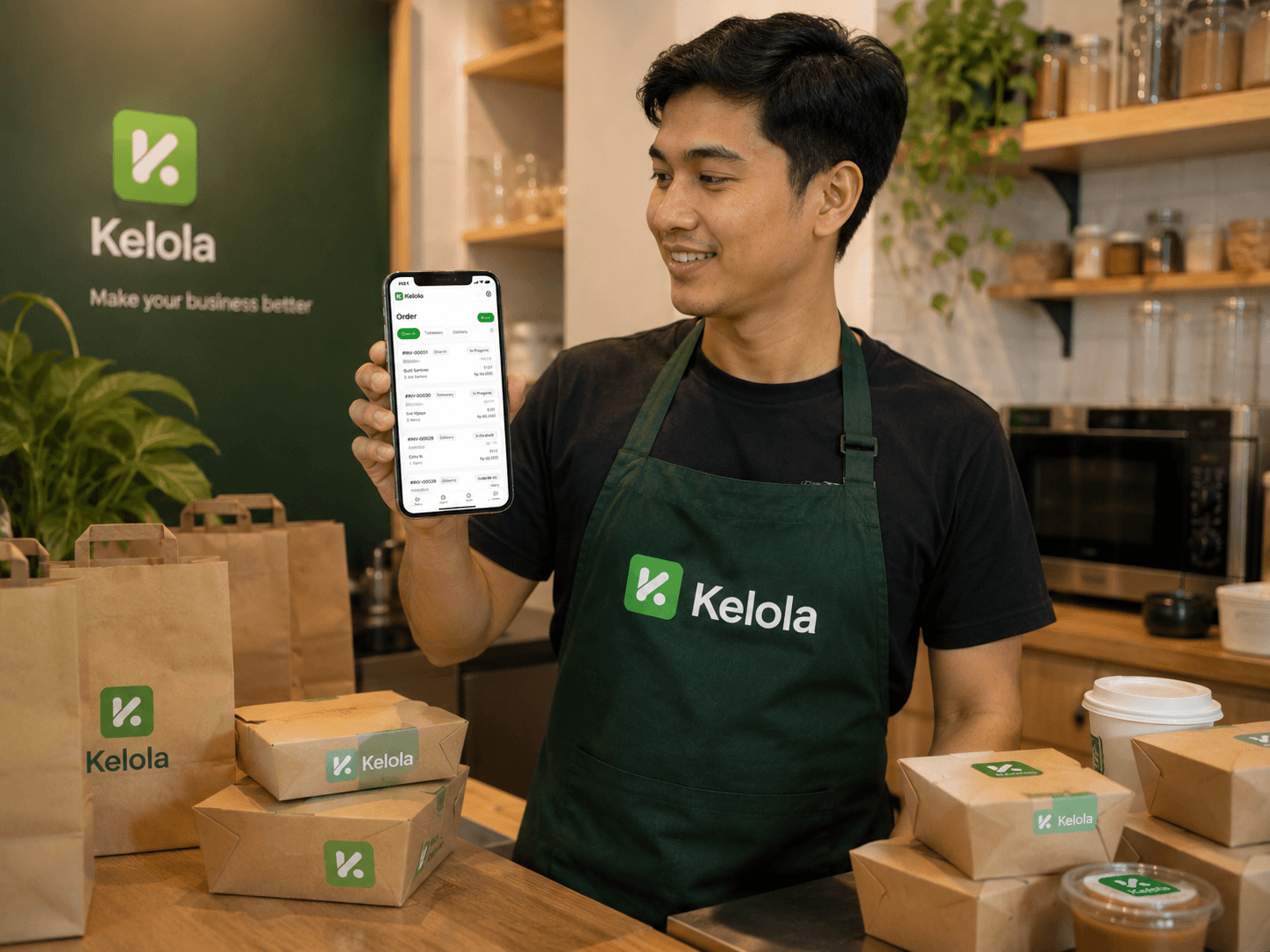
Open Bill & Tables
Open Bills, Table Moves, and Split Bills Without Re-entering Orders
Open a bill per table, add orders to a running bill, move it to another table, or split the payment into several parts. Built for restaurants where guests pay at the end.
Explore Open Bill & Tables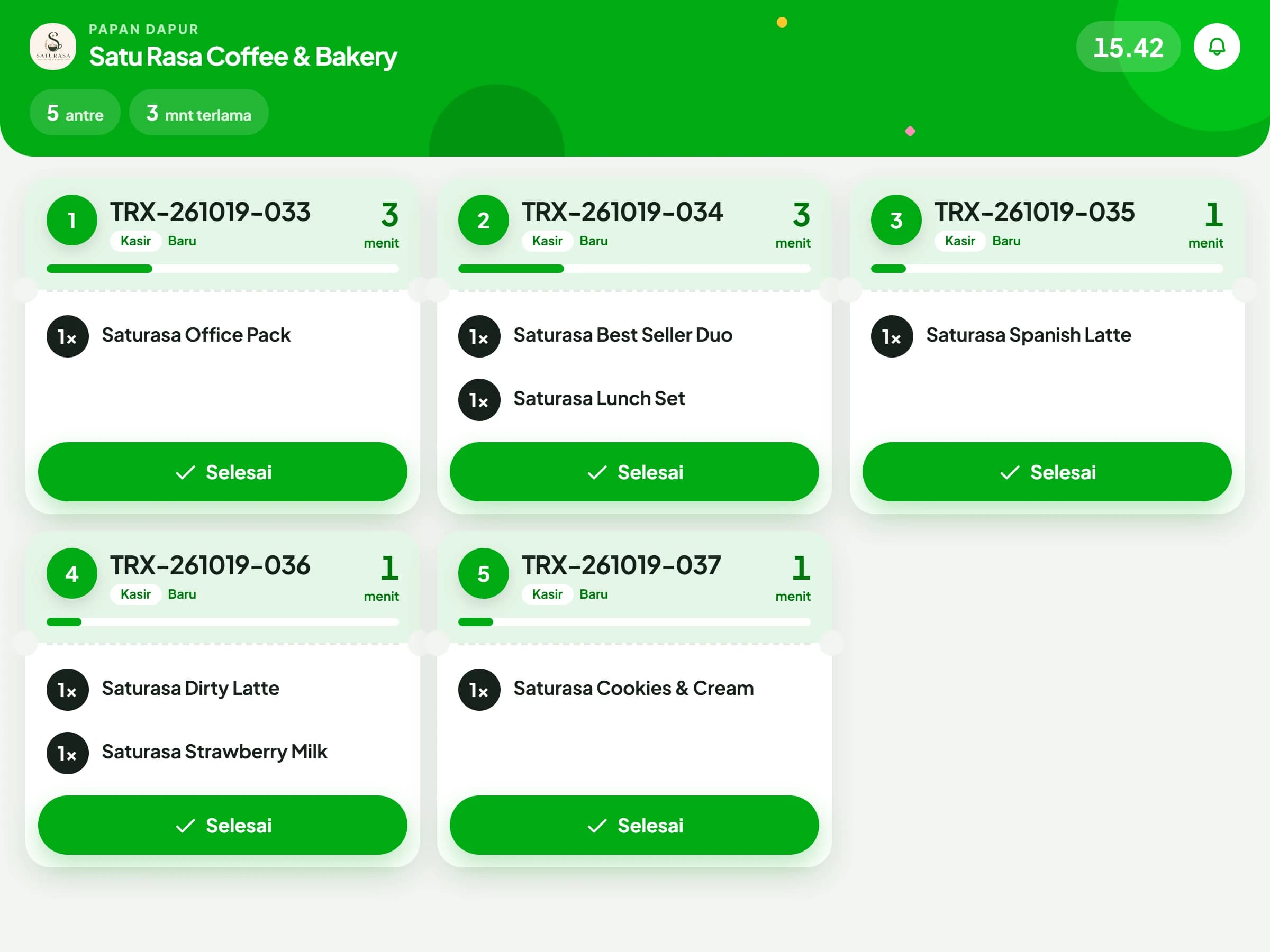
Kitchen Display (KDS)
EnterpriseThe Kitchen Queue Builds Itself, Without Paper in Between
Orders from the counter, table bills, and the QR Menu are gathered onto a single screen in the production area. Each ticket shows how long it has waited and changes colour once it passes a threshold, so priority is readable at a glance. The kitchen marks an order complete directly from that screen.
Read the Kitchen Display (KDS) guide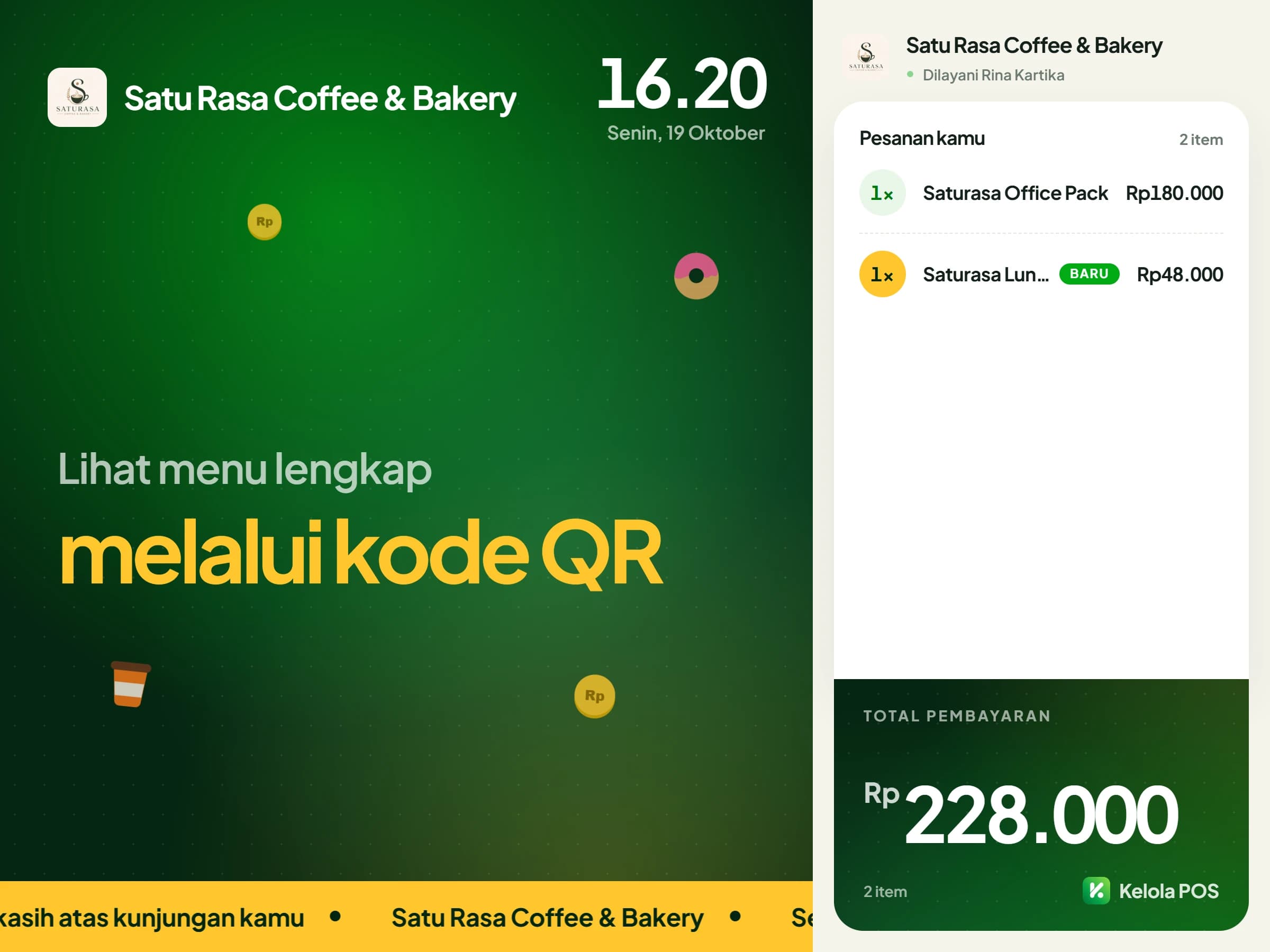
Customer Display
GrowthCustomers Read Their Order From the First Item
A second screen facing the customer shows each item and its variant the moment the cashier enters it, along with a total that already includes tax and service charge. Change due is displayed once payment is complete. Outside busy hours, the same screen runs your active promotions and your own visual material.
Read the Customer Display guide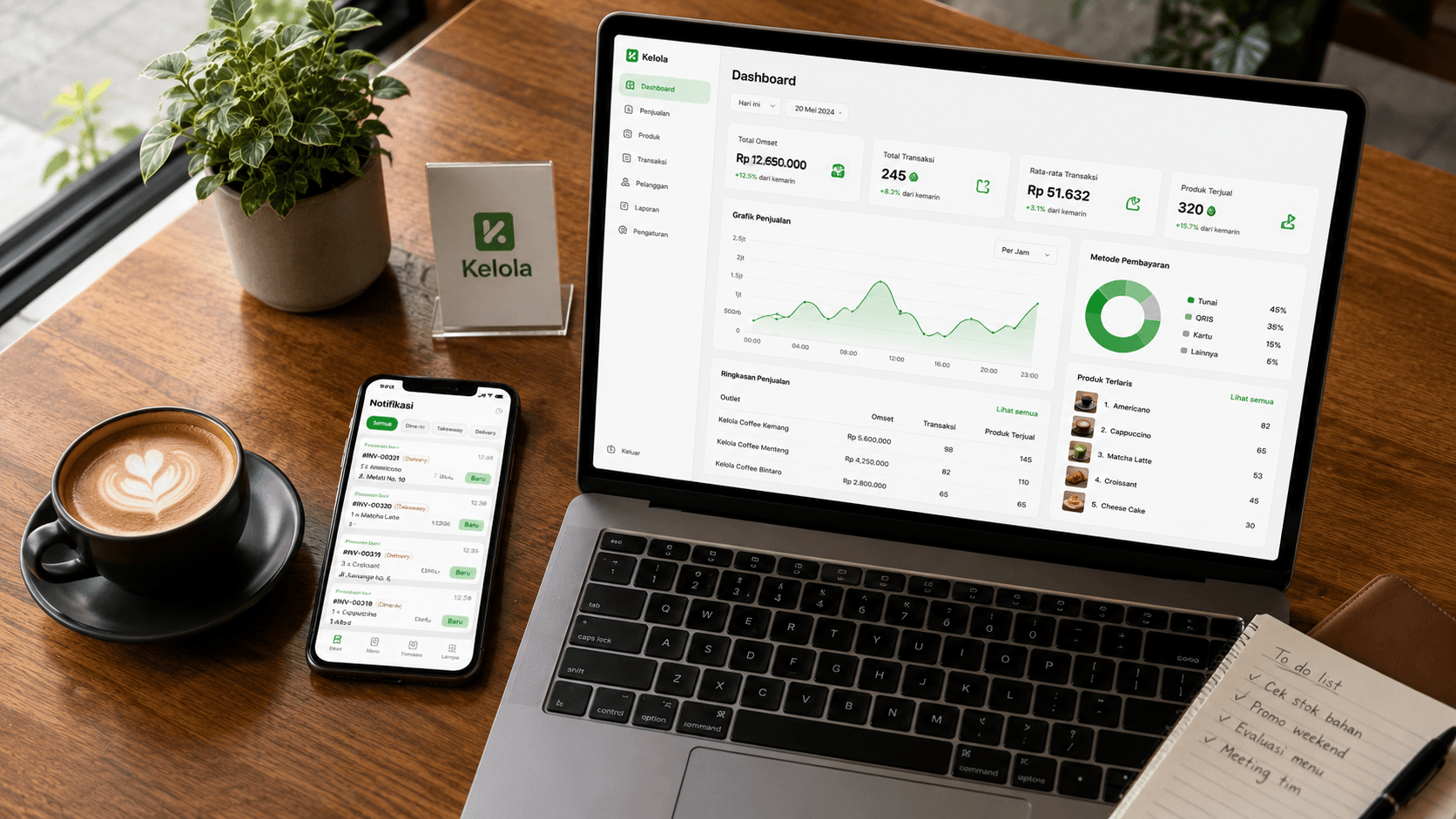
Financial Reports
Profit & Loss, Cash Flow, and Break-Even on One Screen
Not a sales report dressed up as a financial one. A tiered profit & loss from gross sales down to net profit, cash flow per payment method, break-even point, and promo effectiveness, ready to show your accountant.
Explore Financial Reports4 Things That Set Kelola Apart
Most cashier apps stop at recording sales. These four are what take Kelola all the way to profit and loss.
Automatic COGS From Recipes
Cost is calculated by the system from your recipes and current ingredient prices, not typed in manually and left to go stale in three months.
Offline That Protects Your Stock
With the internet down, ingredient availability is still validated and used stock is held, so nothing that's actually sold out gets sold twice.
Real Financial Reports
Profit & loss, cash flow, break-even, and cash reconciliation. Tax and service charge are kept separate because they're money held on behalf of others, not profit.
Reorder Center
The system reads your stock and usage patterns, drafts a shopping list with suggested quantities and priority, creates the purchase orders, and sends them to suppliers via WhatsApp.
Why F&B Business Owners Choose Kelola
F&B businesses rarely lose money because it's quiet. They lose it through leaks: inconsistent portions, expired ingredients, supplier prices creeping up unnoticed, promos that quietly eat the margin.
Your Real Profit
Every menu item's cost comes from its recipe and ingredients. You know exactly how much profit actually reaches your pocket, not just revenue.
Automatic Ingredient Stock
The moment a menu item sells, ingredient stock drops according to the recipe. What gets deducted is the ingredients, not a finished-goods count.
COGS Always Current
Milk got more expensive this week? The margin on every menu item using milk is corrected in your reports right away.
Profit per Menu Item
Know which items are most profitable and which ones just sell well on a thin margin. Menu decisions get sharper.
Waste You Can Track
Wasted ingredients are recorded and counted. If the value goes above a reasonable share of revenue, the system warns you on its own.
Purchase Price History
A supplier raises the price by Rp 2,000 per kilo without telling anyone? In Kelola that increase is on the record, with the date attached.
Serving All Kinds of F&B Businesses
Kelola is built for businesses that work from recipes, from a single booth to a multi-branch network.
What Will You Get?
All the features below connect automatically. One data source, one source of truth for your entire business.
A fast cashier for rush hour
Fewer taps per order, so queues move fast.
All plansCash, QRIS, card, and Split Method
Every way customers pay, including a mix of methods.
All plansCashier shifts and cash drawer
Cash differences show up that same night.
All plansKeep selling when the internet drops
Sales are saved on the device and sent later on their own.
Growth and upQR Menu, order from the table
Guests scan, choose, and order without installing anything.
All plansRecipes and automatic costing
Each item's cost and margin, from the latest ingredient prices.
All plansIngredients and minimum stock
Stock deducts itself by recipe with every sale.
Growth and upCustomers, points, and membership
You set the points rules and membership tiers.
All plansHome and daily target
Today's sales and what needs action, at a glance.
Complete Your Counter with Affordable Hardware
Kelola runs on the devices you already own. But if you'd rather have something ready to go, we can supply the bundle so your counter is running right away.

Samsung Galaxy Tab A11
Main cashier device, lightweight & lasts all day
Starting price
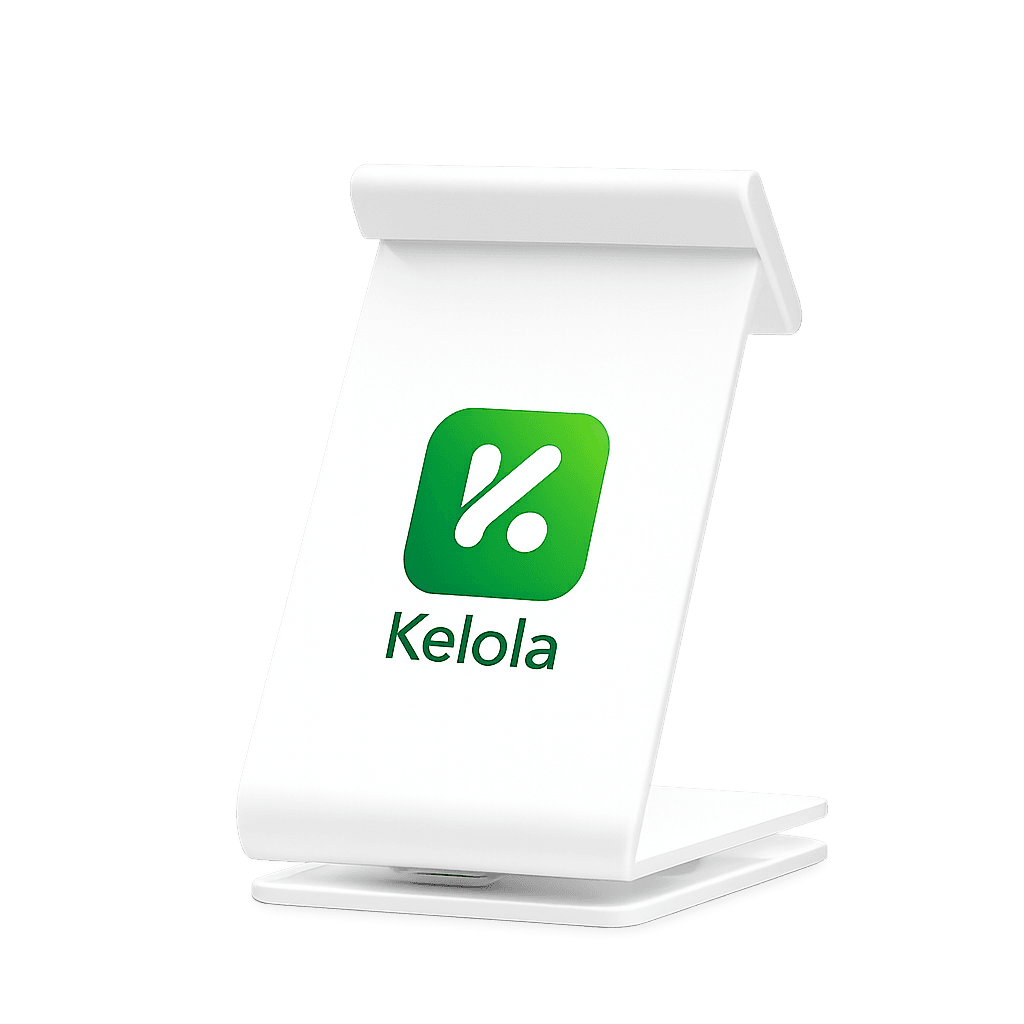
Cashier Tablet Stand
A stable tablet stand for your checkout counter
Price per unit
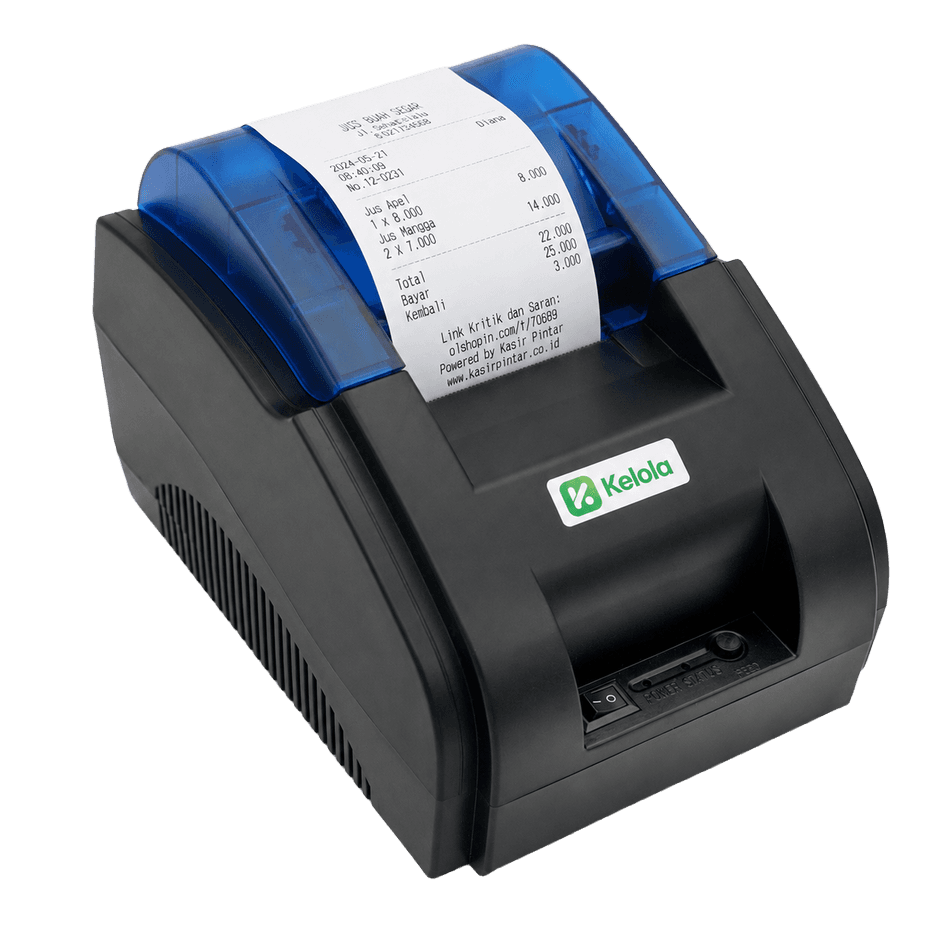
Bluetooth Thermal Receipt Printer
Instant receipts, no cables needed
Price per unit
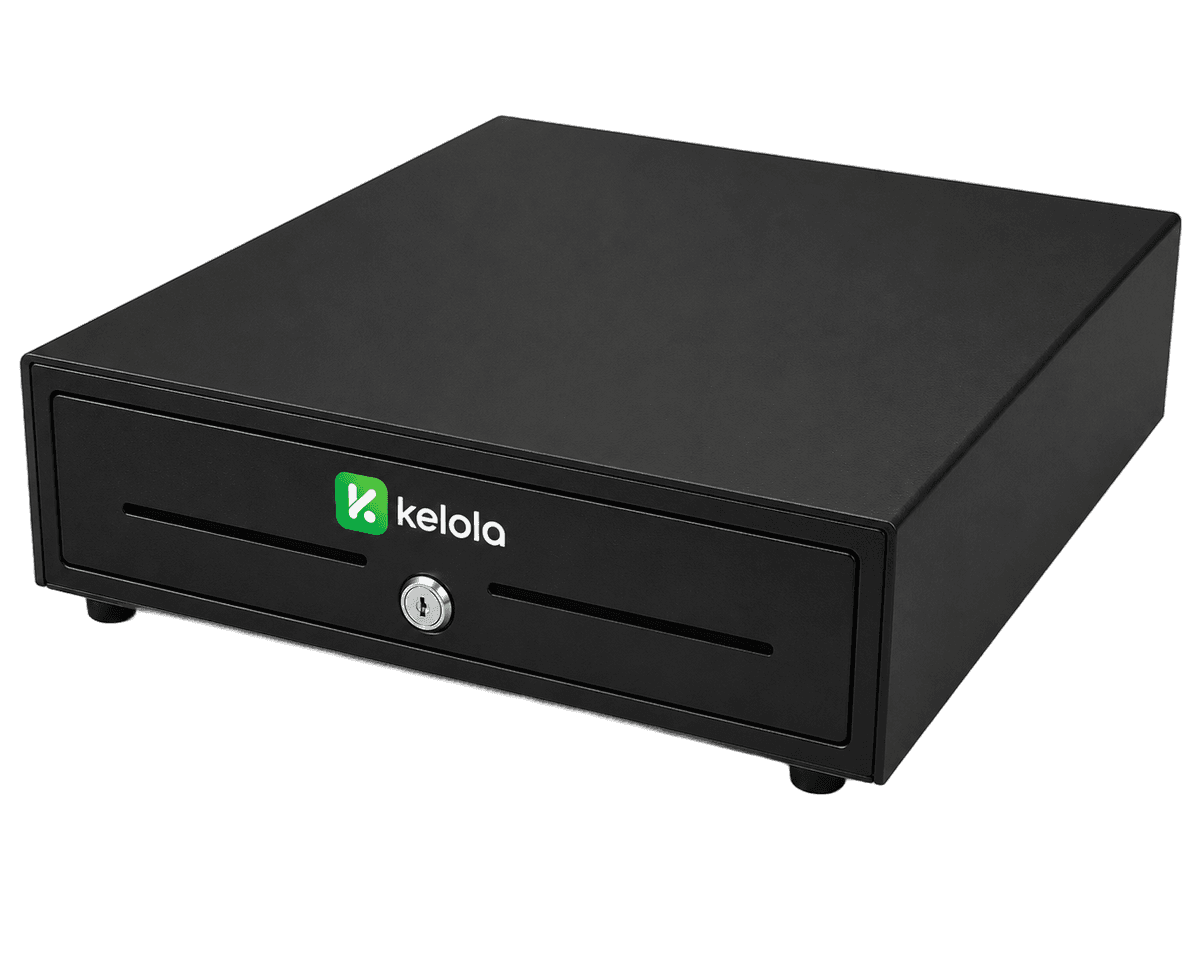
Why Kelola Is Different from Other POS Apps
A POS app records the money coming in. Kelola ties every sale to its recipe, so cost, stock, and net profit are filled in by the same transaction.
Every sale deducts ingredients, not just cash
In most POS apps, 40 cups of latte end their life as a sales figure. In Kelola every cup is tied to a recipe, so those 40 cups deduct 720 grams of beans and 4 litres of milk from stock, and record a cost of Rp3,240 per cup. That per-serving cost is what financial reports call COGS, or HPP in Indonesian.
Cost follows ingredient prices upward
Every ingredient purchase is recorded with its price, and ingredient cost is recalculated using a weighted average. The moment a supplier raises the price of beans, the COGS of every menu item using them is recalculated the same day, not at closing.
The numbers that usually surface only at month end
Food cost per menu item, real remaining stock, ingredients that have hit their reorder point, and net profit after expenses. All from the same cashier transactions, with no separate spreadsheet.
Cost control is not a top-tier feature
In many apps, recipes and financial reports only unlock on the highest plan or are sold as a separate module. In Kelola, recipes, COGS, ingredient stock, and daily gross profit are there from the cheapest plan.
Kelola vs Other Cashier Apps
A dedicated F&B focus makes Kelola stand out exactly where it matters most for profit.
| Feature | KelolaThe Right Choice | maj** | Mo**POS | Ols**a | Paw**n |
|---|---|---|---|---|---|
| Recipes and automatic costing | From Pro | ||||
| Ingredients and minimum stock | From Pro | ||||
| Purchase orders | From Advance | — | From Premium | ||
| Reorder Center | — | — | — | — | |
| Purchase price history | — | — | — | — | |
| Expenses and financial reports | From Advance | — | From Pro | — | |
| Customers, points, and membership | From Pro | From Premium | |||
| WhatsApp campaigns | — | — | — | — | |
| Table reservations, by phone or online | — | Paid add-on | — | ||
| QR Menu, order from the table | From Advance | From Pro | From Pro | — | |
| Kitchen display (KDS) | From Prime | — | — | — | |
| Customer display | From Prime | — | — | — | |
| Attendance and shift schedules | — | ||||
| Payroll | From Prime | — | — | — | |
| Keep selling when the internet drops | From Prime | — | — | — | |
| Multiple branches and stock transfers | From Premium |
Swipe sideways to see other providers →
Limits You Should Know About
Better to know before you subscribe than to discover it once you are running.
No direct integration with delivery aggregators yet
Kelola is not connected to the GoFood, GrabFood, or ShopeeFood systems. Orders from those apps do not arrive on the cashier screen by themselves.
In practice, when an order comes in on the partner tablet, the cashier still enters it into Kelola as a normal order. Direct integration requires official partner access from each platform, and we do not hold that access today.
Already available: Order Channels
Aggregator sales are still recorded in full and kept separate, so your reports lose nothing even though entry is manual.
- Separate menus and prices per platform, set on one page, without changing your in-store prices.
- Each platform commission is recorded, and what you receive per item is shown right away.
- The cashier just picks GoFood or another platform on the first item, and prices follow.
- Platform sales are kept apart from the cash drawer, since the money arrives later.
- Ingredient stock is still deducted by recipe, just like in-store sales.
So sales per channel can be compared: what you actually take home from GoFood versus direct sales.
Choose a Plan That Fits Your Business Scale
Flexible and adaptable to your budget and business needs.
Starter
For new F&B businesses
or Rp960.000/year
save 17%30 days free · no credit card needed
What's included
- Cashier, tables, shifts, and offline mode
- Recipes, automatic costing, and ingredient stock
- Promos, receipts, and packaging labels
- Receipts to the customer's WhatsApp
- Kelola Capital for business funding (coming soon)
- 3 staff, 75 products, 1 branch
Best for: Stalls, coffee shops, booths, carts, home kitchens
Growth
For established businesses
or Rp1.960.000/year
save 17%30 days free · no credit card needed
What's included
- Everything in Starter, plus:
- QR Menu, reservations, and customer display
- Customers, points, tabs, deposits, WhatsApp campaigns
- WhatsApp Assistant and a free e-SIM for the bot number
- Purchase orders, attendance, and payroll
- 10 staff, 150 products, 1 branch
Best for: Cafes, coffee shops, restaurants, bakeries
Enterprise
For rapidly growing businesses
or Rp3.960.000/year
save 17%30 days free · no credit card needed
What's included
- Everything in Growth, plus:
- Kitchen display (KDS) and menu engineering
- Financial reports, accounting, and balance sheet
- Reorder center and activity log
- Unlimited staff and products, up to 5 branches
Best for: Multi-outlet, franchise, F&B brands
Trusted by F&B Business Owners
Used every day by
 HS Brew Coffee & Vibes
 MADAM SIM Café & Resto
 Ruma.Eyang
 Kebun Latte
 Nola Banana Toast & Coffee
 Kopi Human
 Stance Coffee Studio
 Ayam Rempah LYH
 Street Brew Coffee
 Tempat Kerja Coffee
“We used to calculate COGS manually in a spreadsheet, and often noticed too late that margins were shrinking whenever ingredient prices rose. Now, as soon as a supplier's price changes, our COGS updates itself.”
HS Brew Coffee & Vibes
Coffee shop · 1 outlet
“On m*joo I kept hitting paywalls, every feature I actually needed meant paying more. I hesitated to switch to Kelola, worried the data would be a mess and we'd have to stop trading. Instead their team handled the migration until the menu and stock were ready to use, and we didn't close for a single day. The features are exactly the same, the interface is far nicer, and our operating costs dropped noticeably.”
SAMARA Space
Coffee shop & space · 1 outlet
“What sold me was the day our internet died during the dinner rush. The register kept running, stock kept deducting, and everything synced in the right order once we were back online. No more manual recaps guessing which orders we missed.”
MADAM SIM Café & Resto
Café & resto · 1 outlet
“Ingredient stock automatically decreases with every order based on the recipe. Shopping is more measured, and food waste is now clearly visible in the reports.”
Ruma.Eyang
Home kitchen & bakery · Home kitchen
“The QRIS comes up with the amount already filled in, so even a brand new cashier never mistypes a total. The money lands straight in my own account with nobody taking a cut.”
Kebun Latte
Coffee shop · 1 outlet
“My menu has a lot of variants, and costing every topping by hand ate up my time. Now each variant shows its real cost down to the gram, and one of our best sellers turned out to have the thinnest margin. I adjusted the price right away.”
Nola Banana Toast & Coffee
Toast & coffee · 1 outlet
“I can monitor every branch from a single dashboard without having to call each outlet for a daily report. Decisions get made much faster now.”
Kopi Human
Coffee shop · Multi-outlet
“My biggest worry was staff seeing my profit numbers. In Kelola the financial reports simply don't appear on a cashier account, they aren't just locked. I can leave the shop without thinking about it.”
Stance Coffee Studio
Coffee studio · 1 outlet
“Our revenue was steady, but I needed sharper numbers to make decisions on. With expenses and ingredient usage tracked properly, I can see which dishes carry the business and where we can tighten up. The profit and loss is ready by the time we close.”
Ayam Rempah LYH
Restaurant · 1 outlet
“I didn't want the hassle of replacing hardware just to switch systems. Kelola opens on the tablet we already had and connects straight to our printer, so that budget went somewhere more useful. When I hit a snag with the printer setup I messaged Mas Randi from their technical team, he walked me through it, and we were running the same day.”
Street Brew Coffee
Coffee shop · 1 outlet
“Shift changes used to mean tediously matching the cash drawer against handwritten notes. Now the report builds itself with every transaction and we just verify it. My baristas focus on customers instead of a notebook.”
Tempat Kerja Coffee
Coffee & workspace · 1 outlet
Testimonials illustrate usage scenarios for F&B businesses.
Frequently Asked Questions
Can't find the answer you're looking for? Our team is ready to help directly via WhatsApp.
Ask via WhatsAppSee all questionsWhat is Kelola?
Kelola is a multi-branch POS app that calculates your profit and loss automatically, down to the ingredient level. Every product has a recipe, so each transaction deducts ingredient stock, records the real cost, and feeds your financial reports.
Is HPP the same as COGS?
Yes. HPP (harga pokok penjualan) is the Indonesian term for cost of goods sold. Kelola calculates it per serving from the recipe: pack price divided by pack size, multiplied by the amount used, plus per-serving extras such as cups and straws. Whenever an ingredient purchase price changes, the figure changes with it, and so does each menu item's margin.
If the internet connection drops, can I still sell at the register?
Yes, and it does more than just queue transactions. While offline, Kelola still checks ingredient availability and holds the stock already used, so items that are actually sold out don't get sold again. Once you're back online, the queue syncs in transaction order.
Can my cashier see my business profit?
No. There are four access roles: Superadmin, Owner, Manager, and Cashier. Expenses and financial reports can only be opened by the owner. Managers and cashiers never see those menus at all, they aren't merely blocked on click.
How does QRIS payment work?
You upload your own static merchant QRIS, and at payment time Kelola displays a QR with the amount already filled in for the total. The customer just scans and pays. The money still goes straight to your account with no extra cut from us, and the cashier confirms once the payment lands in your bank or e-wallet app.
Do I need to install an app first?
No. Kelola is a PWA (Progressive Web App): open it in the browser, then install it to the home screen of a phone, tablet, or computer like a regular app, without going through an app store. It is the same version on Android, iOS, Windows, and macOS, and every update takes effect without a re-download.
Do I need to buy special hardware?
It's not required. Kelola works on the tablet or phone you already own and supports standard ESC/POS thermal printers over Bluetooth or USB. If you'd rather have ready-to-use devices, we also offer affordable tablet and printer bundles.
Can Kelola connect automatically to GoFood, GrabFood, or ShopeeFood?
Not yet. Aggregator orders do not reach the cashier on their own, so they are still entered manually. What is available is Order Channels: a separate menu and prices per platform with their commission, and the cashier just picks the order source on the first item. Ingredient stock is still deducted by recipe.
Can I move data over from my old system?
Customer and ingredient data can be imported from Excel using the templates we provide. Products and recipes are entered in the app, and our team is happy to help you get started.
If my free trial ends, do I lose my data?
No. The account moves to an expired state and is directed to the renewal page, with your data intact. You can also export everything to Excel and PDF at any time.
How long does setup take before I can start selling?
On average, under 15 minutes, from creating an account, entering products & ingredients, to your first transaction at the register.
See your real profit starting today
Try every feature free for 30 days. No credit card, ready to sell in 15 minutes.