
User Guides
How to use Kelola, from setting up your store to closing a shift.
Video tutorials
Watch the Kelola POS tutorial series
Short videos from signing up to opening a branch. Start with the first episode, or jump to the topic you need. Videos are in Indonesian.
Getting started
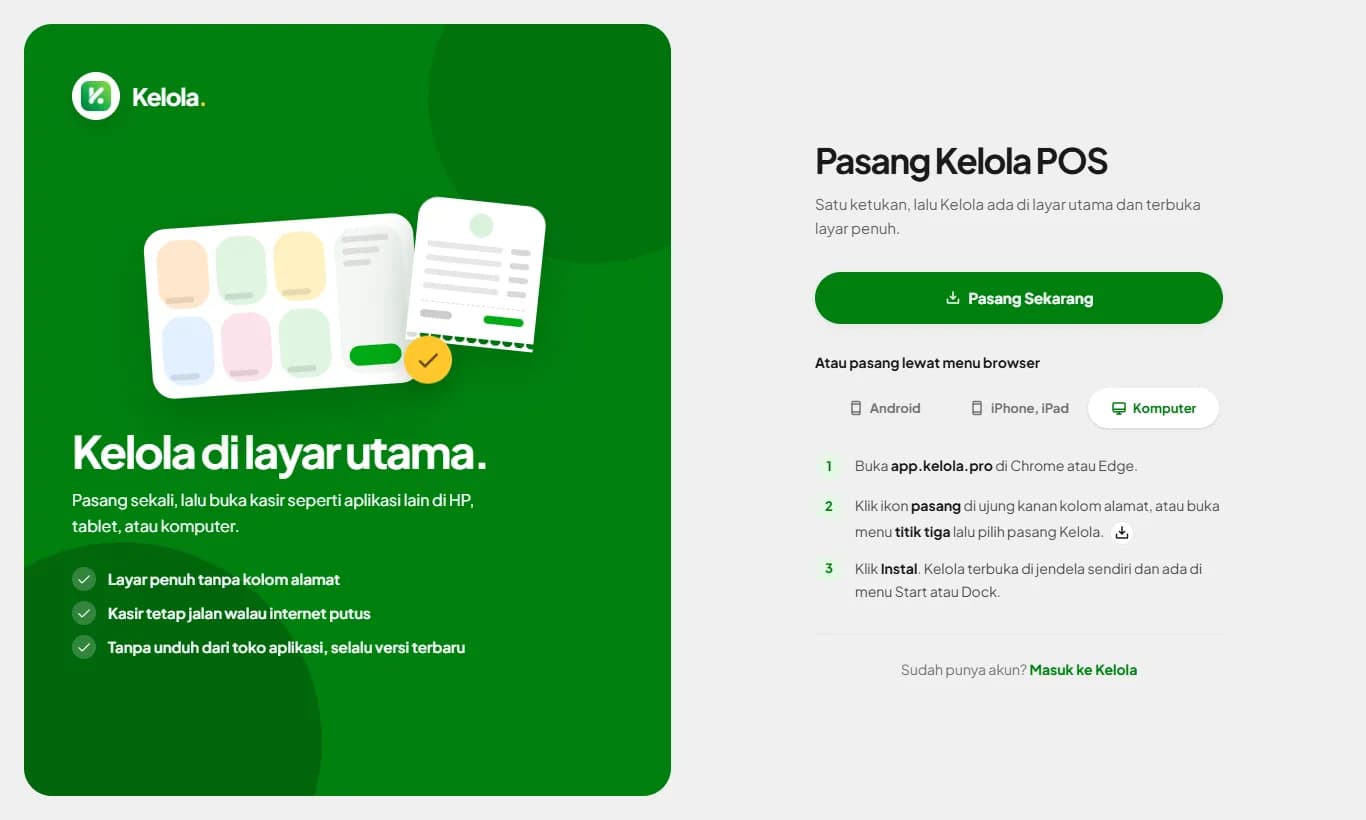
Install Kelola POS on phone, tablet, and computer
Kelola installs like a regular app without an app store: an icon on your home screen, full screen, and always the latest version.
Read guide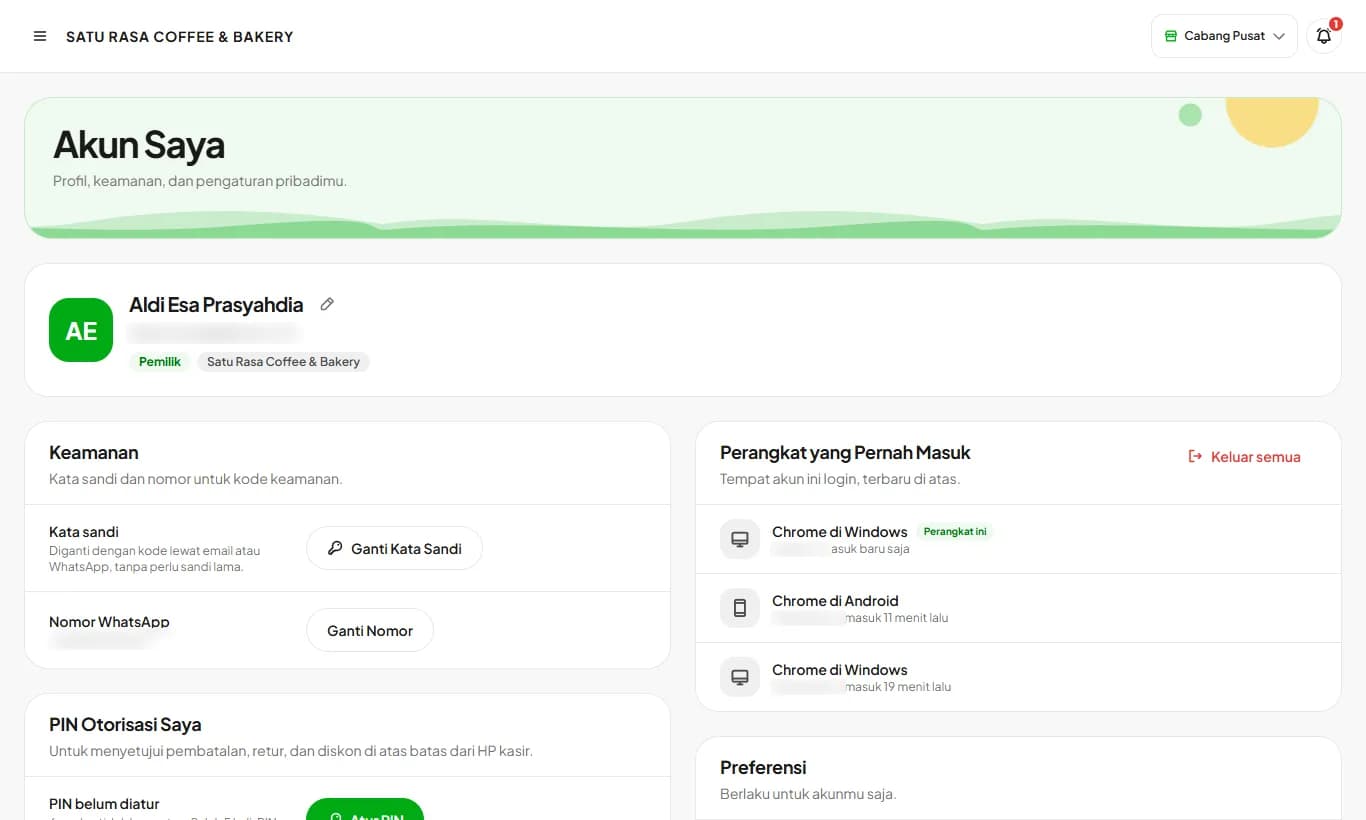
My Account
Profile, password change with a code, devices you signed in on, and theme.
Read guide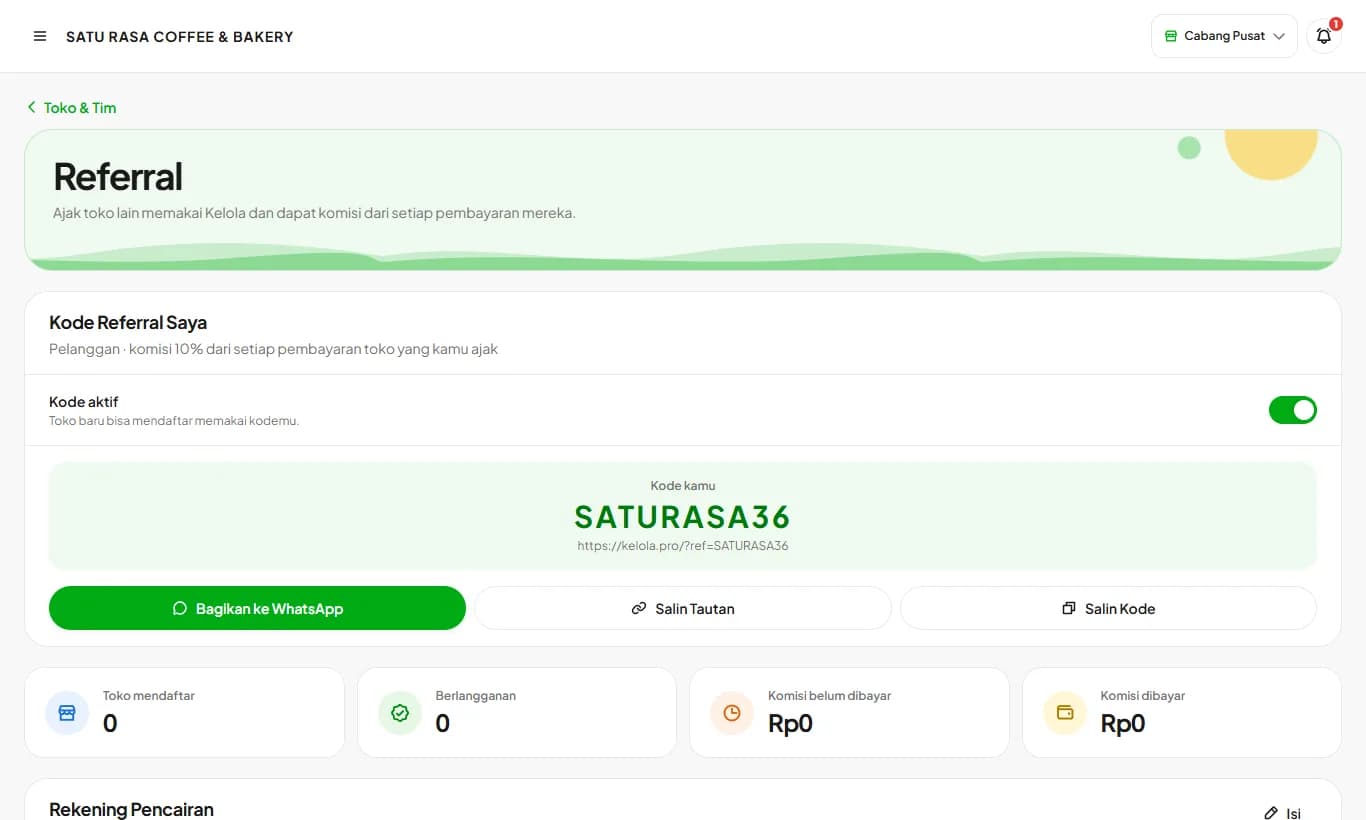
My Referral Code
Invite other stores to Kelola and earn 10% of every payment they make, for as long as they subscribe.
Read guide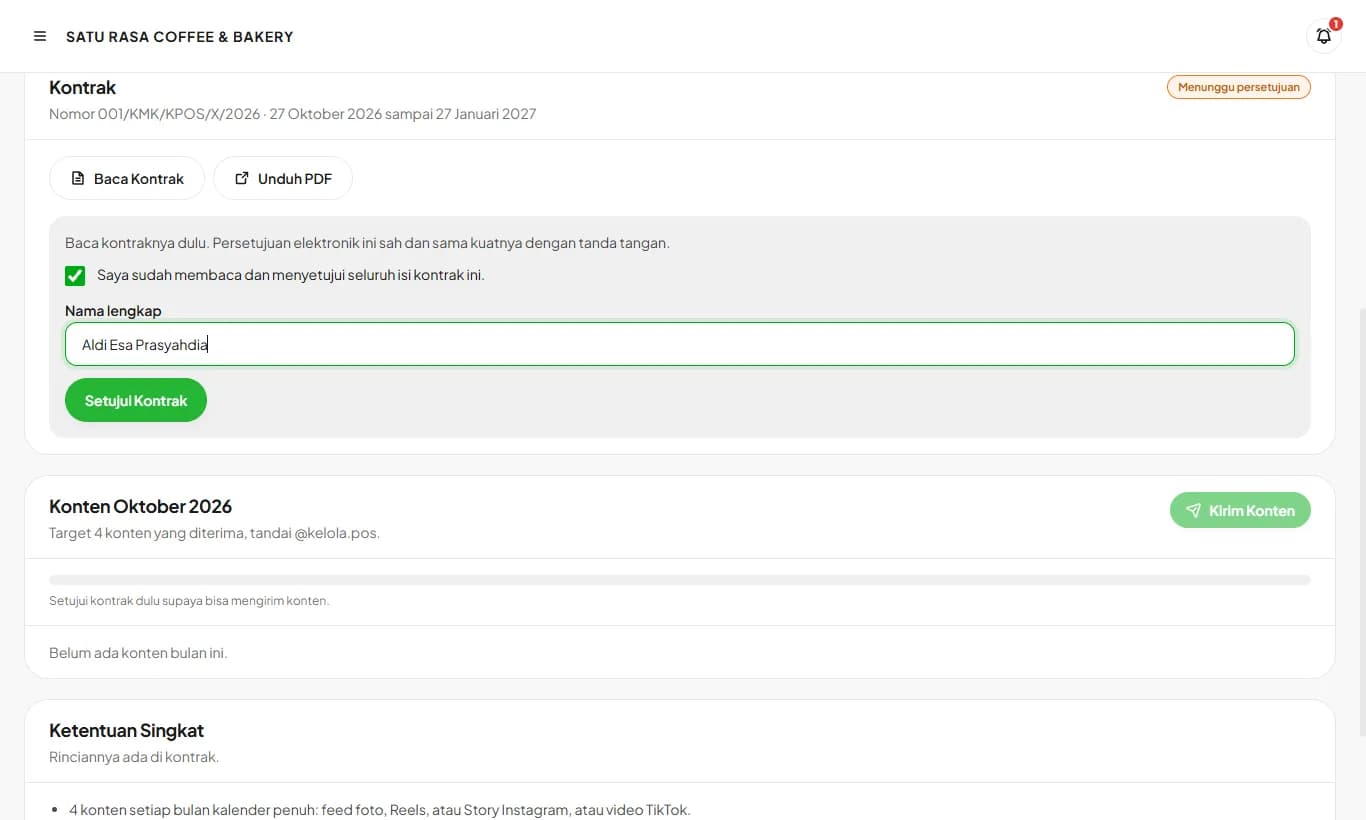
Collaboration (Content Partner)
For stores invited to the Content Partner Program: approve the contract, send monthly content, and track the target.
Read guide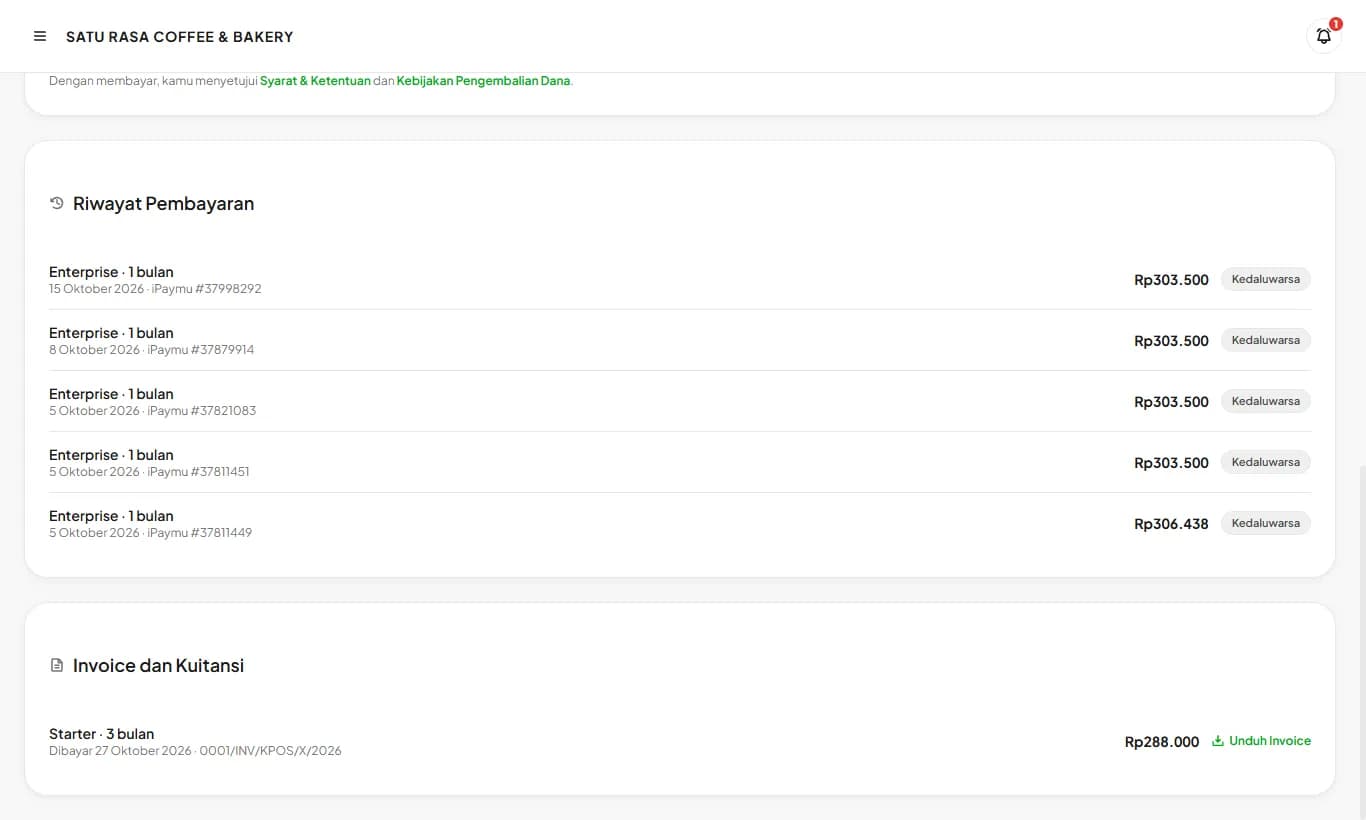
Subscription and invoices
Renew or change plans, pay by QRIS or virtual account, then download an official invoice for every payment.
Read guide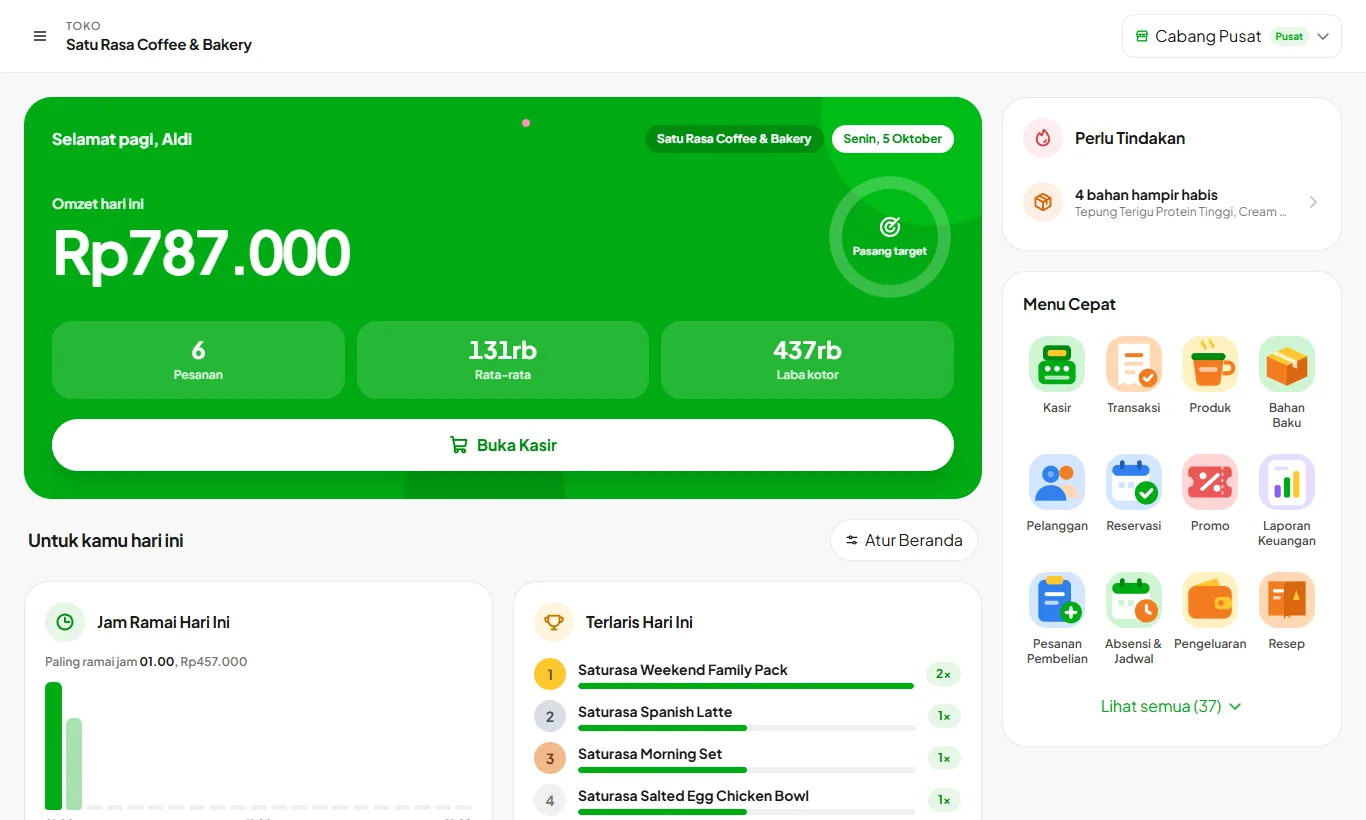
Home and daily target
Today's sales, menu shortcuts, and cards you can arrange yourself.
Read guide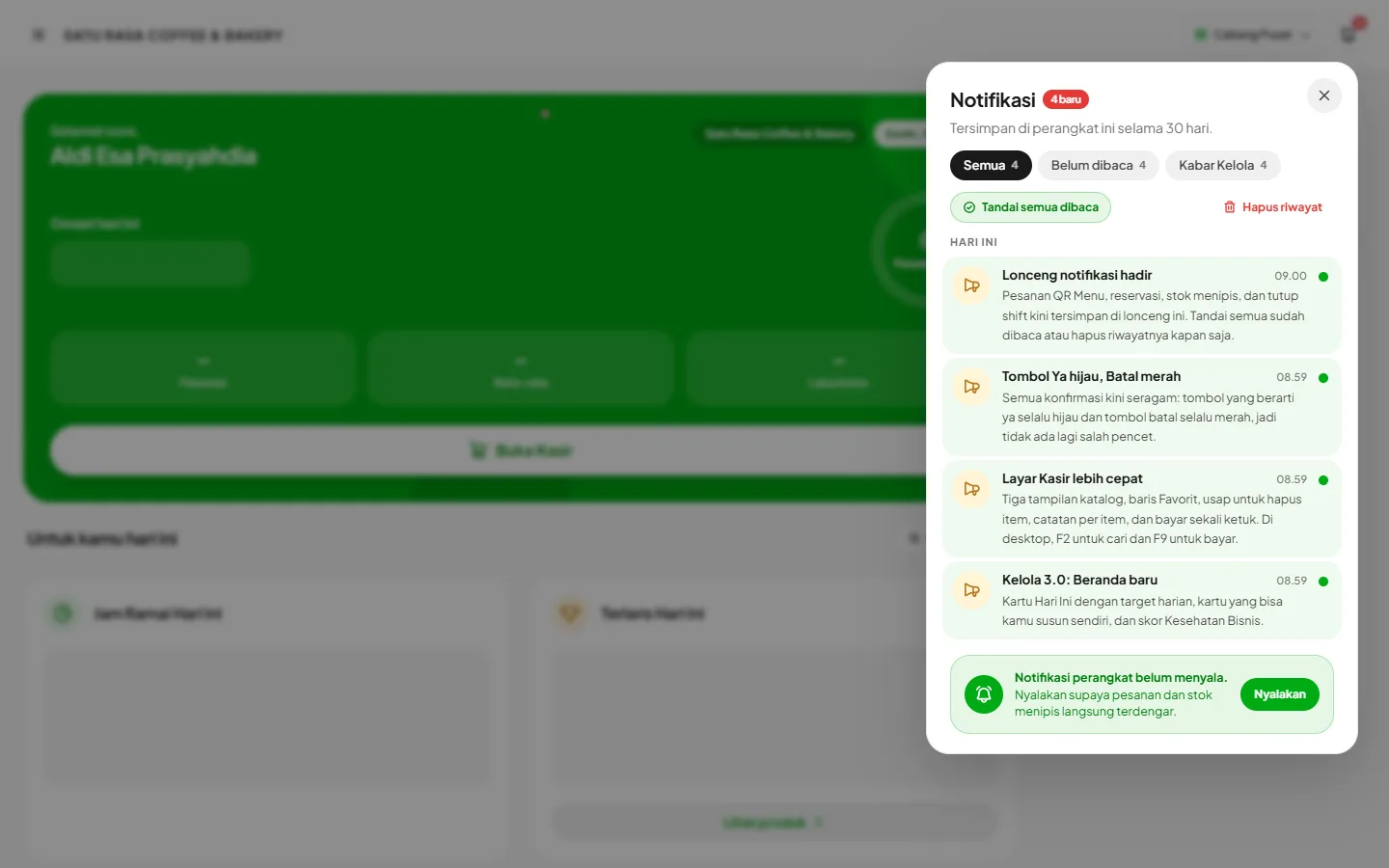
Notification bell
Store alerts and news from Kelola, in the top right corner.
Read guide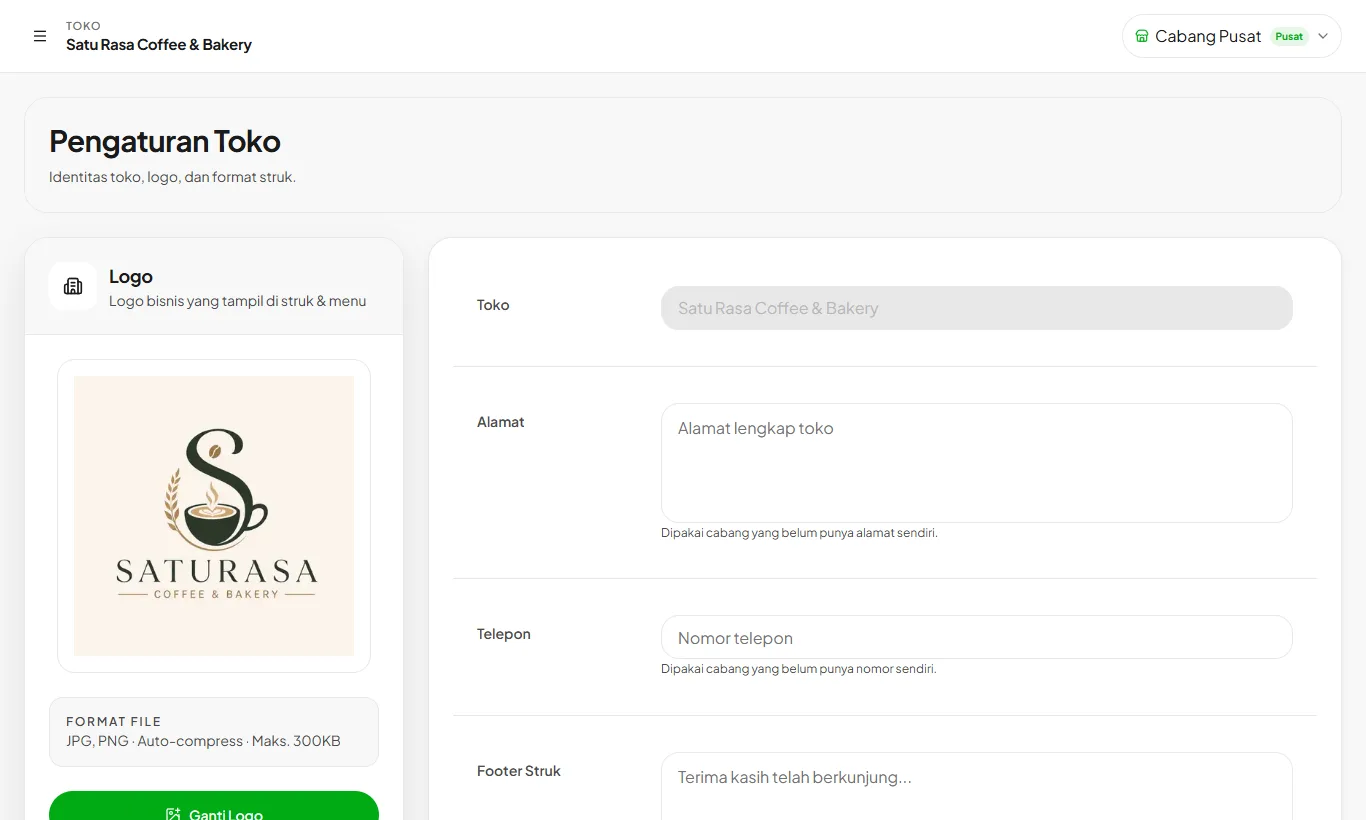
Setting up your store
Fill in your store identity, logo, and receipt format before you start selling.
Read guide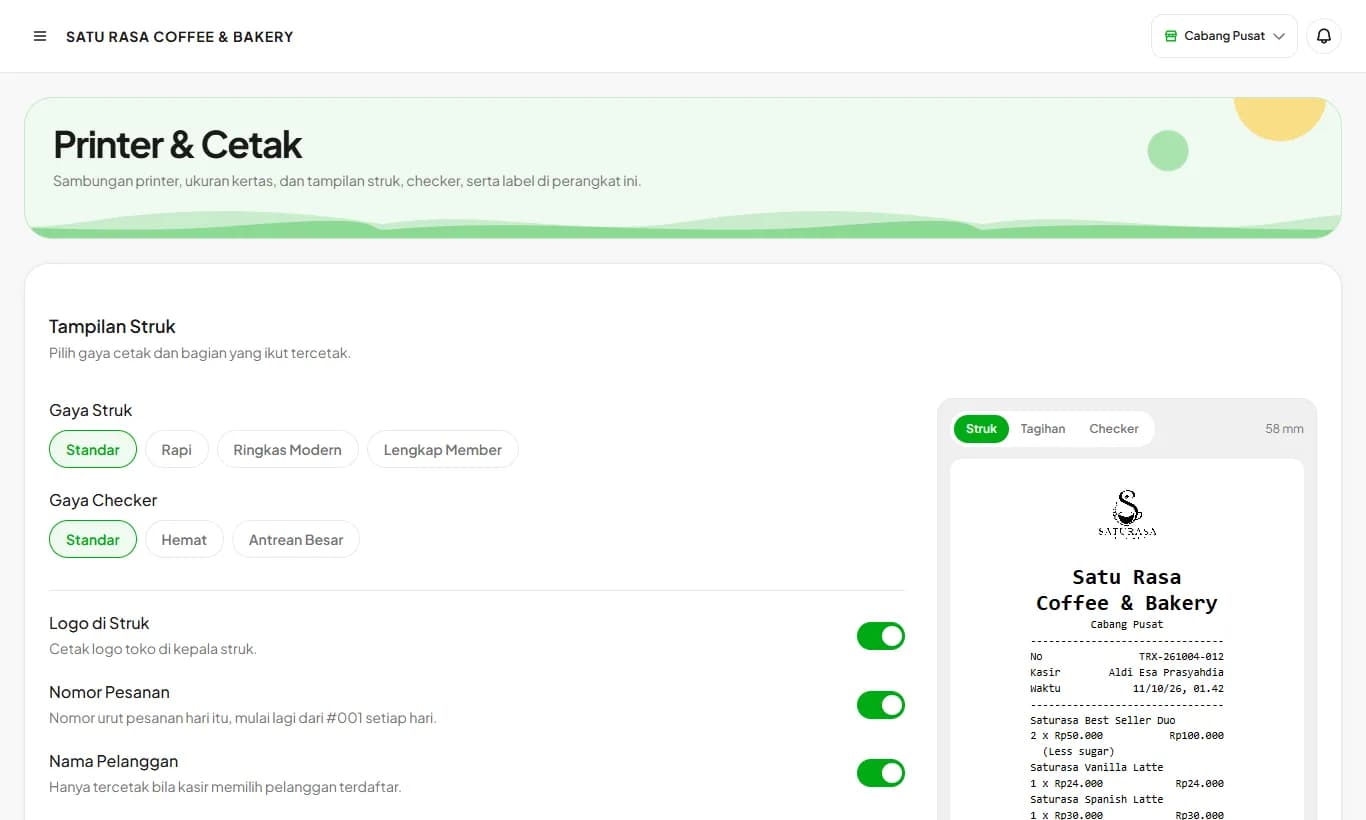
Connecting a receipt printer
58 mm or 80 mm thermal printers over Bluetooth, USB, or LAN.
Read guide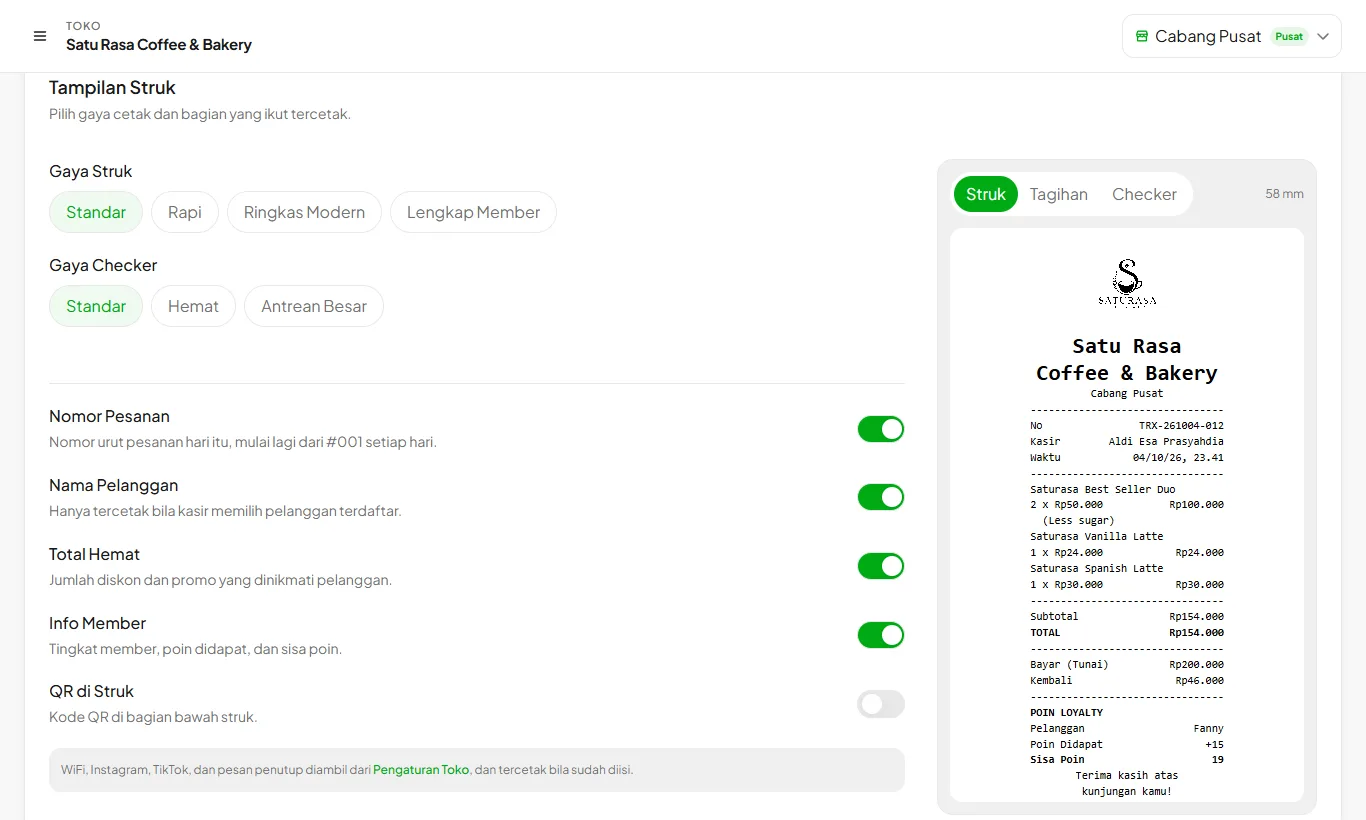
Choosing receipt and checker styles
Pick receipt and checker styles, what gets printed, and your store WiFi and social media.
Read guide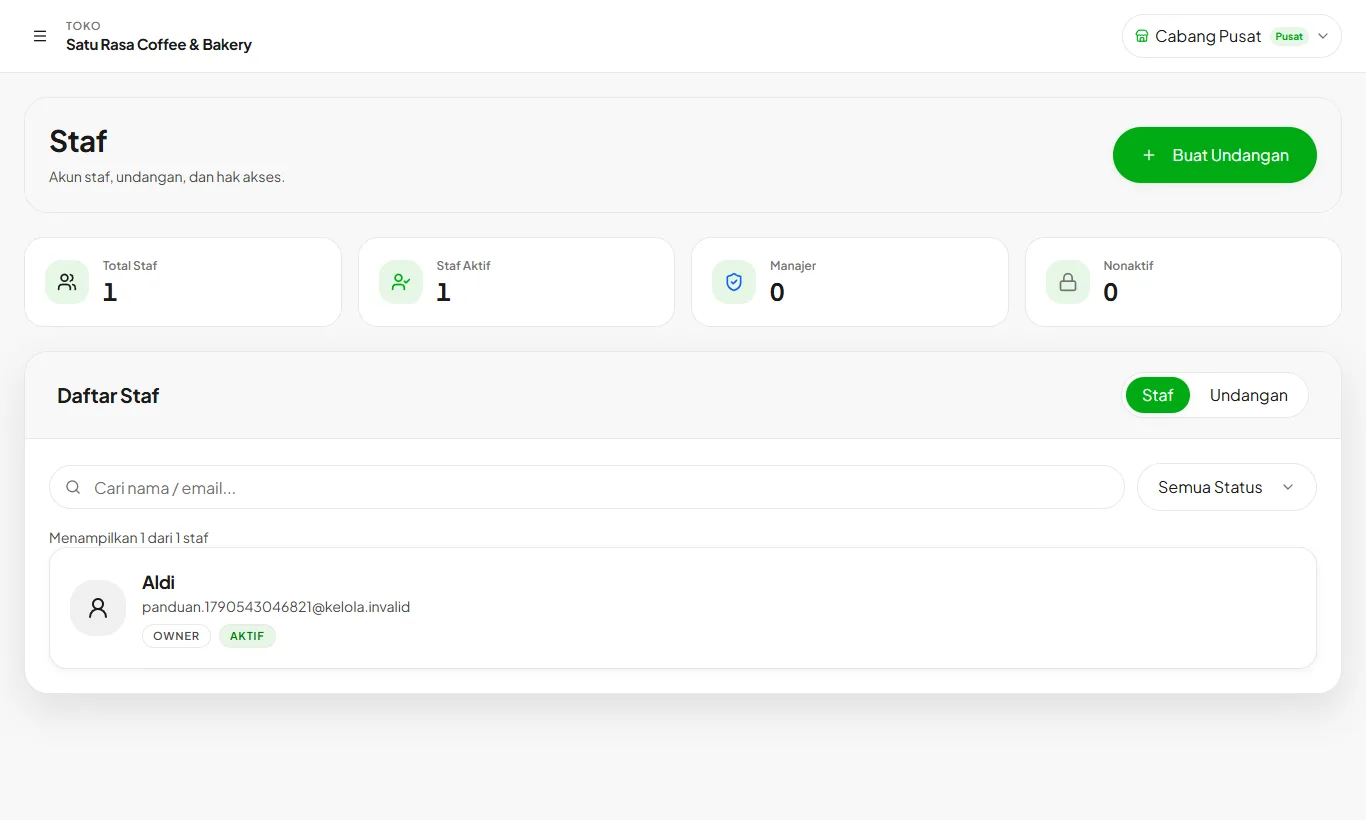
Adding staff and permissions
Invite cashiers and managers with their own accounts. Each role only sees the menus it is allowed to.
Read guideCatalog and stock
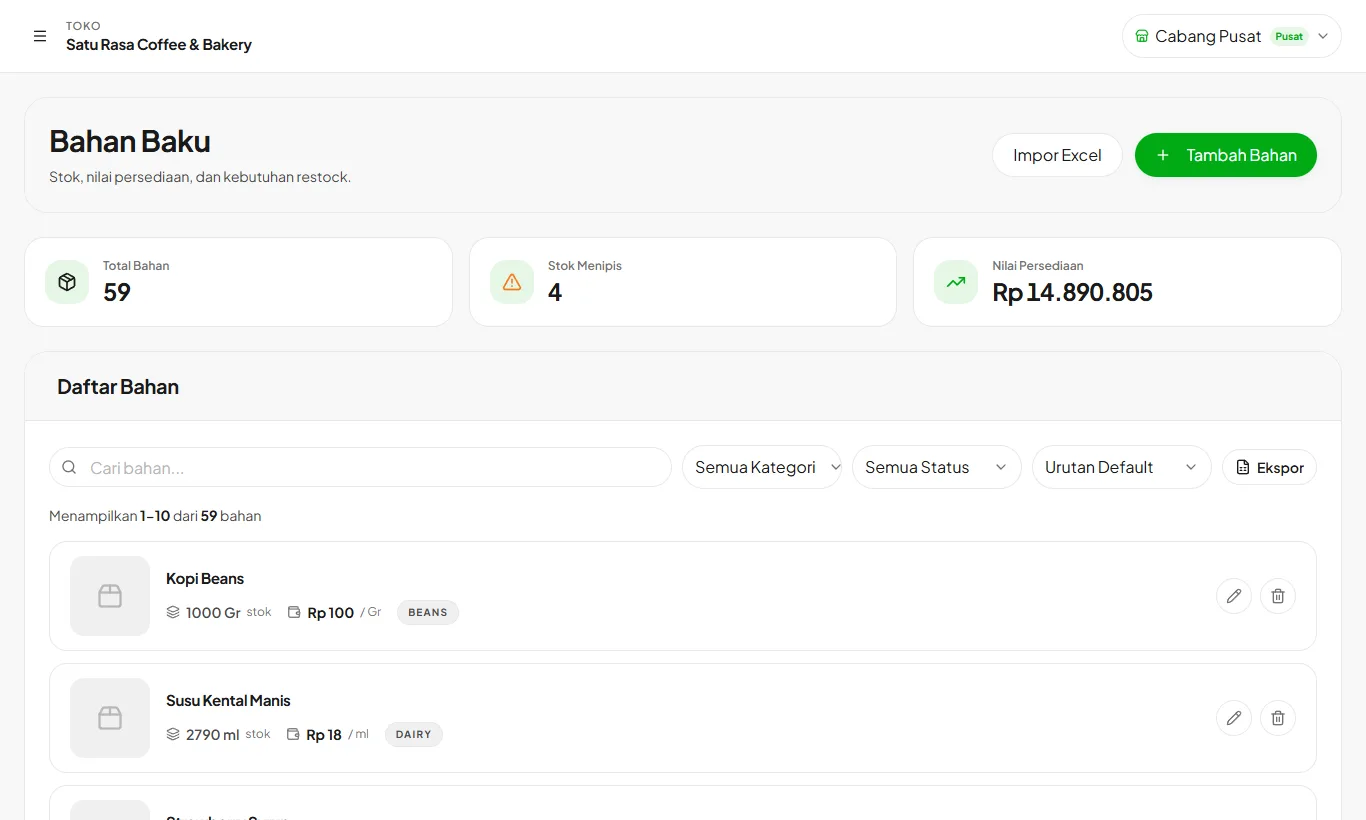
Recording ingredients
Ingredients are the base of your COGS and stock. Record the unit, purchase price, and minimum stock.
Read guide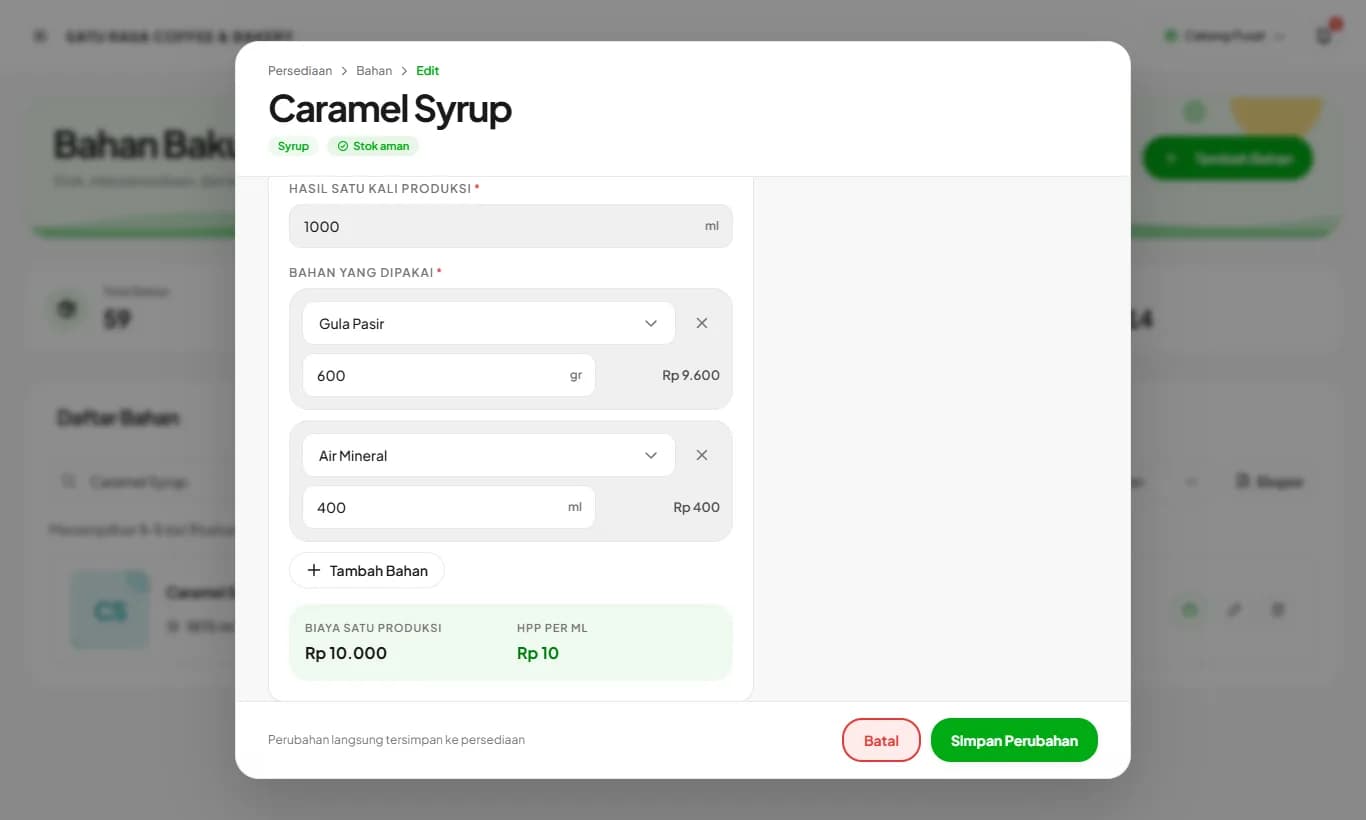
Prepped ingredients and production
House-made syrup, stock, or dough is recorded as an ingredient with a production recipe. Its COGS follows its raw ingredients.
Read guide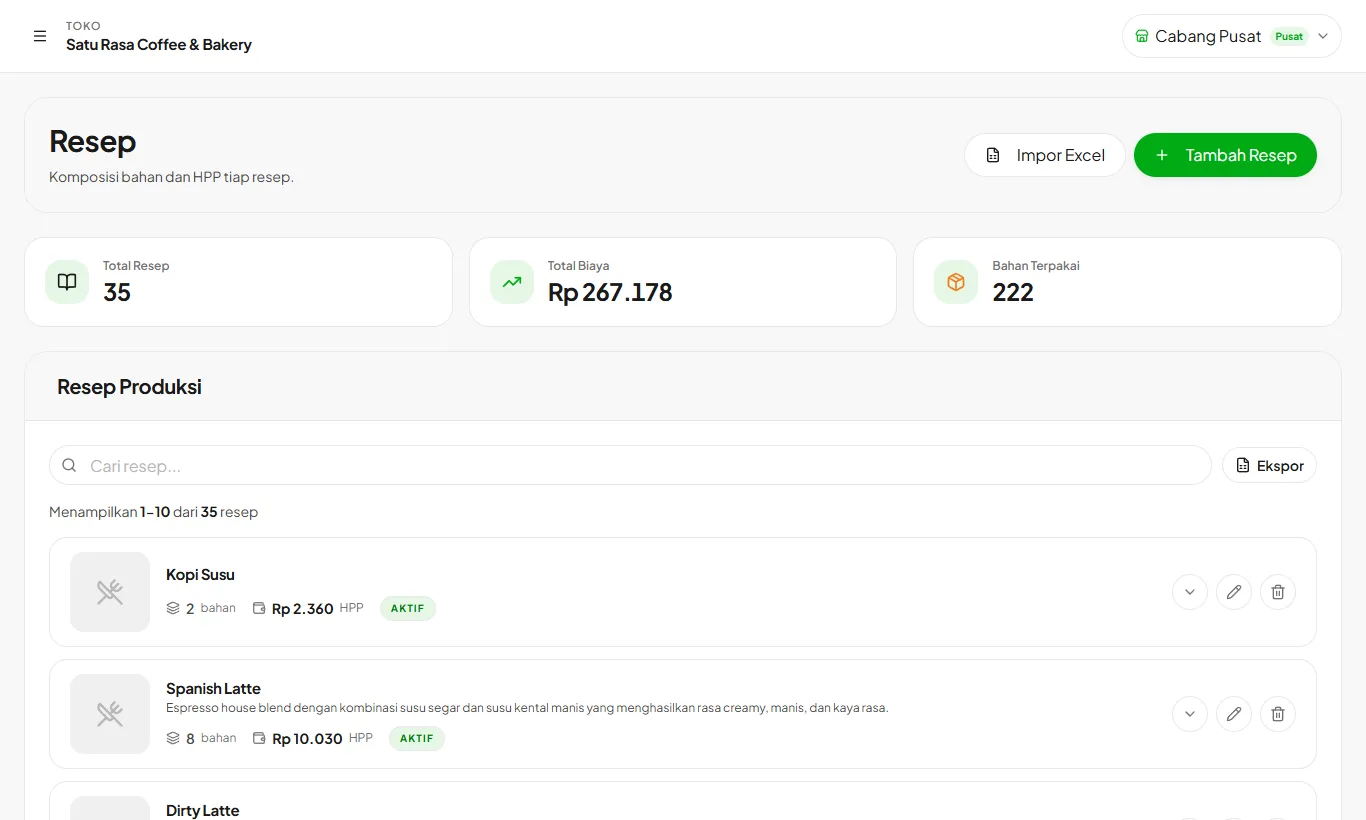
Building recipes and COGS
Recipes define ingredient amounts per serving. COGS is calculated from the latest ingredient prices.
Read guide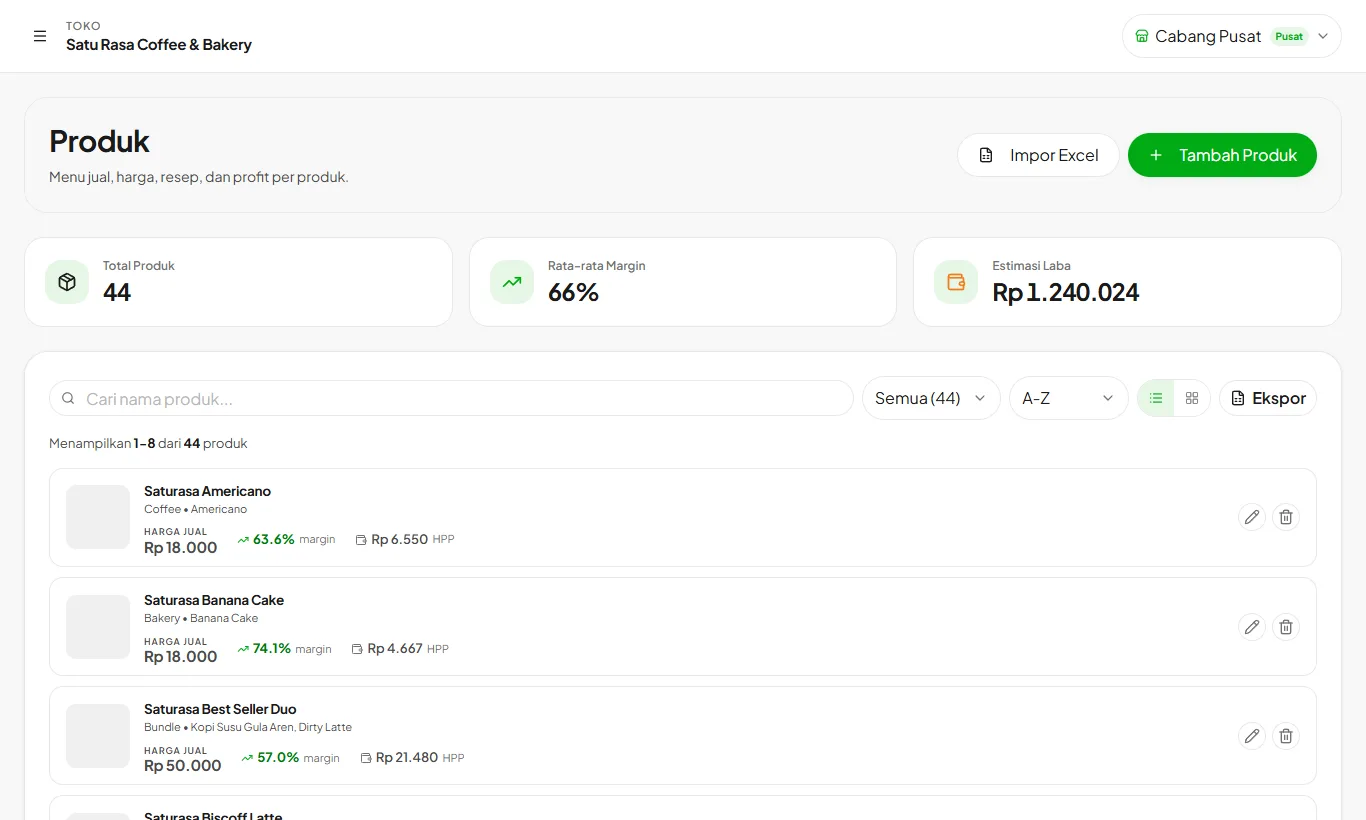
Adding products and variants
Products are what you sell at the cashier. Link them to recipes so stock is deducted and margins are visible.
Read guide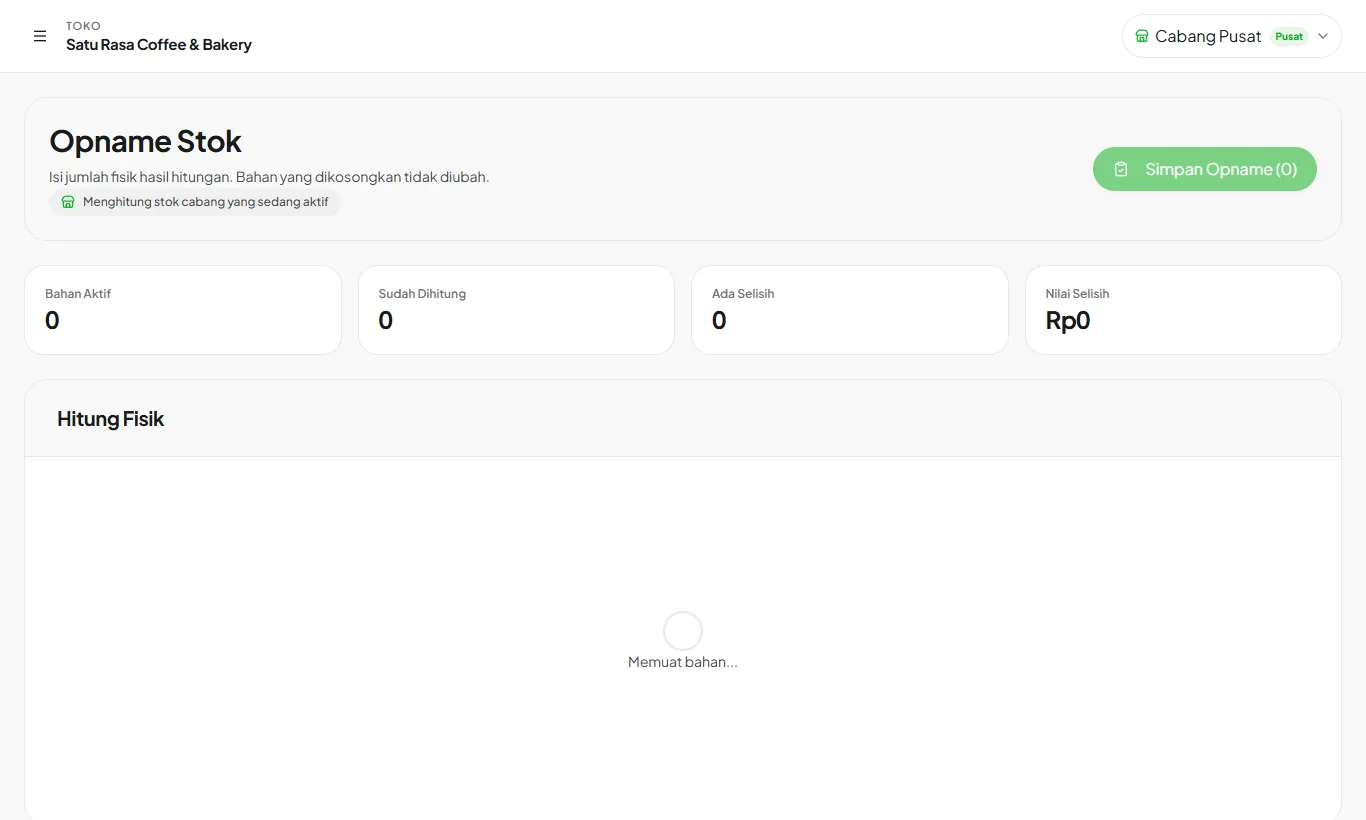
Stock count and movements
Match system stock with physical counts, and track every stock in, out, and waste.
Read guideSelling
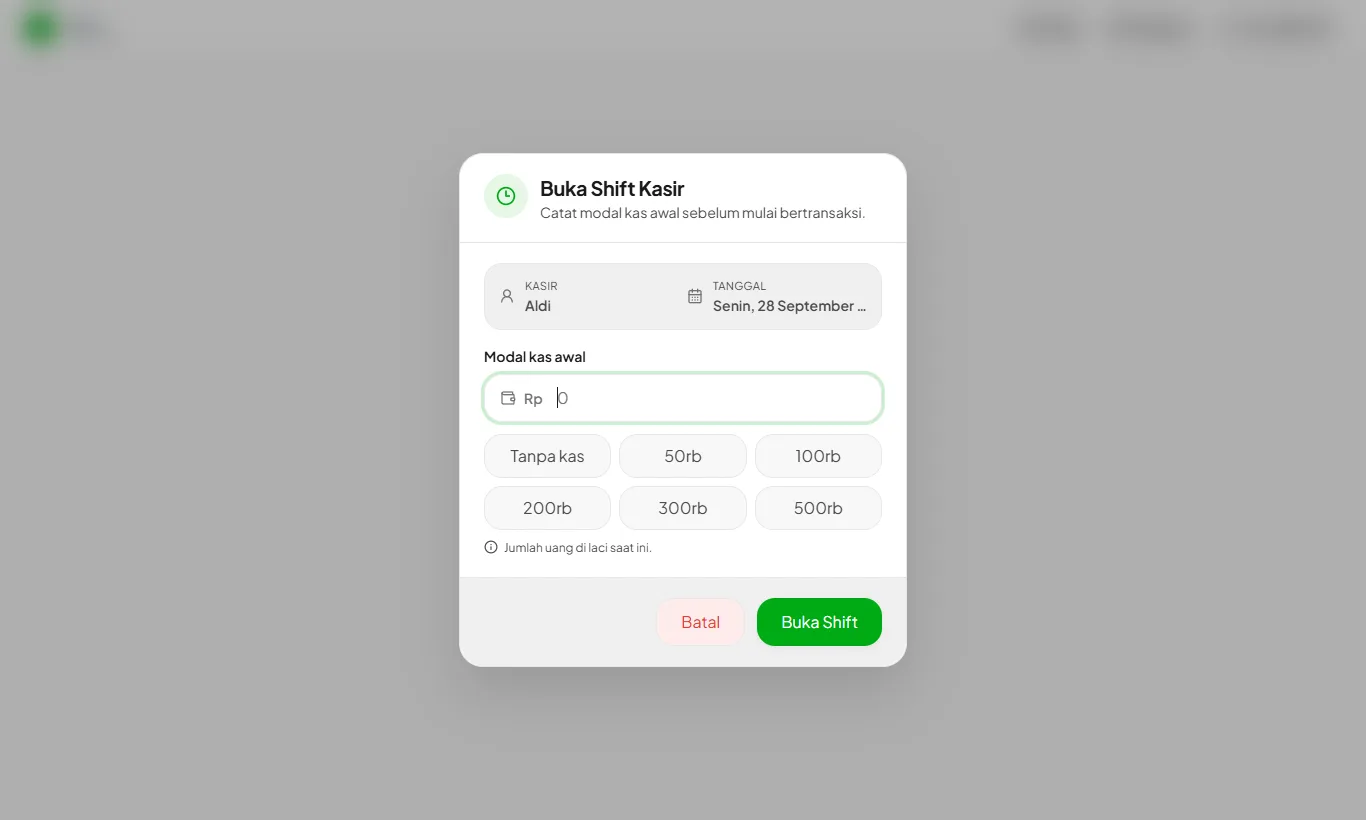
Opening a cashier shift
Enter the opening cash before you start selling. Each cashier opens their own shift.
Read guide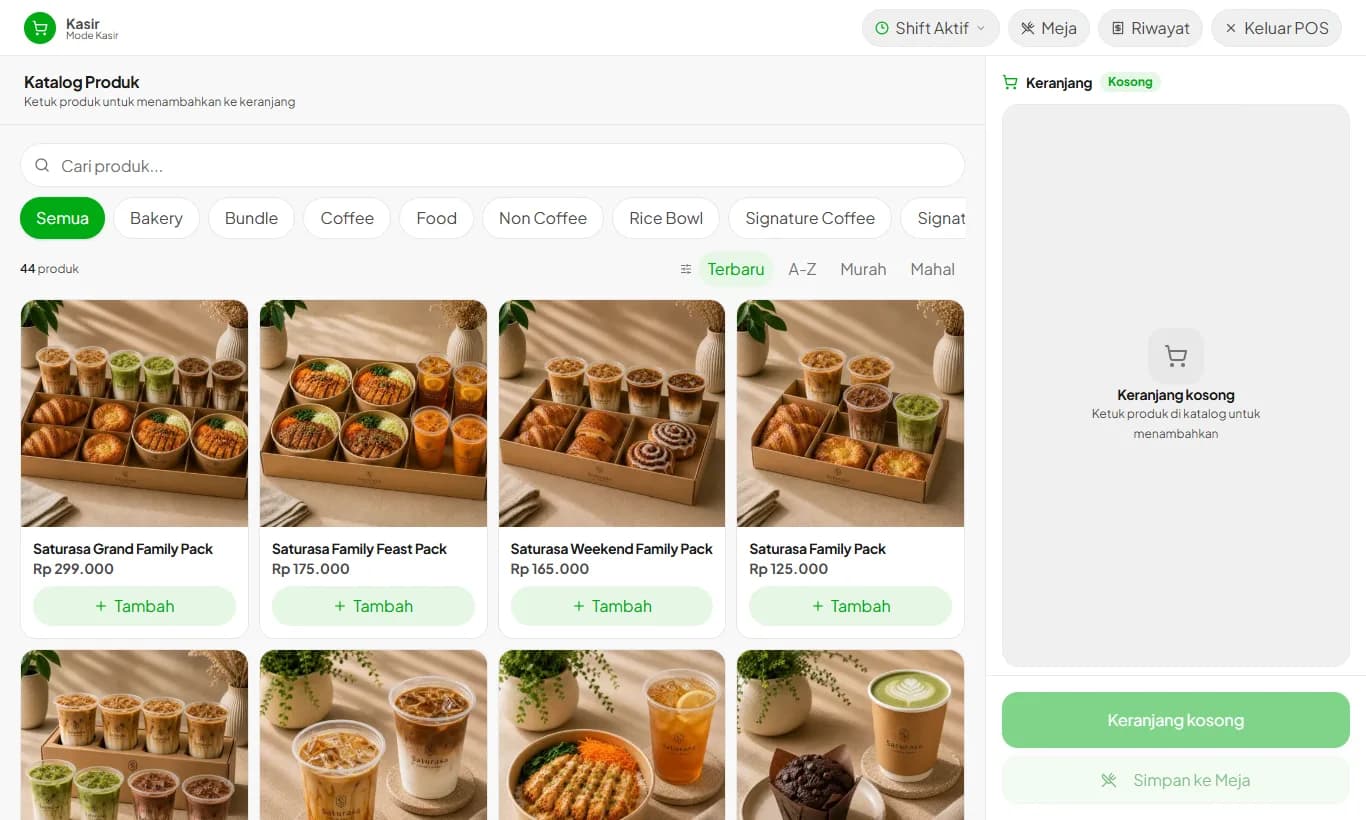
Selling at the cashier
Add orders to the cart, take payment, and print the receipt.
Read guide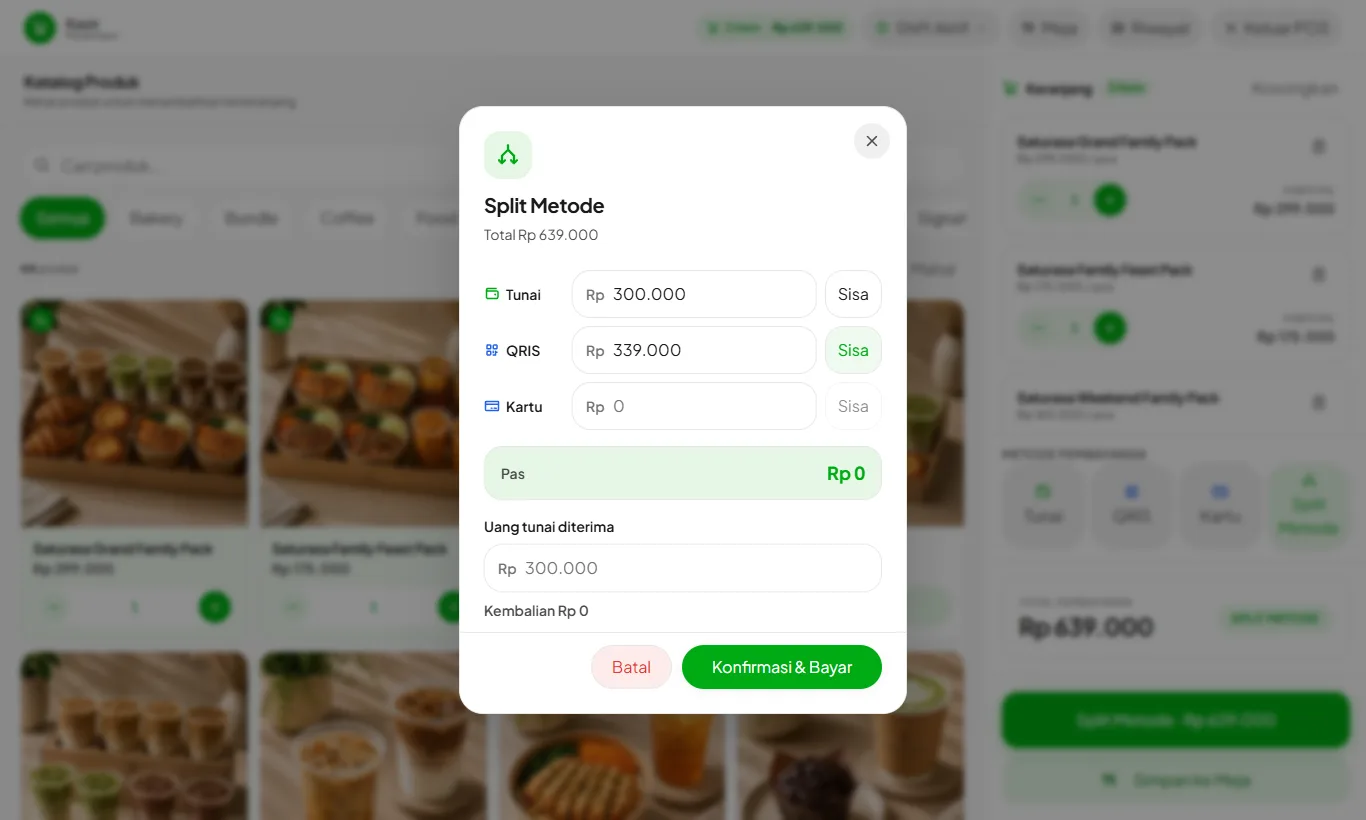
Split Method
One bill paid partly in cash and the rest by QRIS or card.
Read guide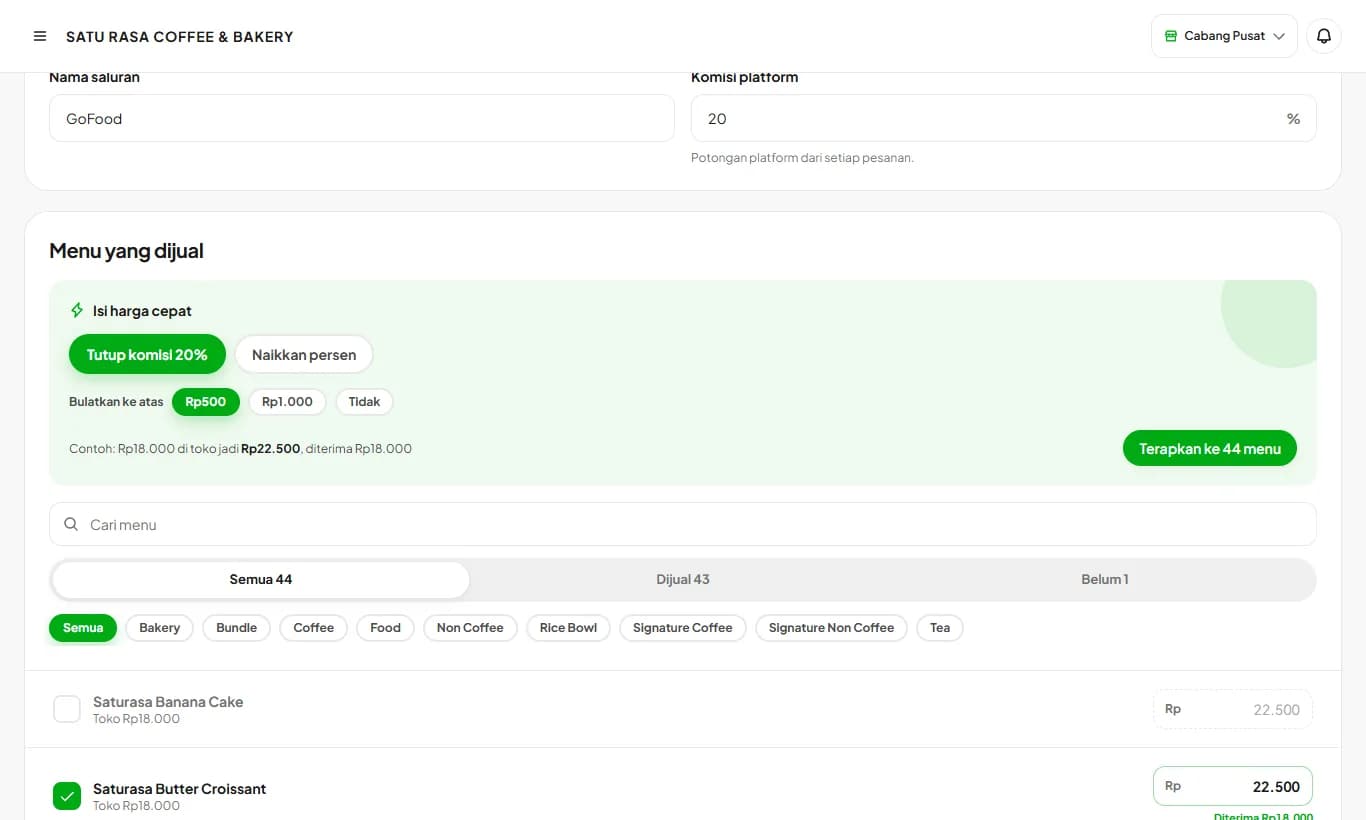
Order Channels (GoFood, GrabFood)
Separate prices for delivery app orders, without changing your in-store prices.
Read guide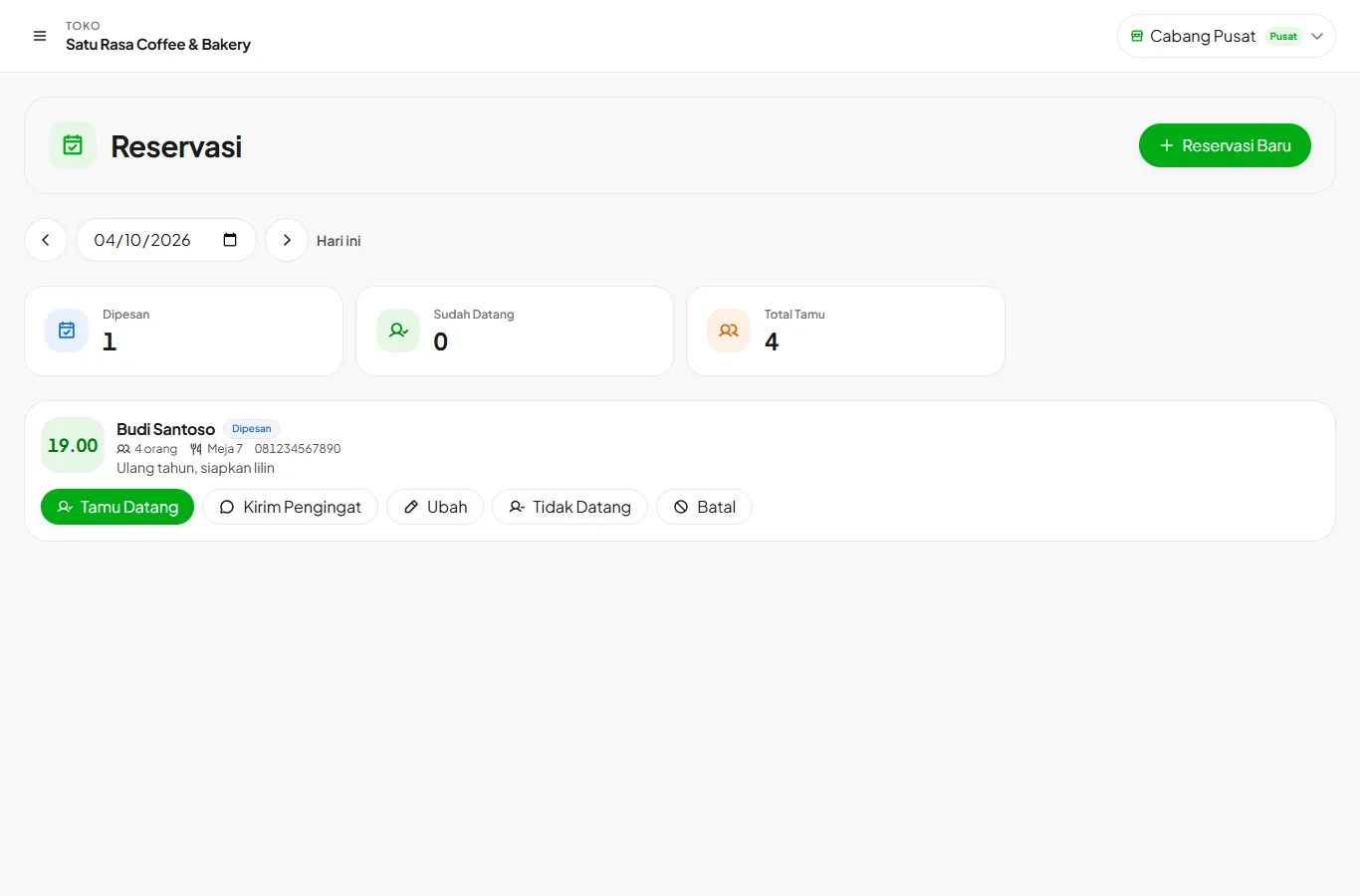
Table reservations
Record reservations, remind guests on WhatsApp, and open a table when they arrive.
Read guide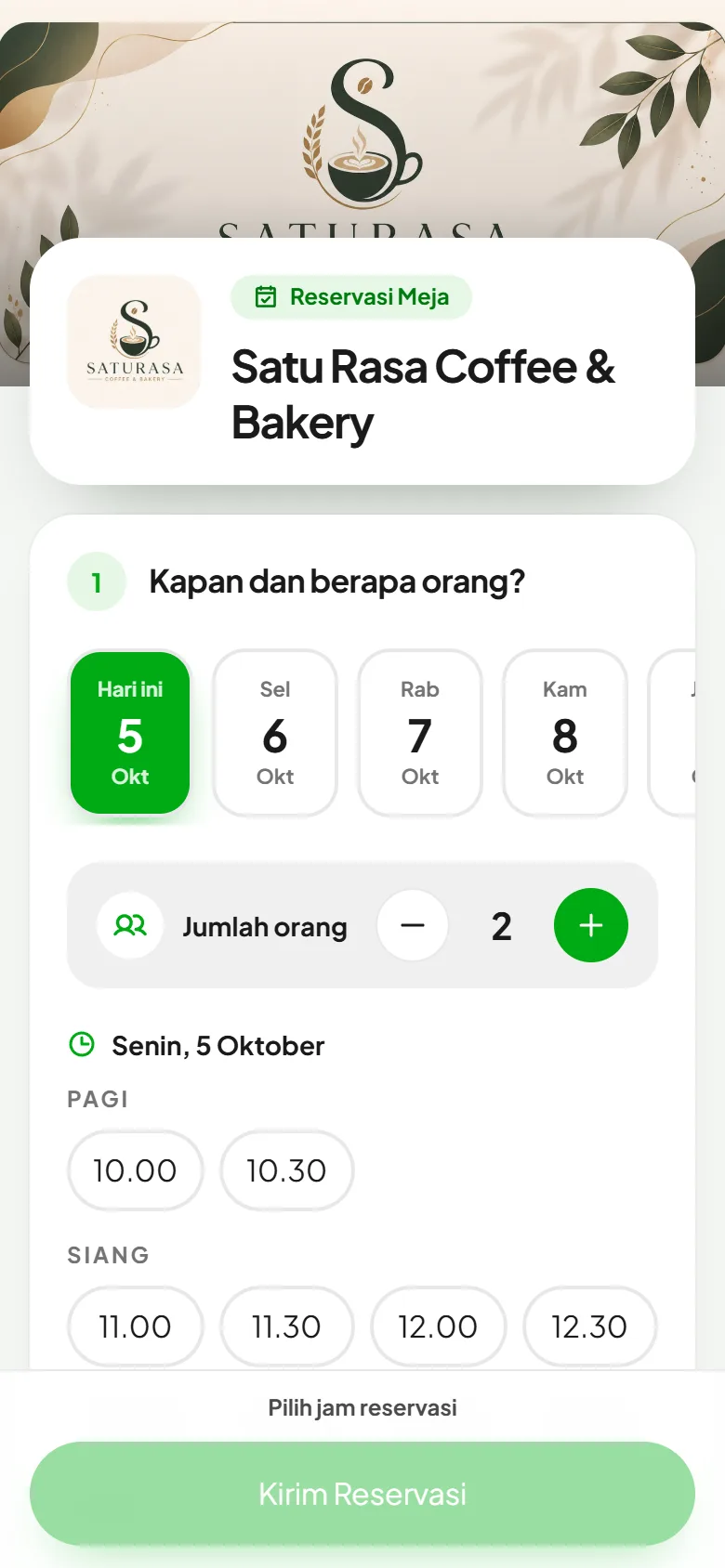
Online reservations by link
Guests book a table themselves through your short store link, and can pre-order food.
Read guide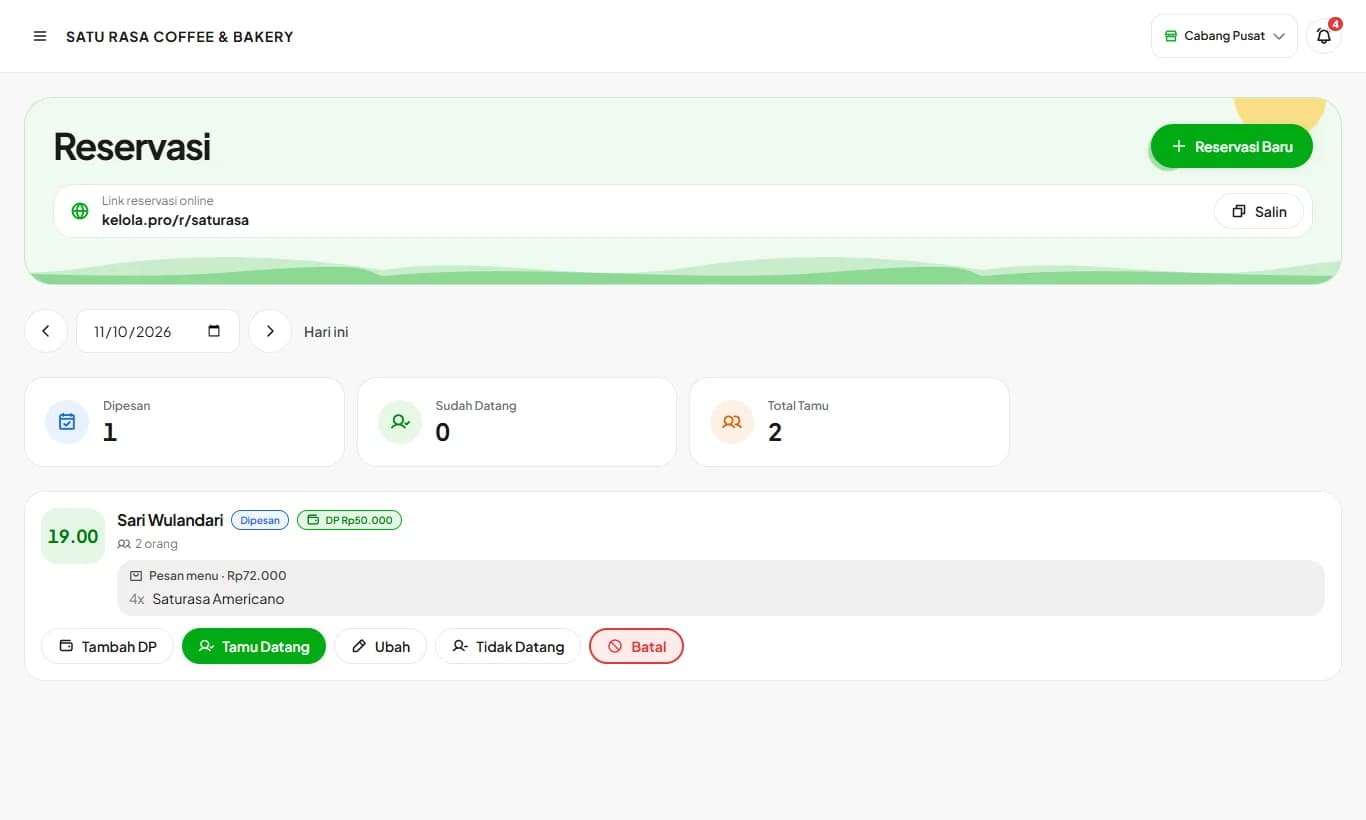
Reservation deposits
Ask for a deposit or full payment when guests book. The deposit comes off the bill when they arrive.
Read guide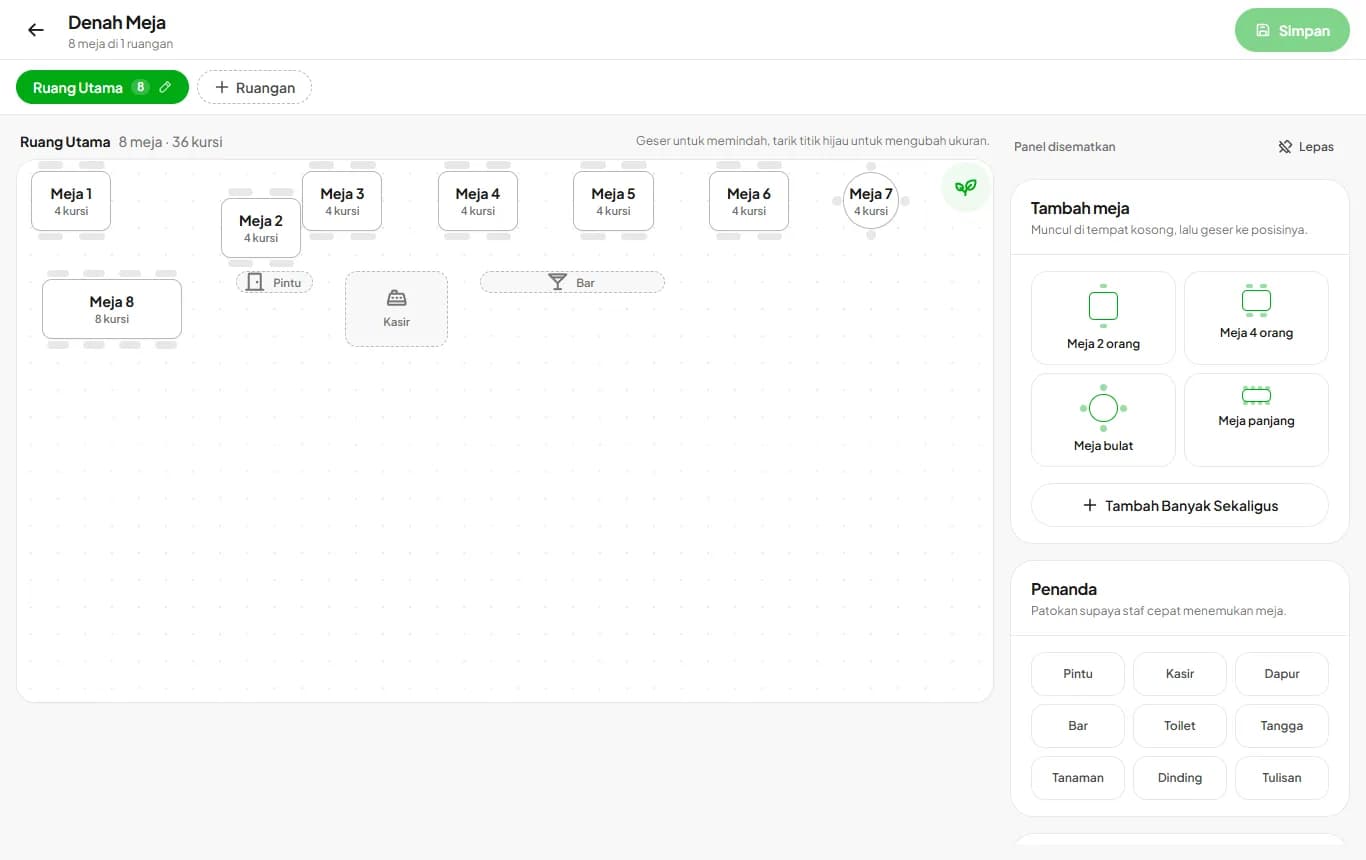
Table floor plan
Lay out tables to match your space, then the cashier picks tables right from the plan and sees which are free or taken.
Read guide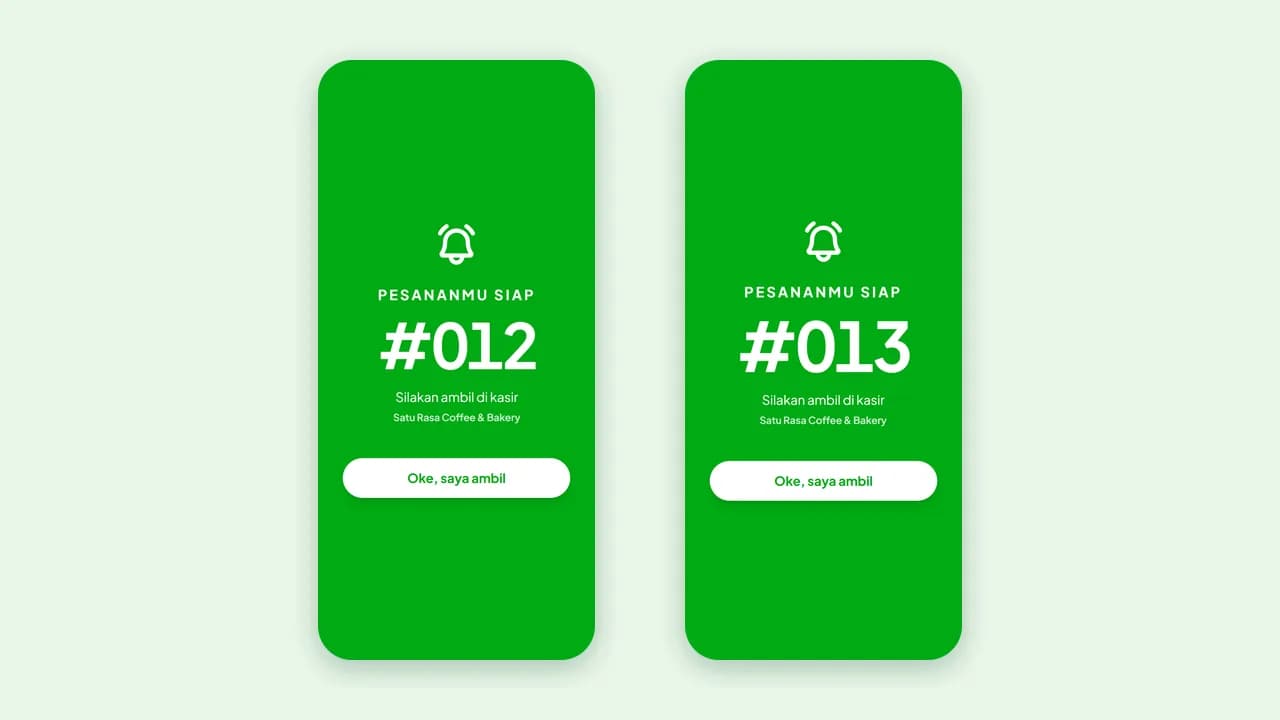
Calling ready orders
The buyer's phone rings and vibrates as soon as the order is ready: through the QR Menu order page, a pager from the receipt QR, and WhatsApp. No pager hardware needed.
Read guide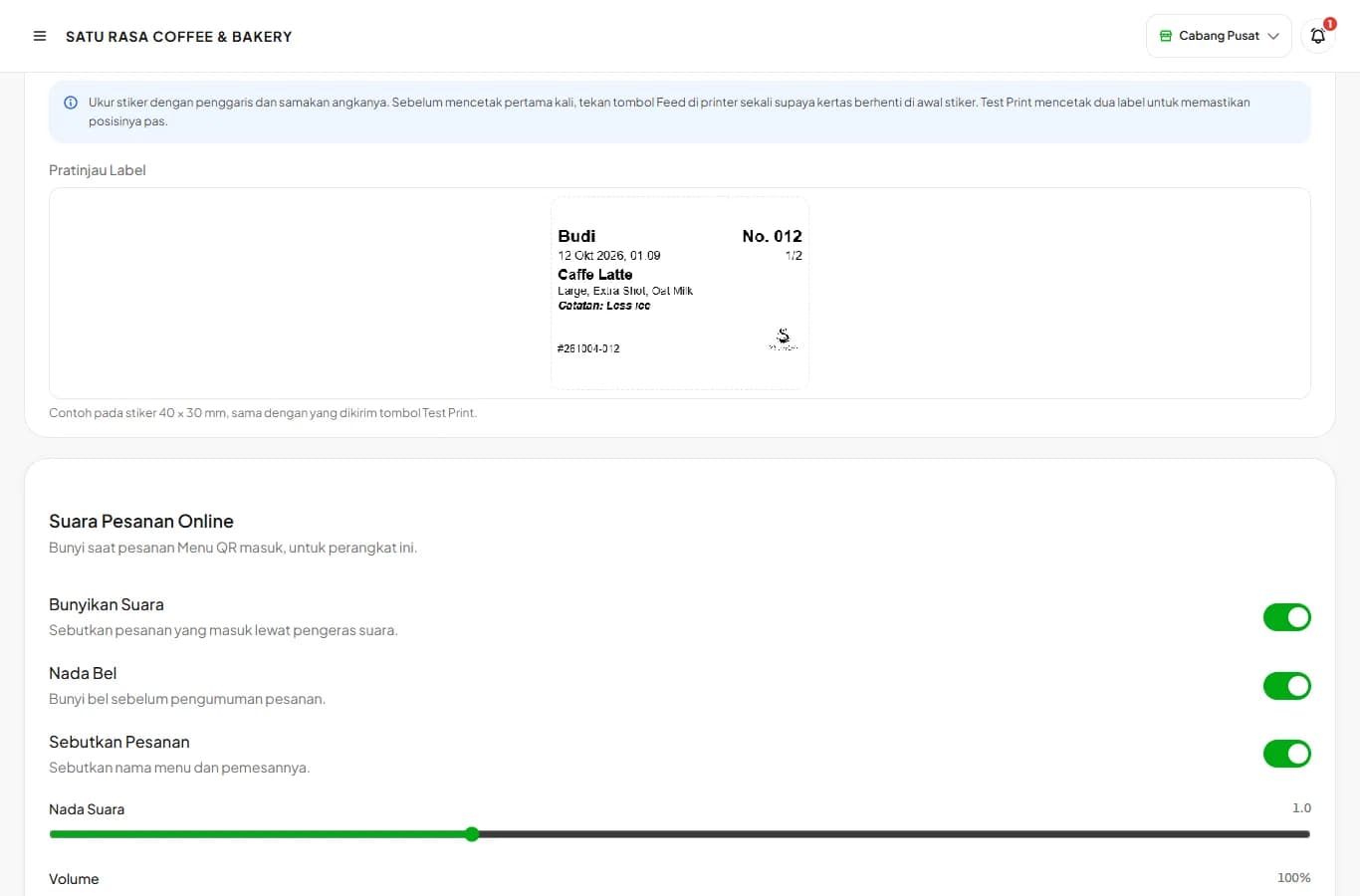
Packaging labels
Stickers for cups and packaging with the order name, options, and notes, printed automatically with every sale.
Read guide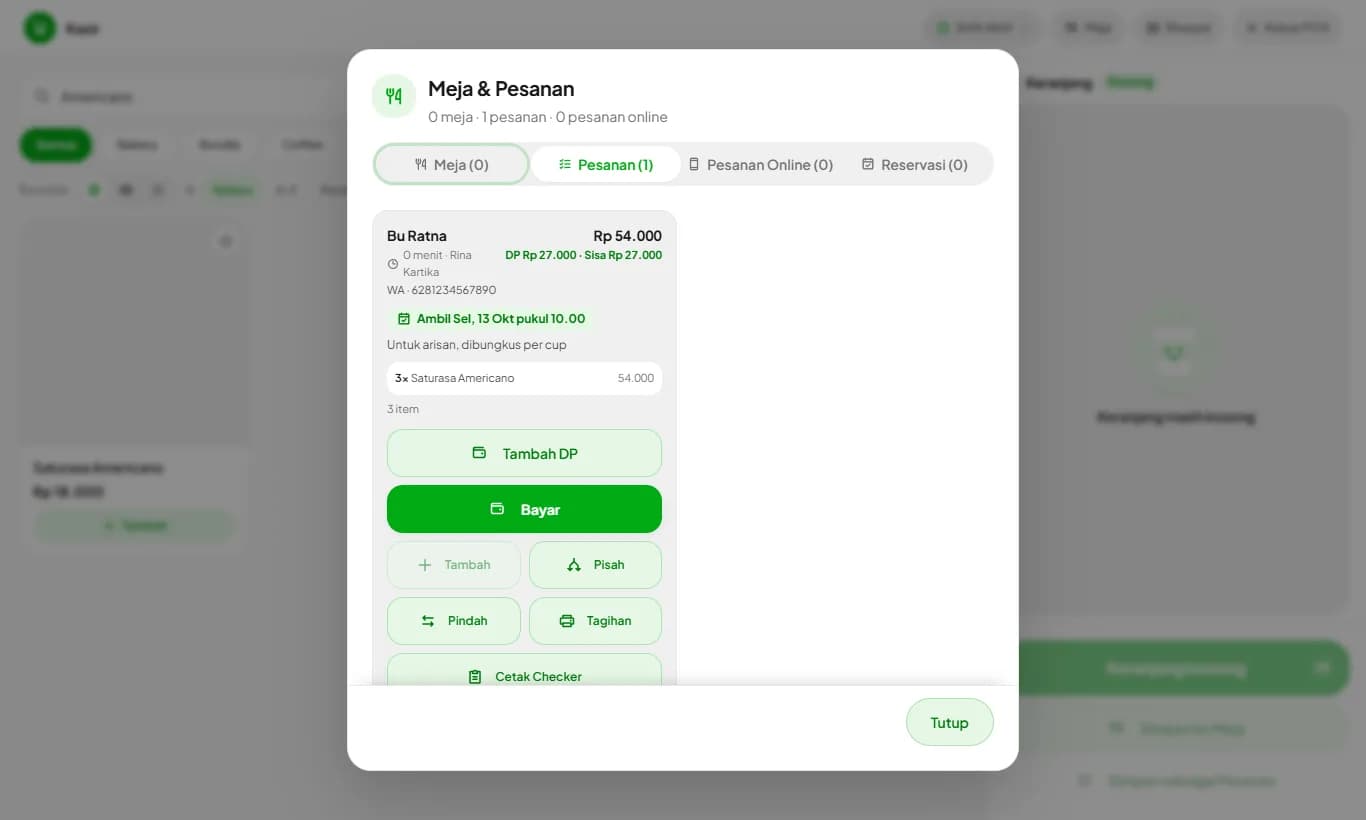
Orders with a deposit
Record cake, rice cone, or catering orders for later pickup, take a deposit, and charge the rest at pickup.
Read guide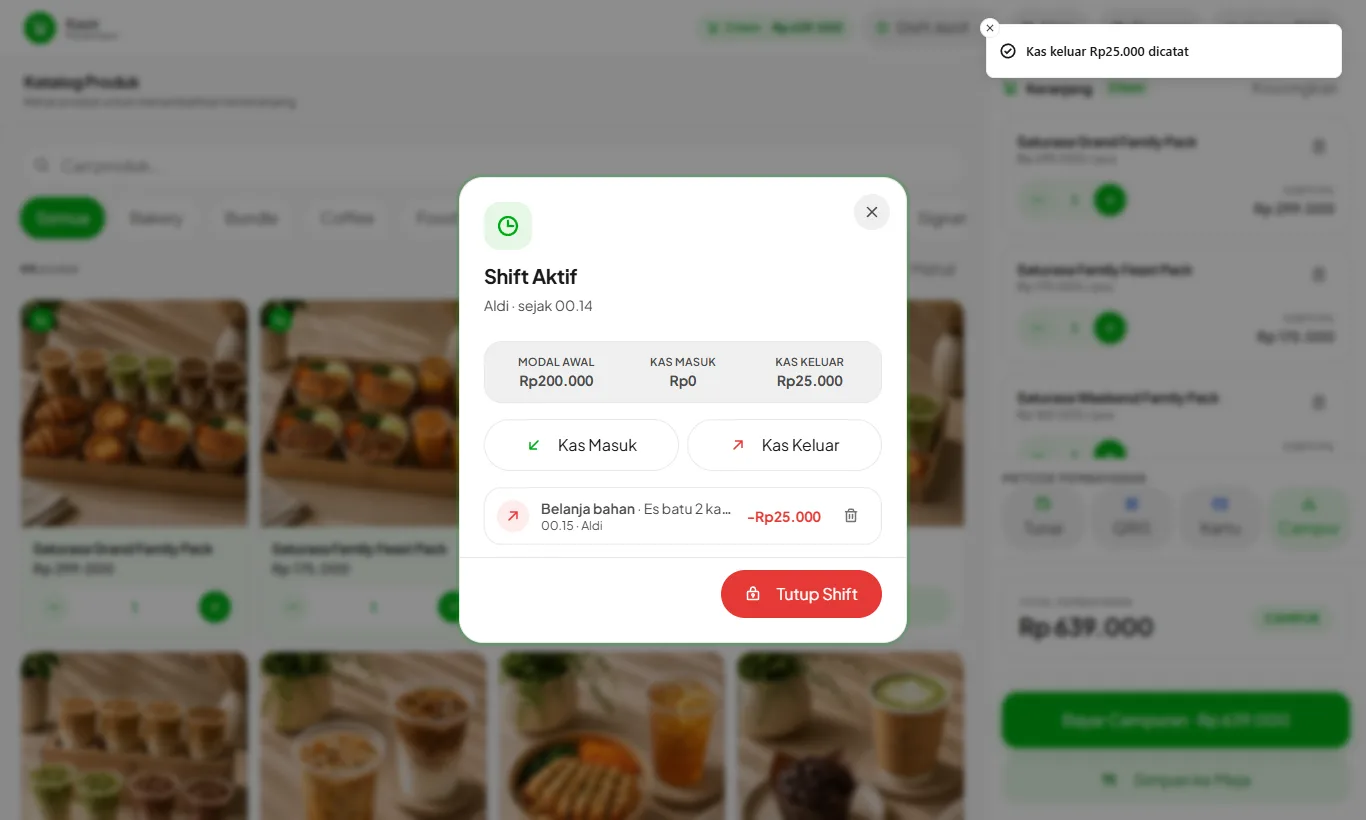
Cash in and out of the drawer
Record drawer cash spent on ice, water, or gas, and change added to the drawer, so the shift closes without a difference.
Read guide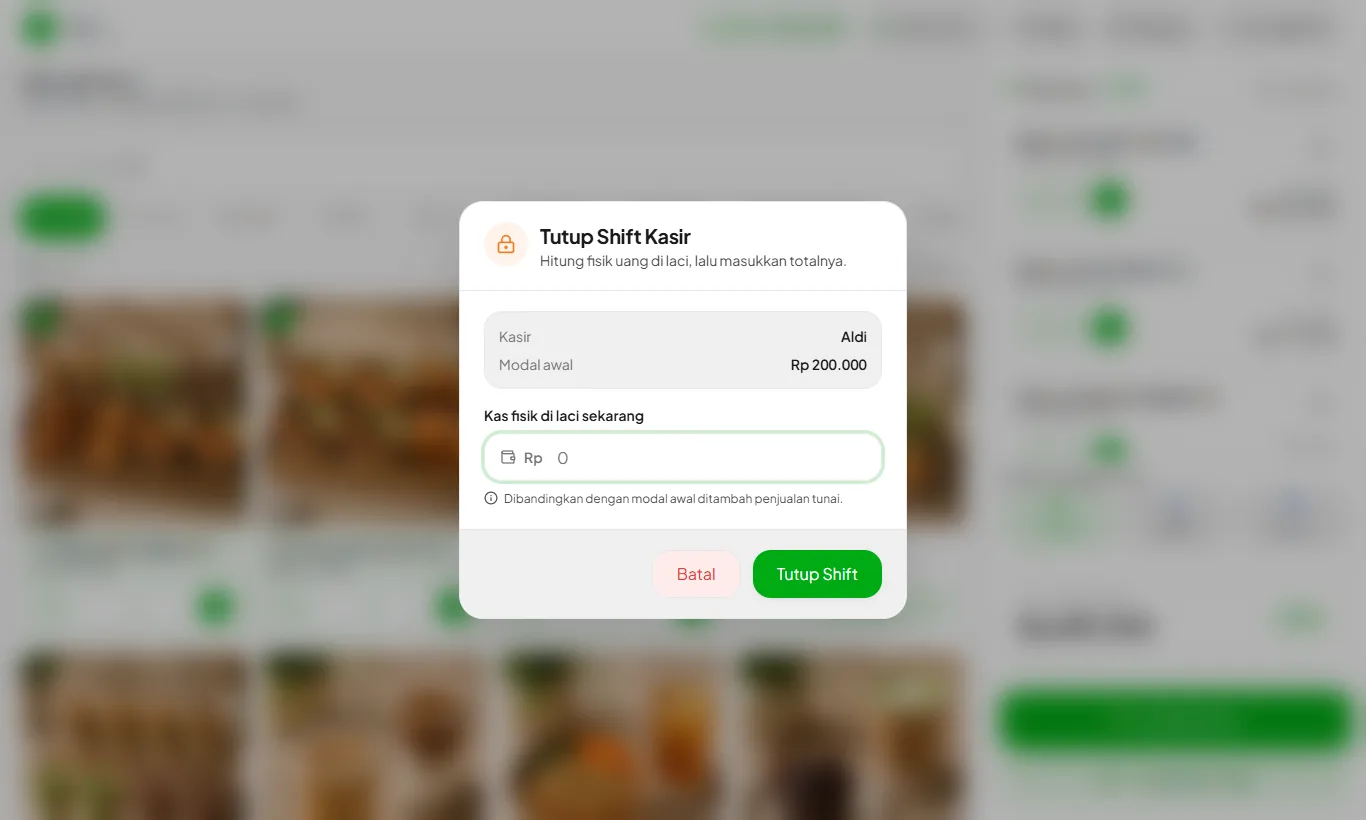
Closing a shift and daily report
Count the cash drawer, close the shift, and the daily report goes to the owner on WhatsApp and email.
Read guide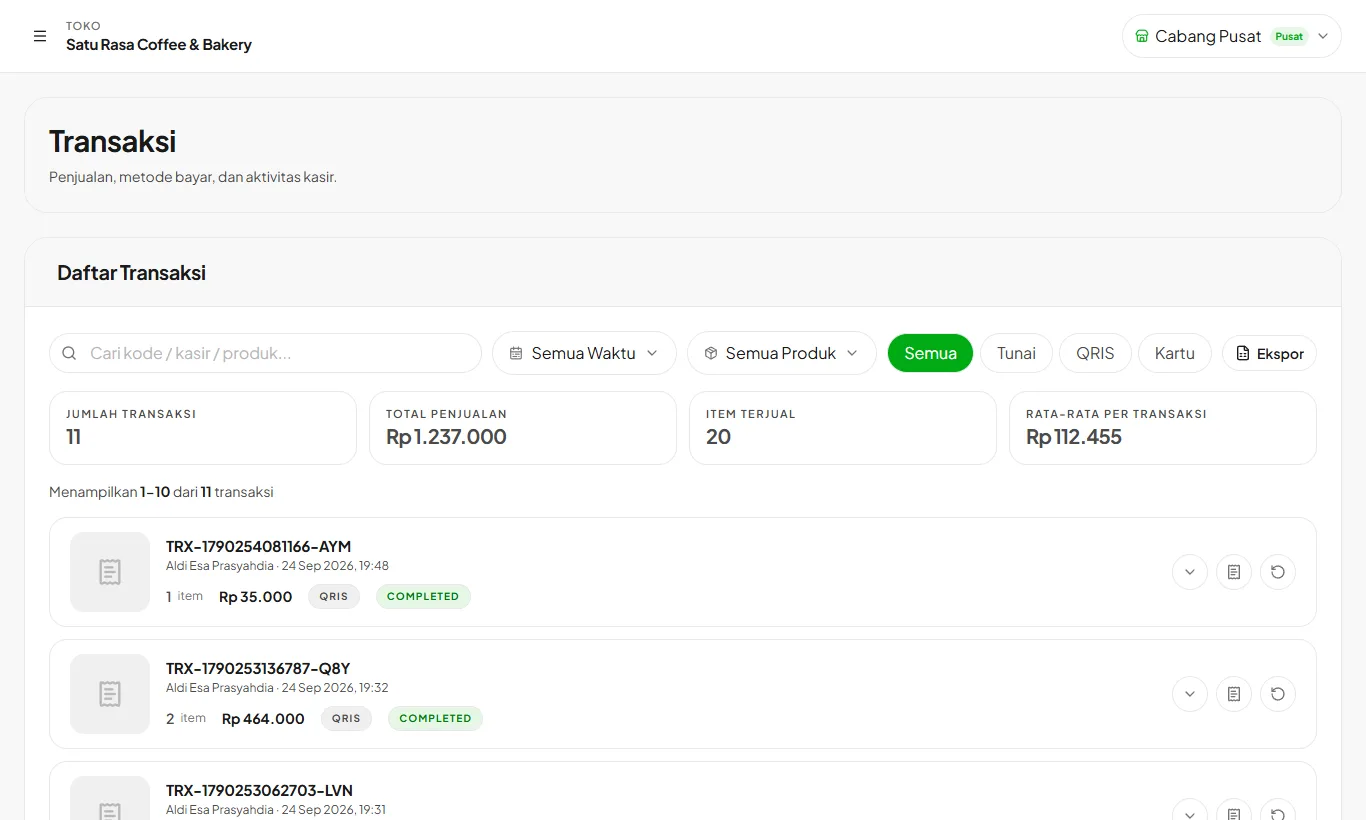
Transactions, refunds, and reprints
Find transactions, reprint receipts, and refund part or all of an order.
Read guide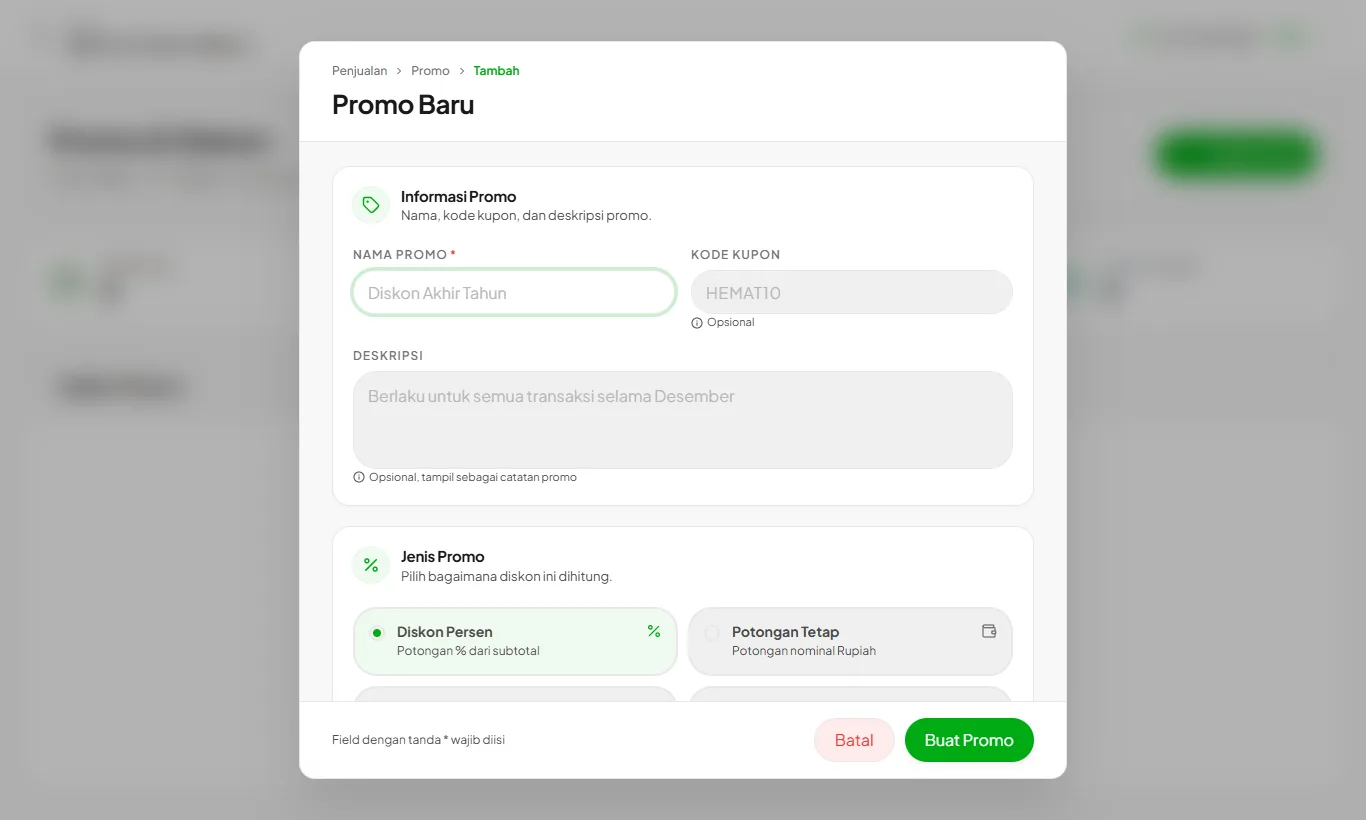
Promos and discounts
Set up promos your way: the discount type, which products or categories get it, the days and hours it runs, and its quota.
Read guide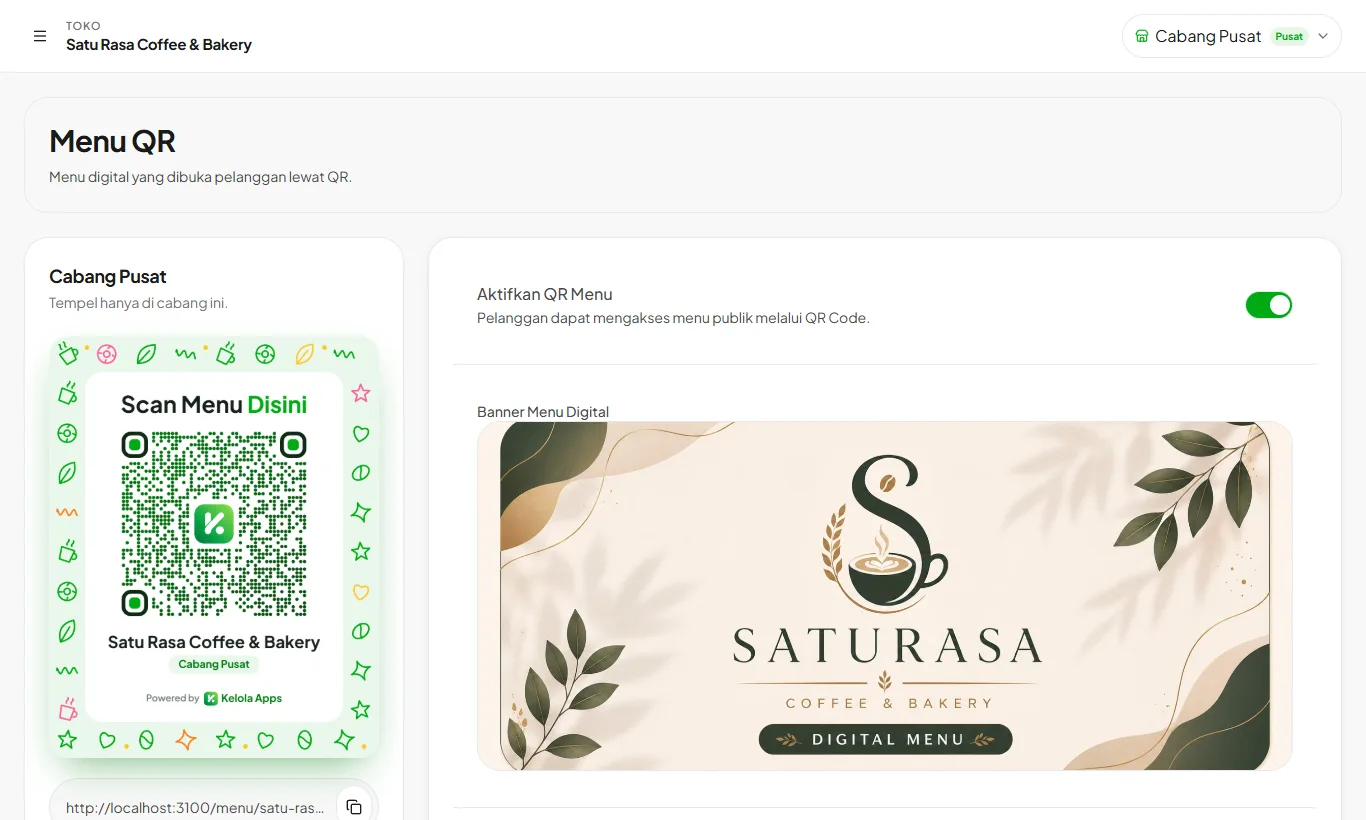
QR Menu for table ordering
Customers scan the table QR, pick items, and the order lands at the cashier.
Read guide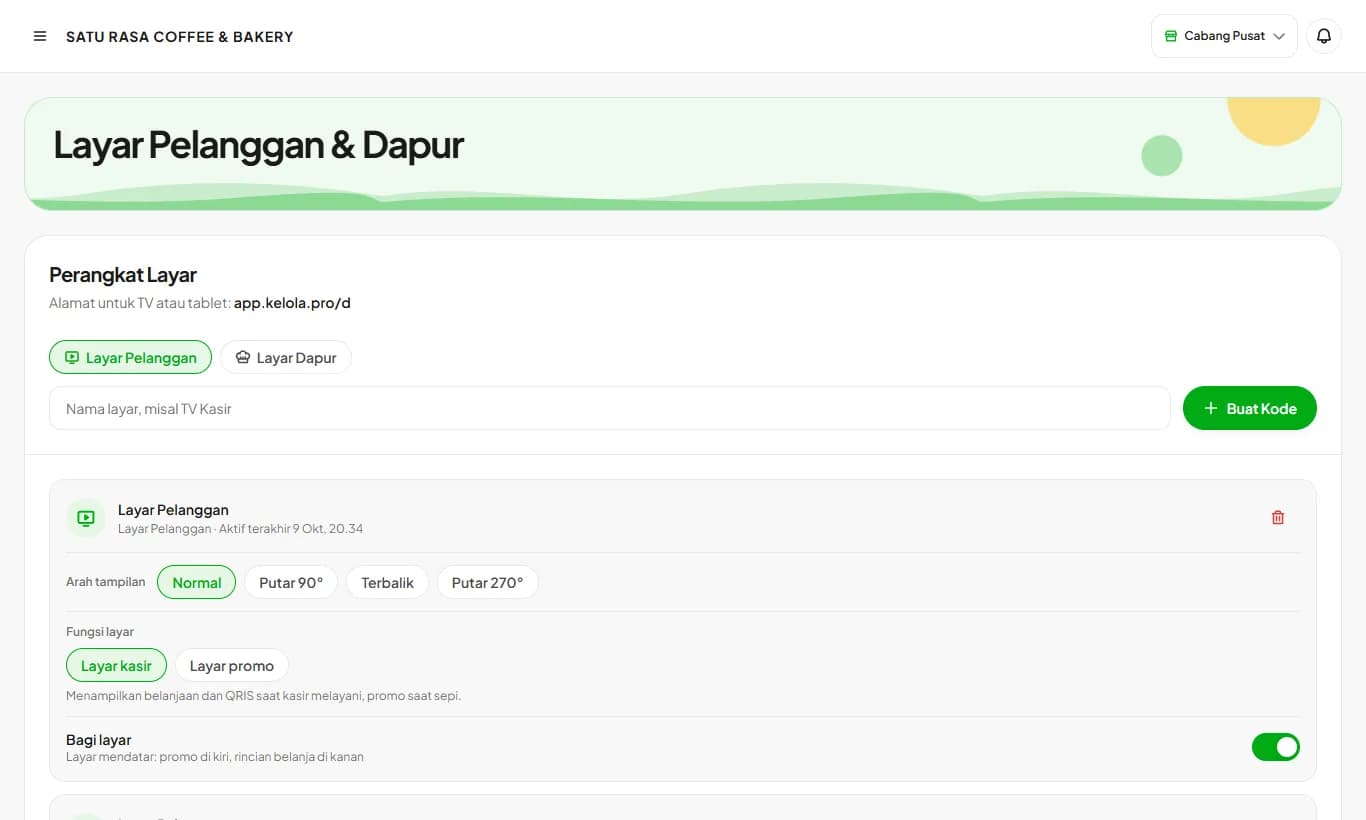
Customer display
A screen at the counter showing the order and total live, and promos when idle.
Read guide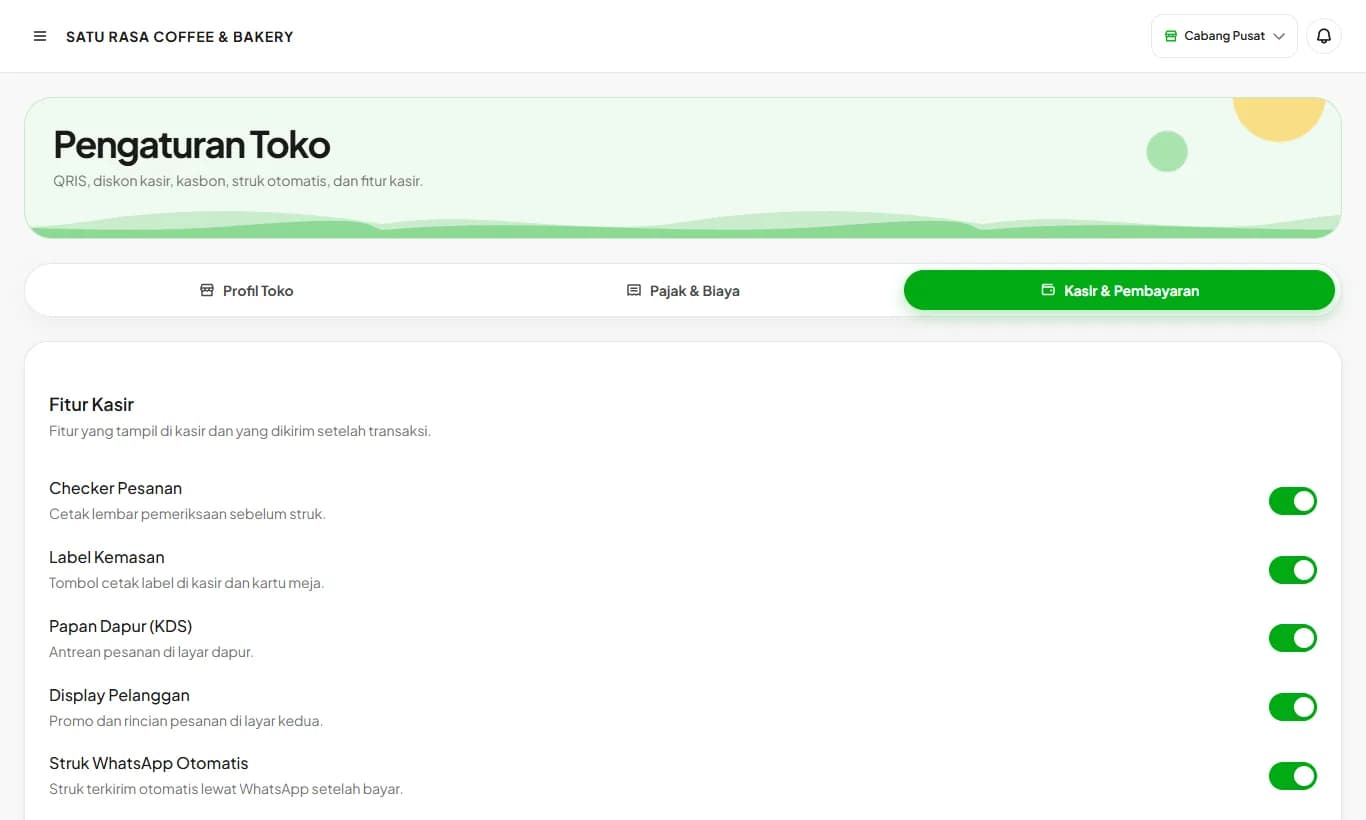
Kitchen display (KDS)
The kitchen order queue from the cashier, table bills, and QR Menu on one screen.
Read guideCustomers and marketing
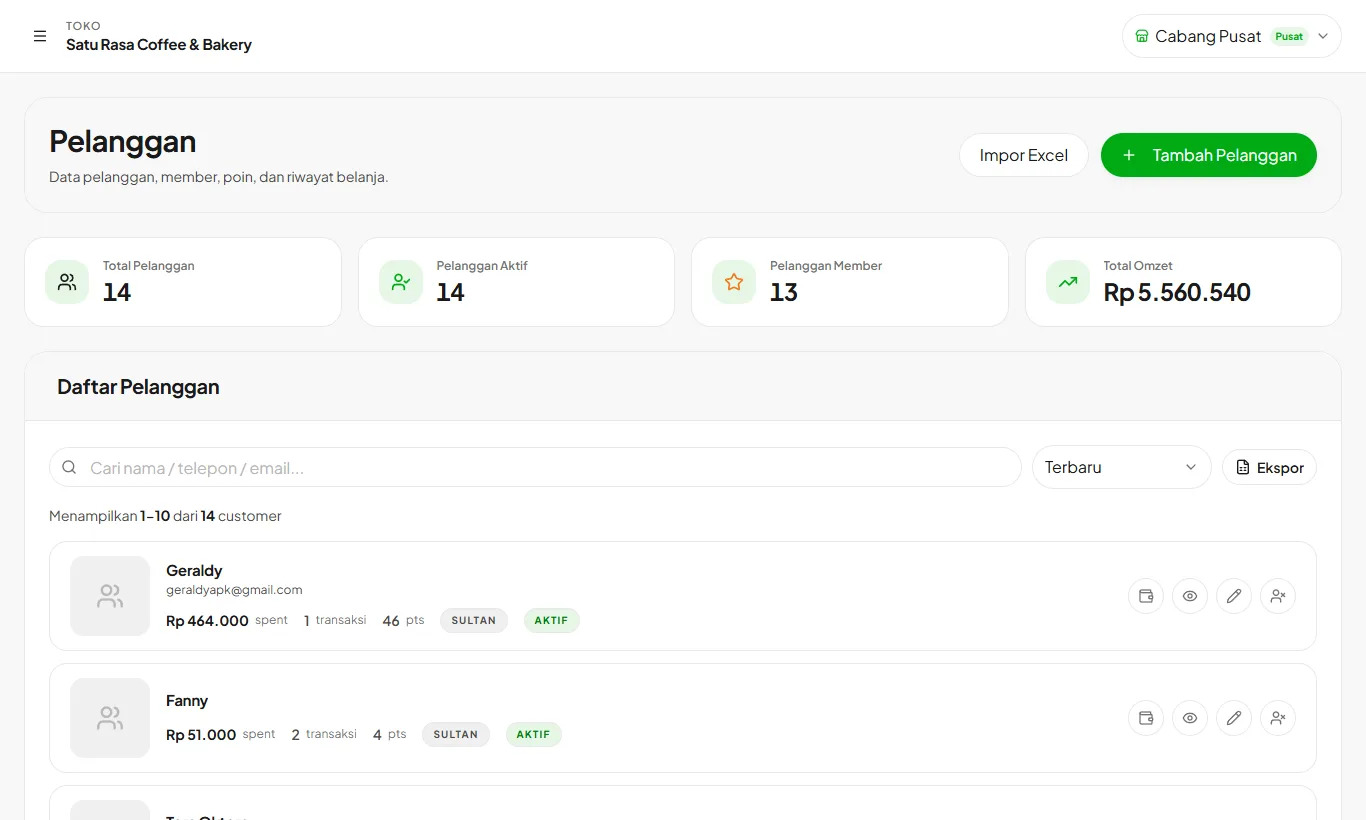
Customers, points, and membership
Keep customer data, reward points on every purchase, and upgrade membership tiers automatically.
Read guideCustomer tabs
Regular customers buy now and pay later, with a tidy record of what they owe.
Read guide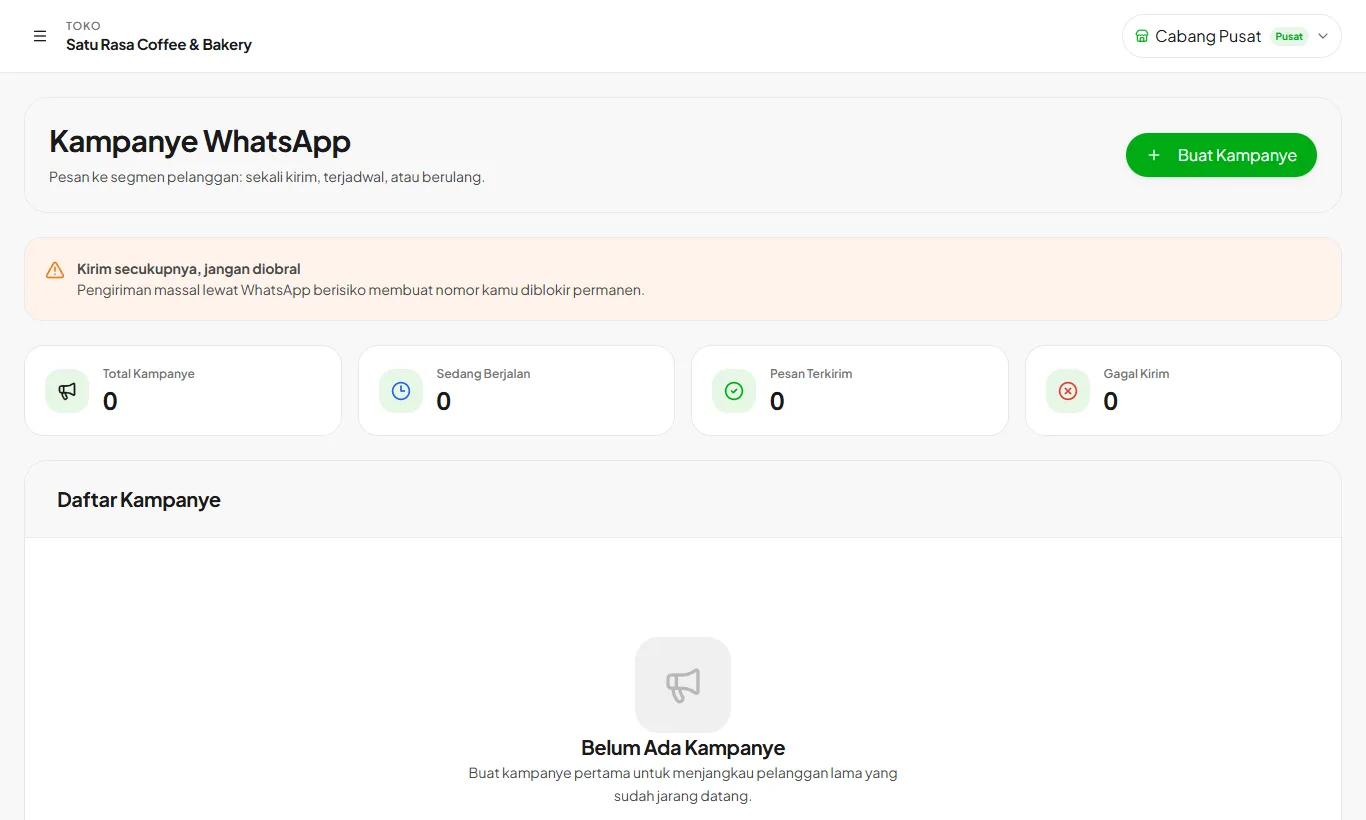
WhatsApp campaigns
Message customer segments: one-off, scheduled, or recurring.
Read guide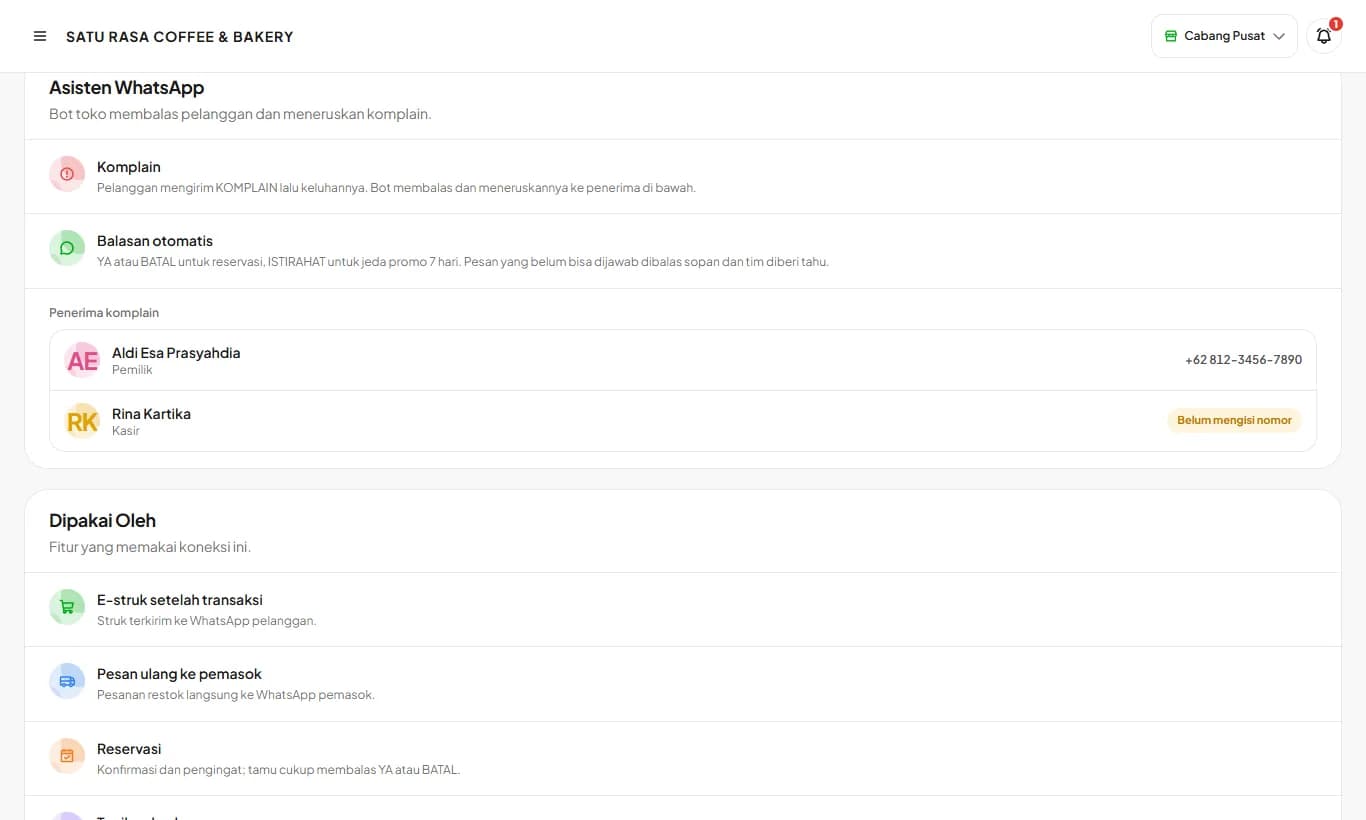
WhatsApp Assistant
The store bot number replies to customers and forwards complaints to the people running the store.
Read guidePurchasing
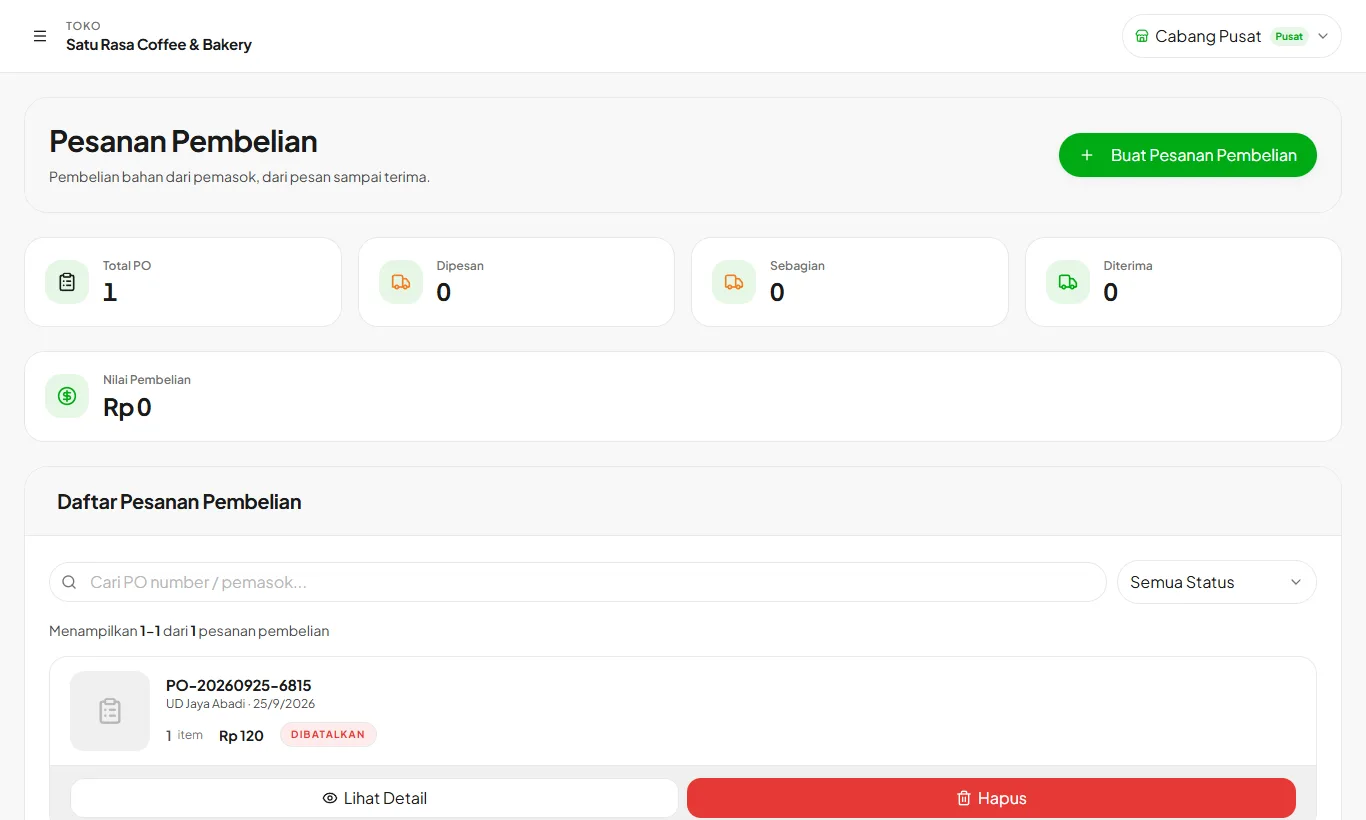
Suppliers and purchase orders
Record suppliers, order ingredients, and receive goods. Stock and purchase prices update along the way.
Read guide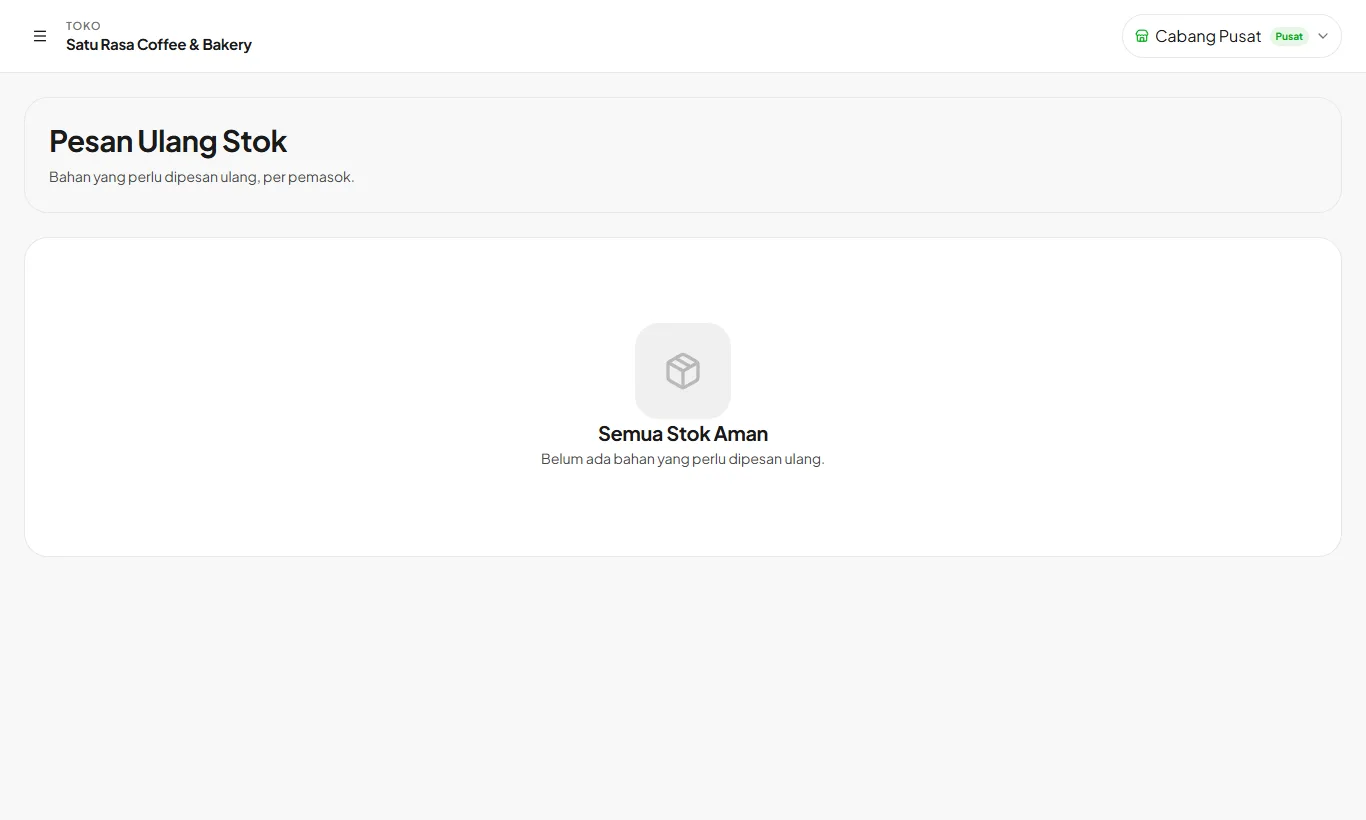
Reorder center
Low ingredients are grouped by supplier and ordered via WhatsApp in one tap.
Read guide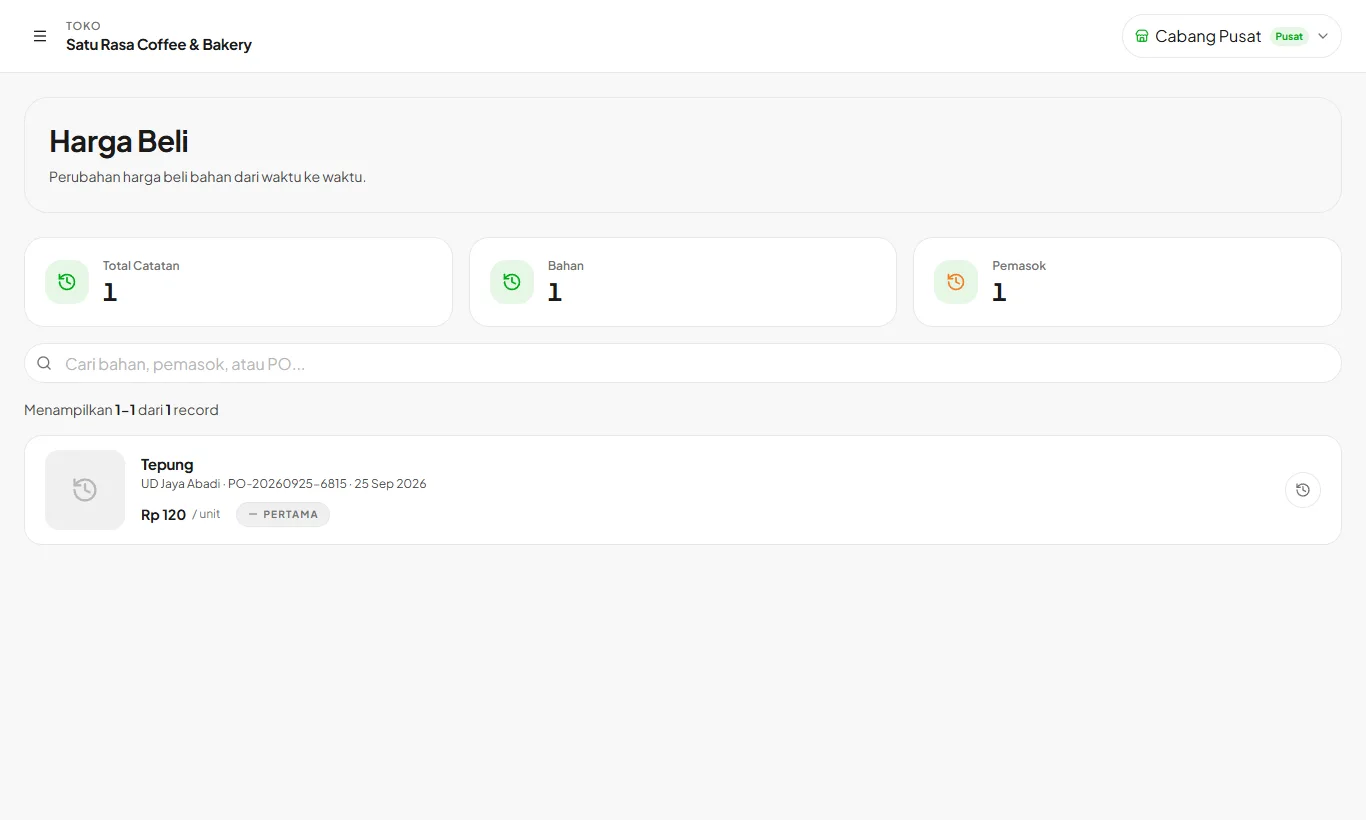
Supplier debt and price history
Track unpaid bills and how ingredient prices change over time.
Read guideTeam
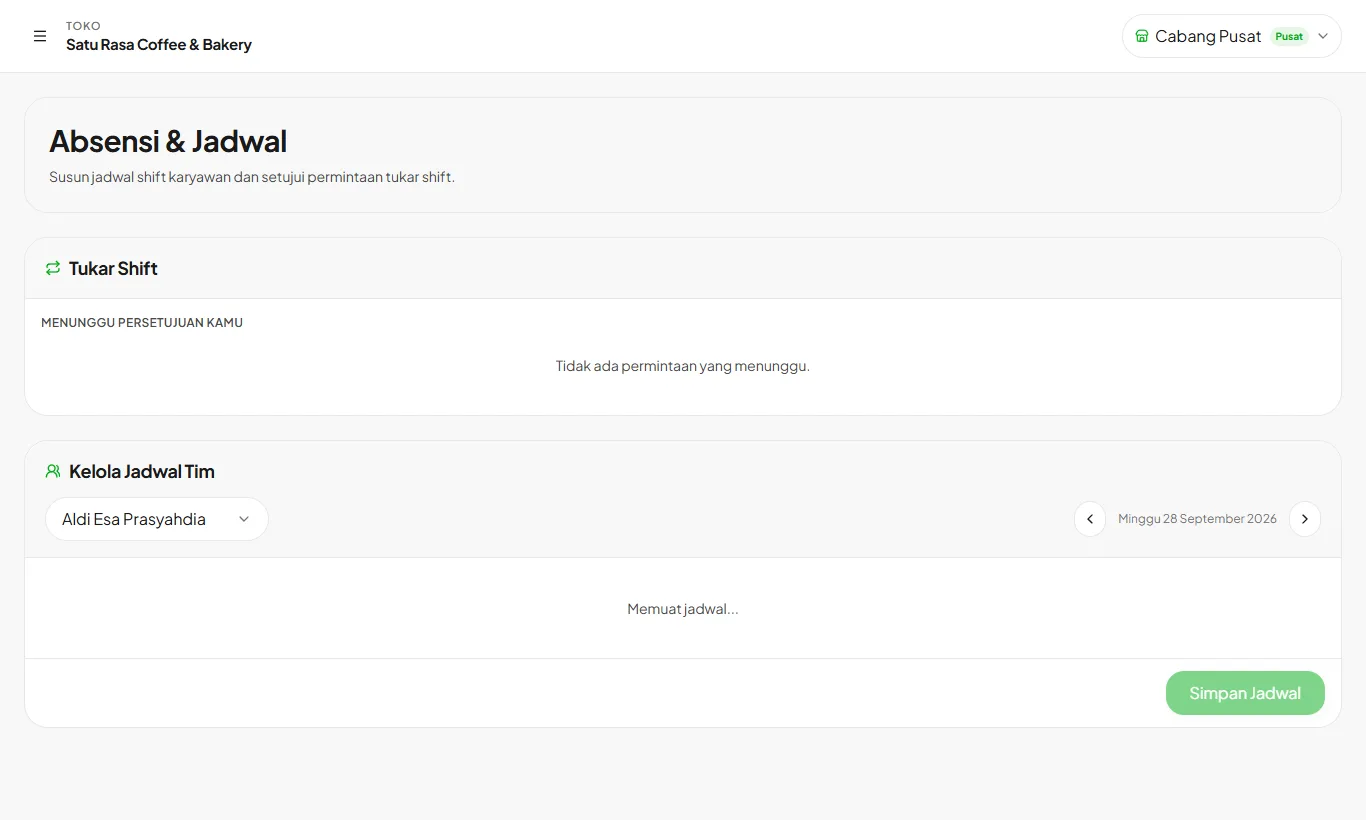
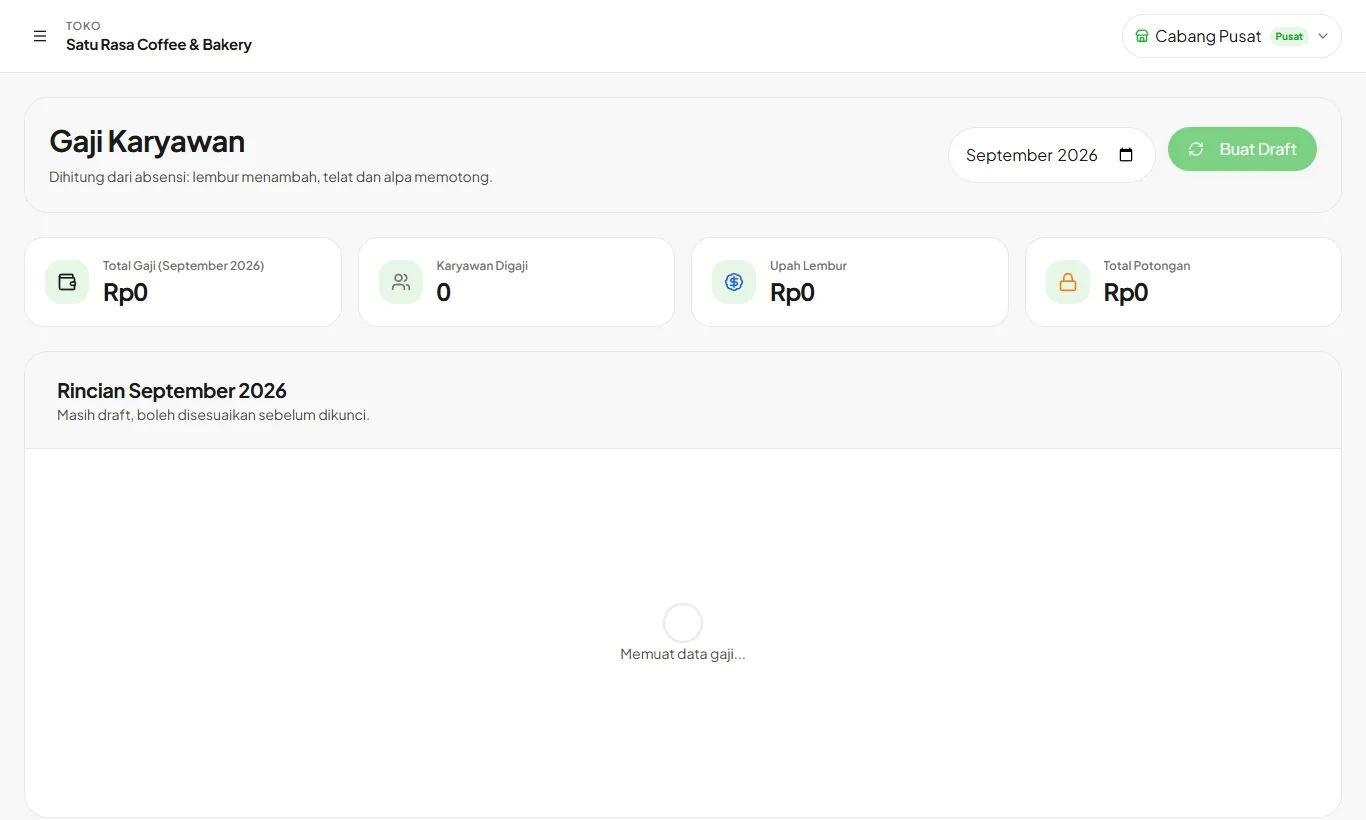
Reports and branches
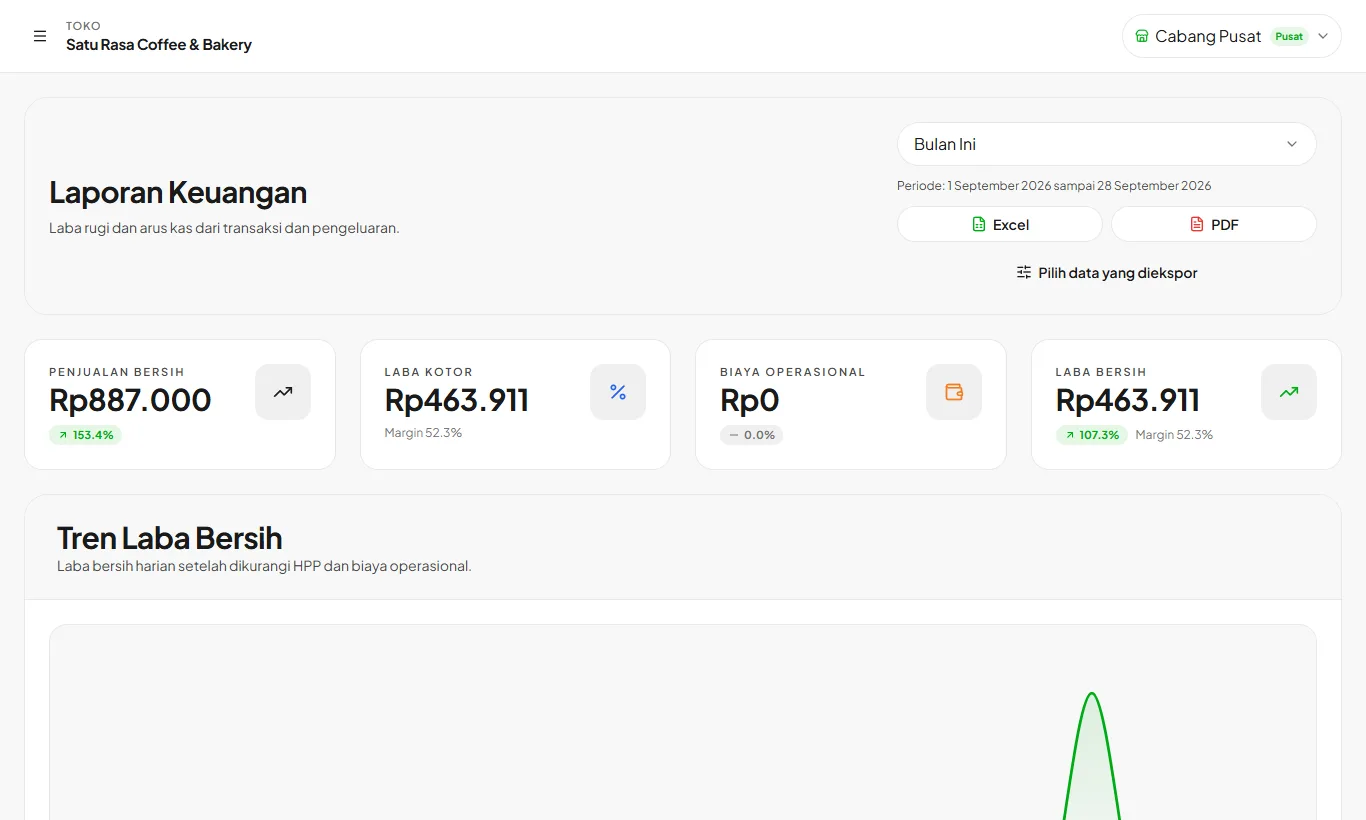
Financial reports and expenses
Profit and loss, cash flow, and operating expenses in one exportable report.
Read guide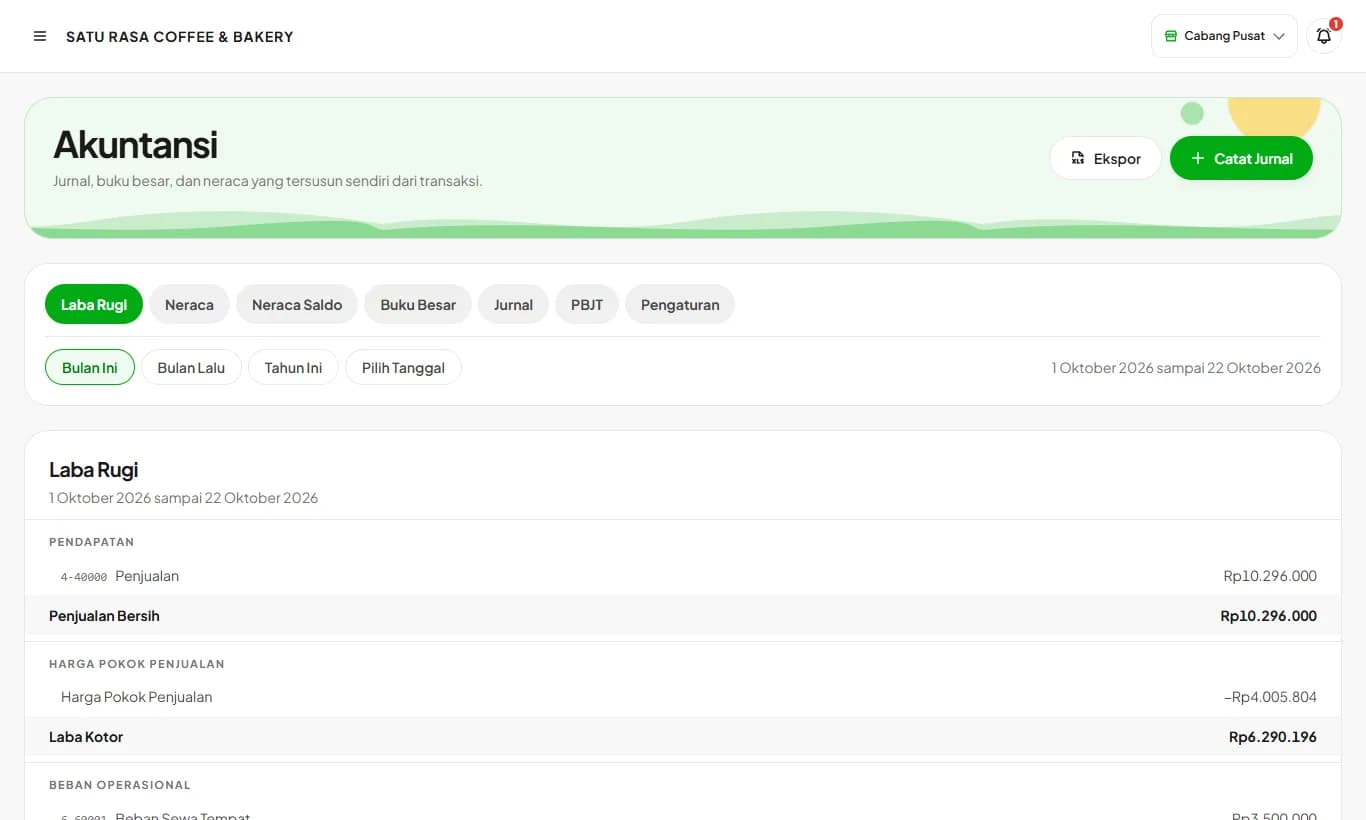
Accounting and balance sheet
Journals, ledger, balance sheet, and PBJT recap build themselves from your store's transactions.
Read guide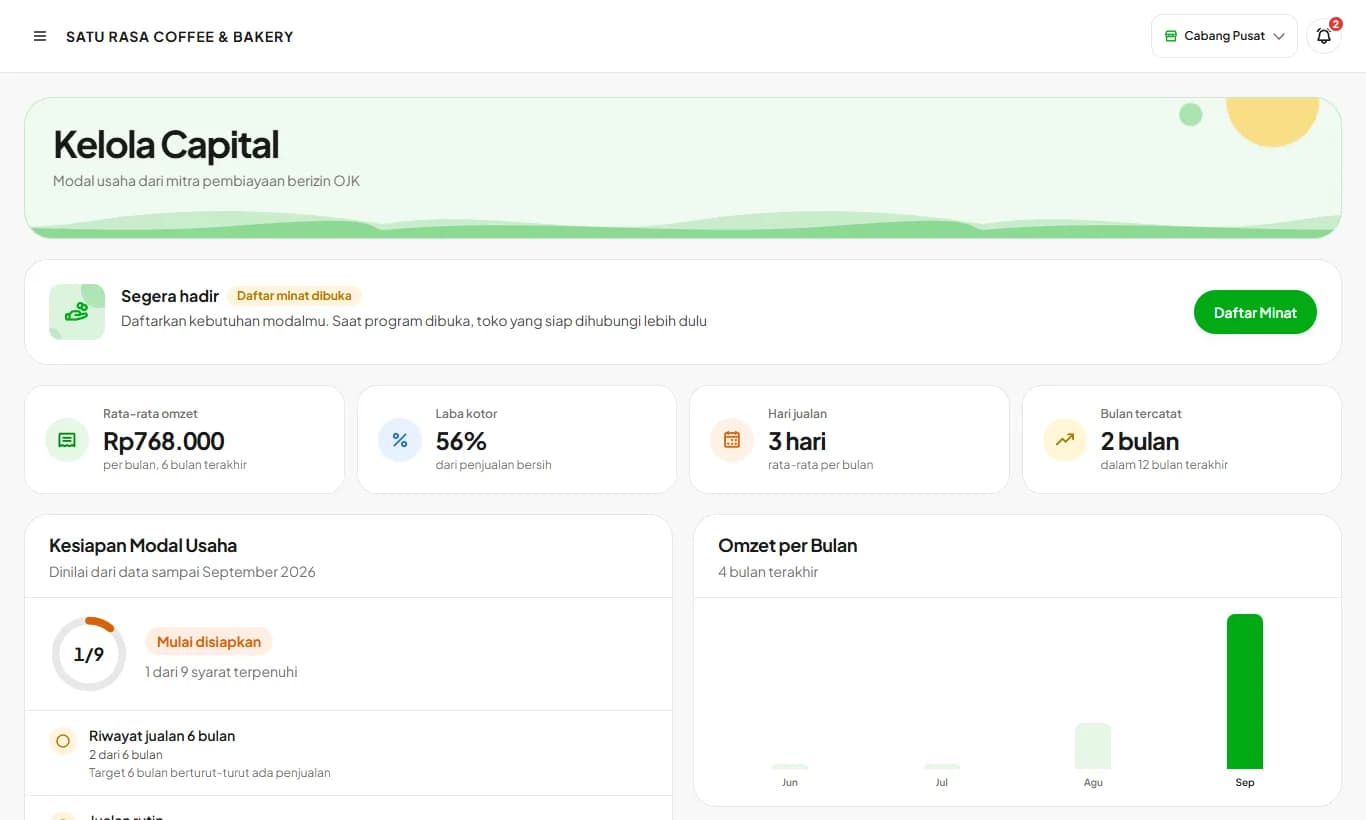
Kelola Capital
Prepare your data and documents once, then send a capital application to OJK-licensed financing partners. Coming soon.
Read guide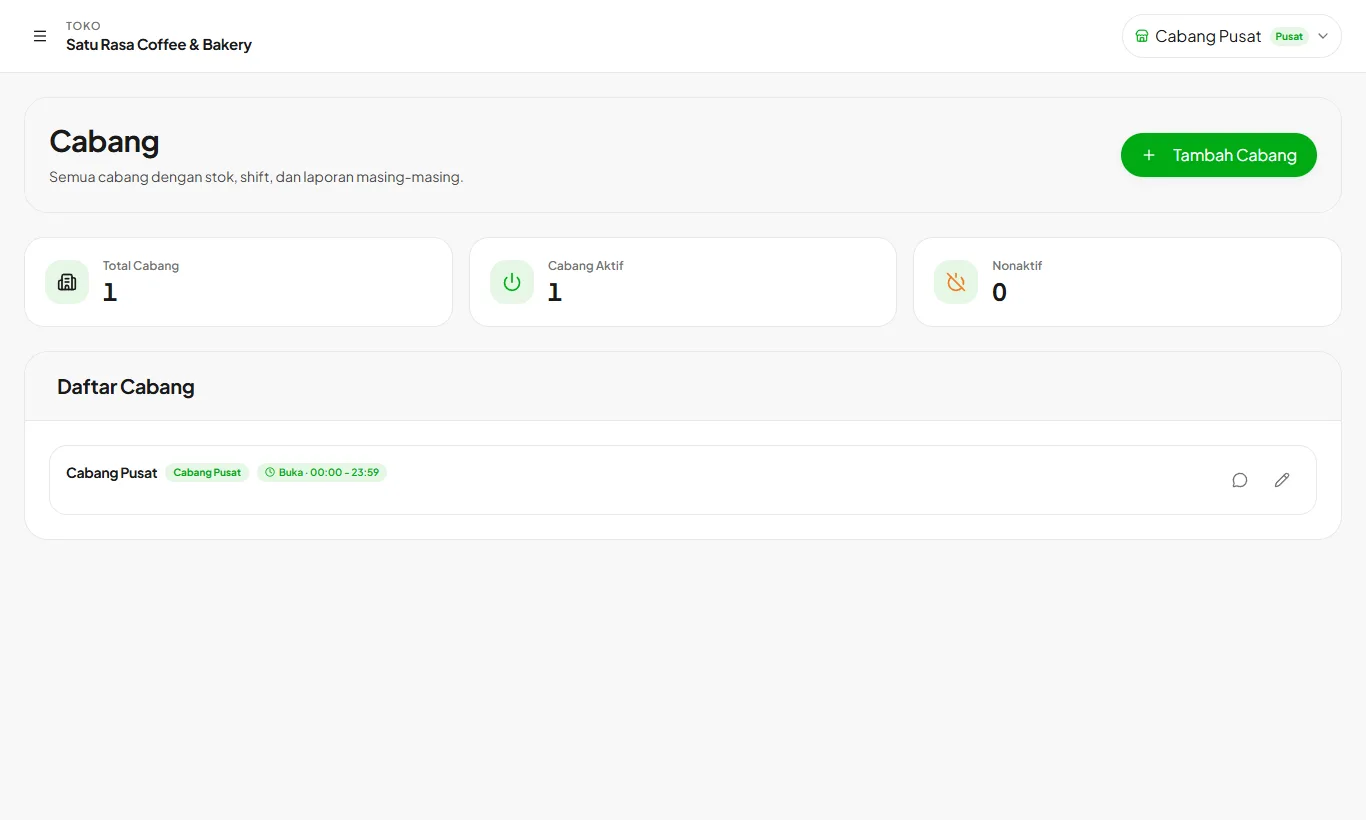
Multiple branches and stock transfers
Run up to 5 branches in one store, each with its own stock, shifts, and reports.
Read guideSee your real profit starting today
Try every feature free for 30 days. No credit card, ready to sell in 15 minutes.