
Growth and up
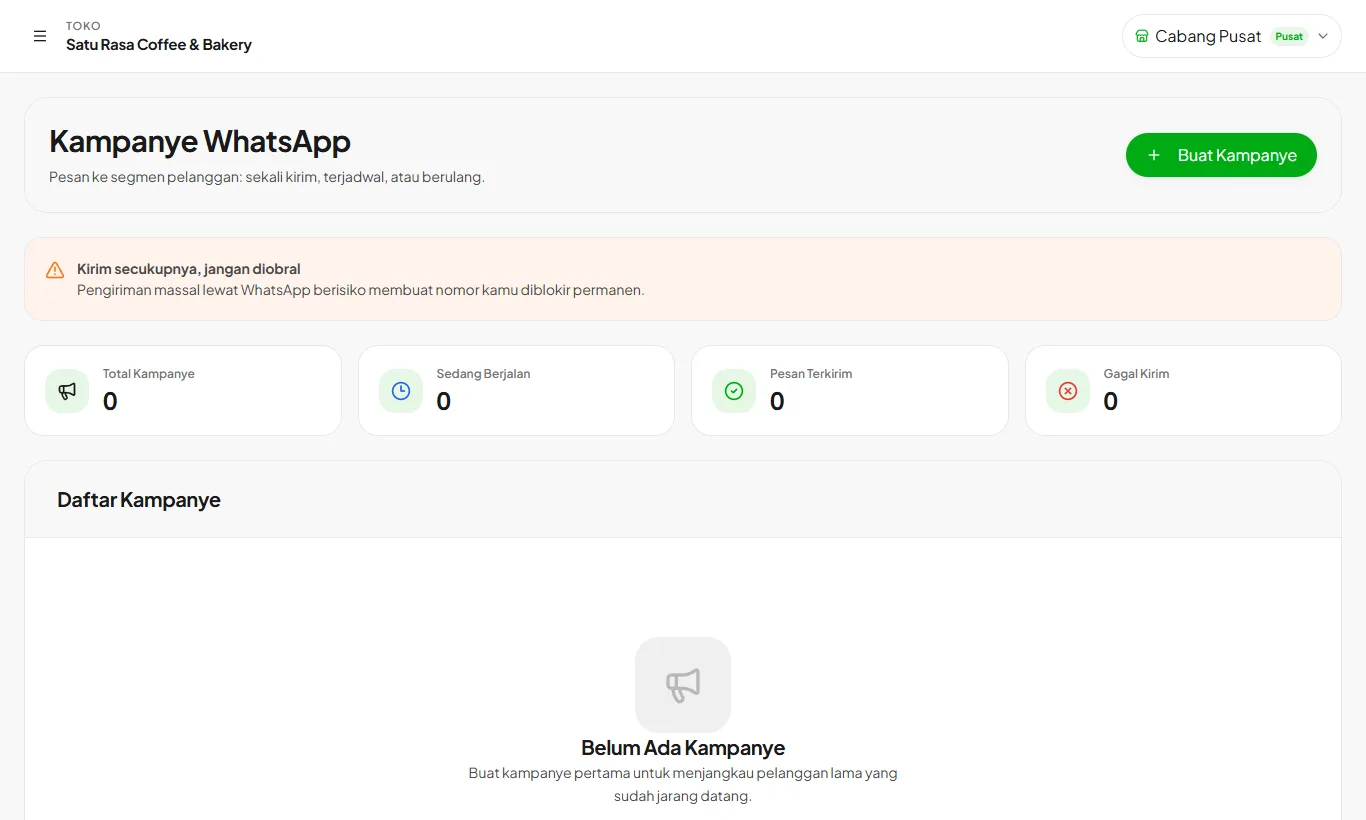
WhatsApp campaigns
Message customer segments: one-off, scheduled, or recurring.
Available on Growth, Enterprise
- 1
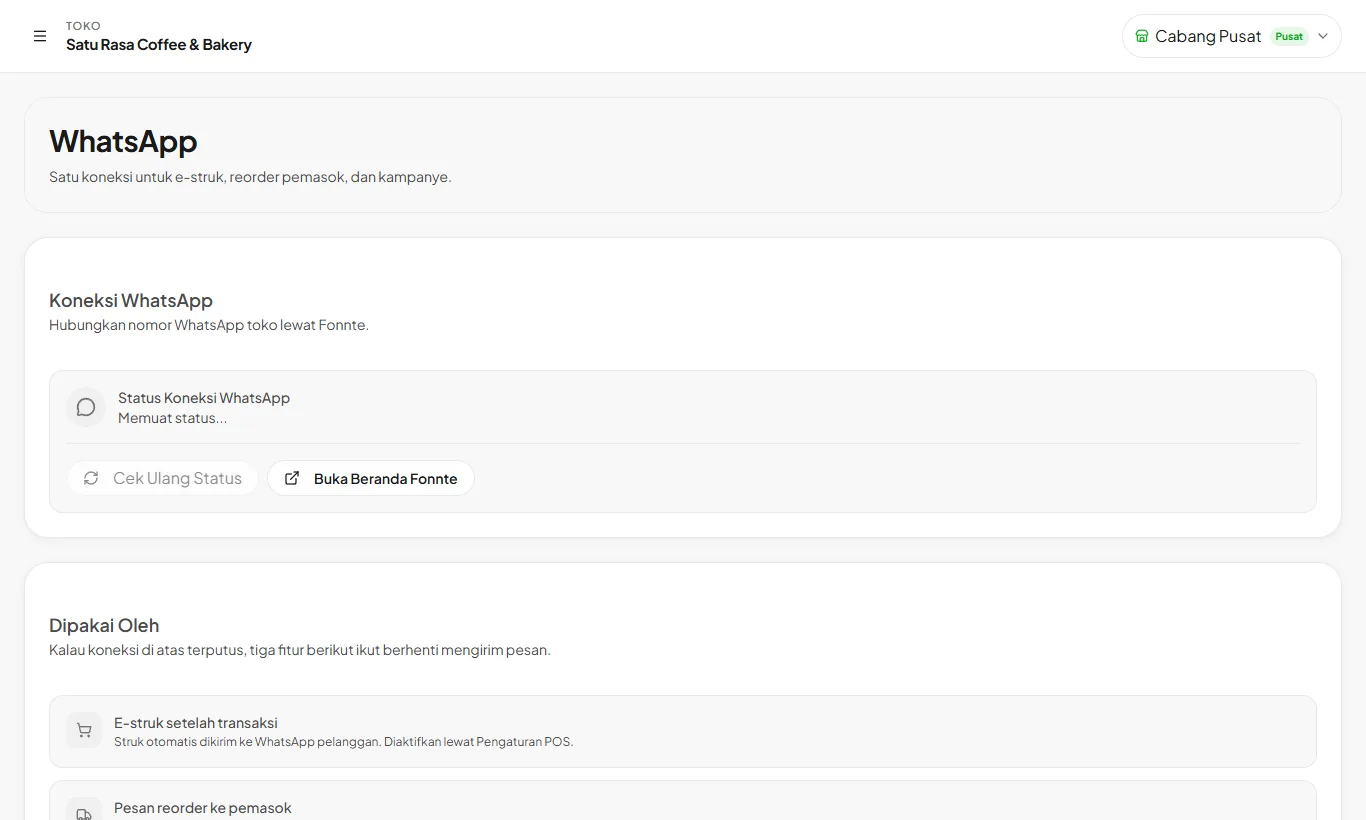
Connect WhatsApp
Open Settings then WhatsApp. Paste your Fonnte token and press Save and Connect.
- 2
Create a campaign
Open Campaigns then Create Campaign. Pick a segment, such as customers who haven't visited lately, then write the message.
- 3
Schedule it
Send now, on a set date, or repeat weekly or monthly.
Send sparingly. Excessive bulk messages can get the number blocked by WhatsApp.
Ready to try it in your store?
Sign up free and follow this guide right in the app.