
All plans
Suppliers and purchase orders
Record suppliers, order ingredients, and receive goods. Stock and purchase prices update along the way.
Available on Starter, Growth, Enterprise
- 1
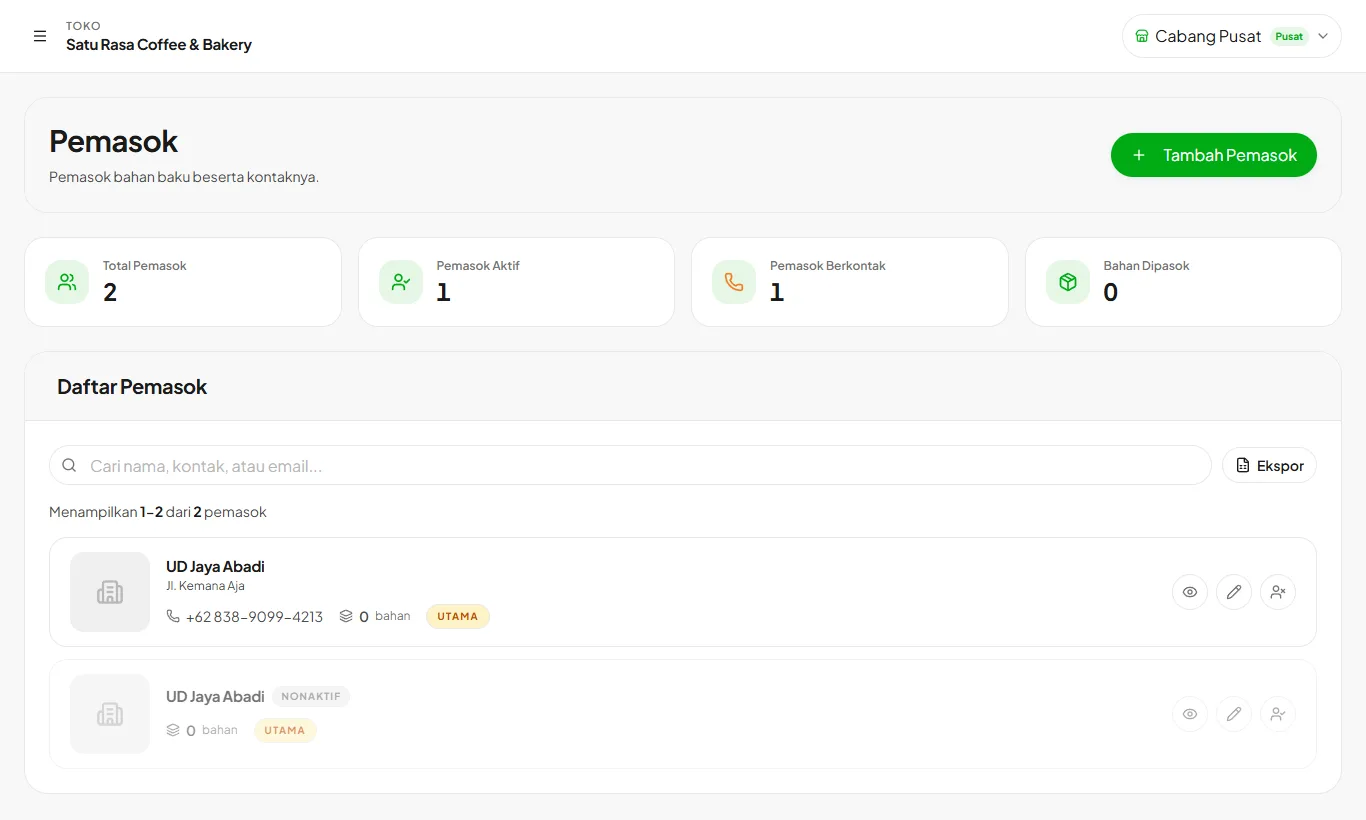
Add suppliers
Open Suppliers then Add Supplier. Fill in the name, contact, and WhatsApp number for orders.
- 2
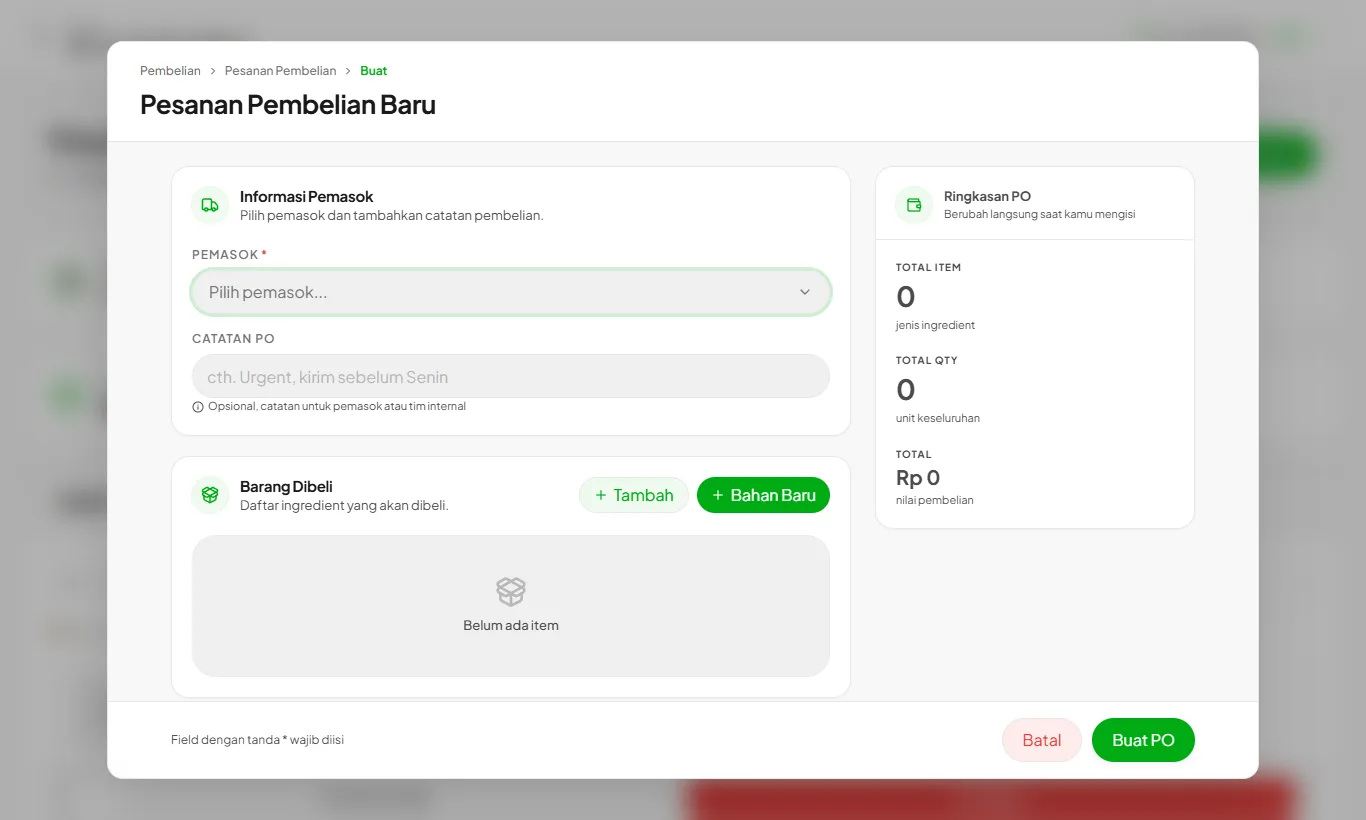
Create a purchase order
Growth and upOpen Purchase Orders then Create Purchase Order. Choose the supplier, ingredients, quantities, and prices.
- 3
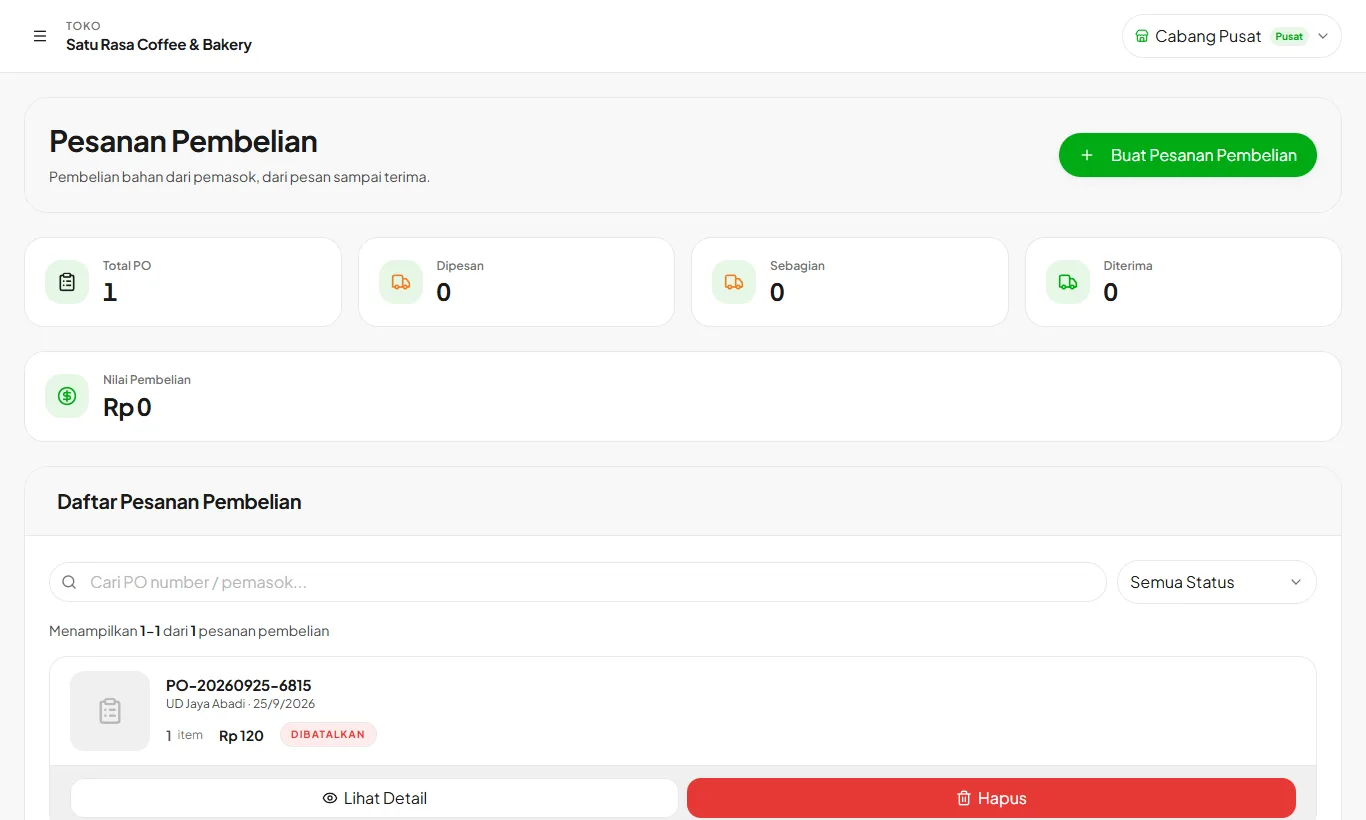
Receive goods
Growth and upWhen goods arrive, mark them received. Partial receipts work too, and the rest stays pending.
Ready to try it in your store?
Sign up free and follow this guide right in the app.