
All plans
Customers, points, and membership
Keep customer data, reward points on every purchase, and upgrade membership tiers automatically.
Available on Starter, Growth, Enterprise
- 1
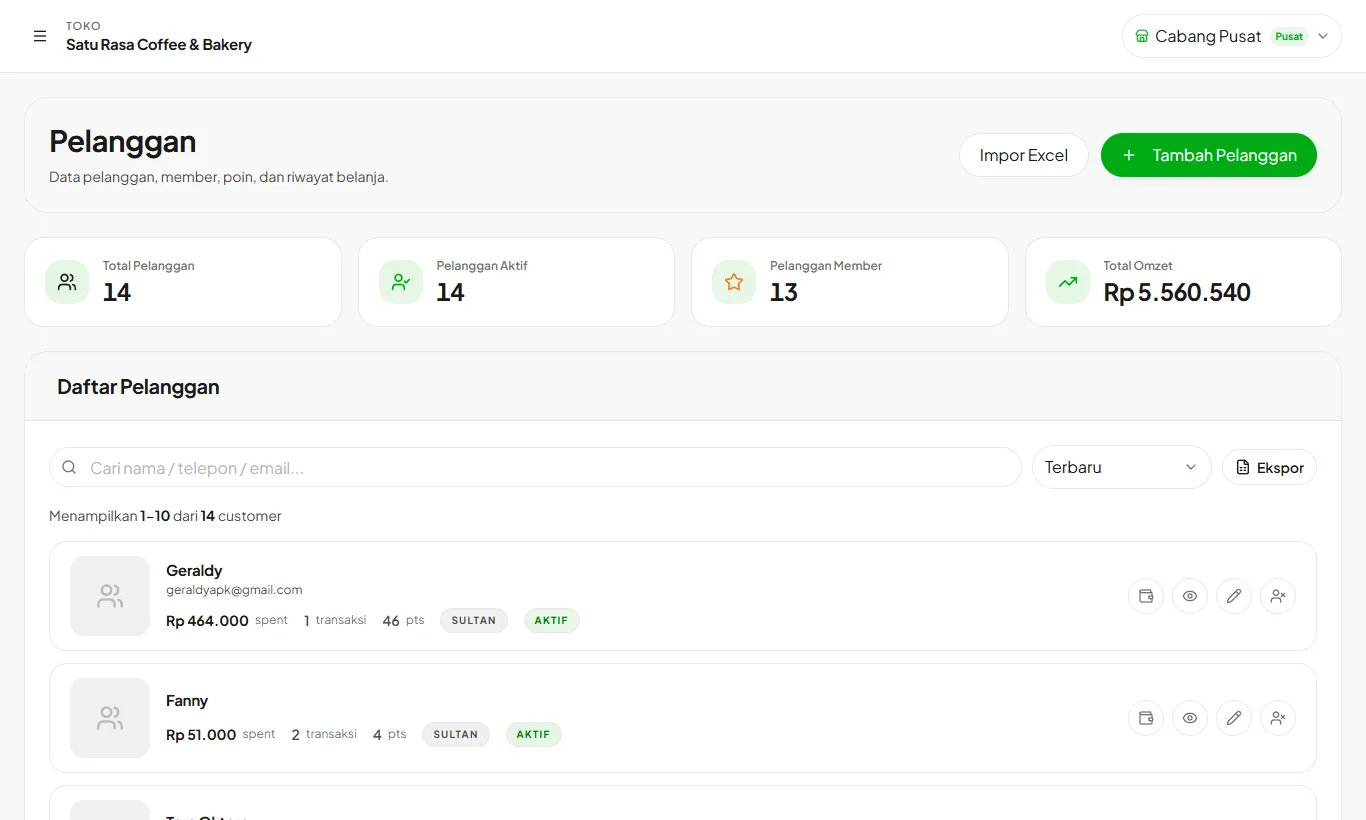
Add customers
Open Customers then Add Customer, or create one straight from the cashier. Their purchase history is recorded automatically.
- 2
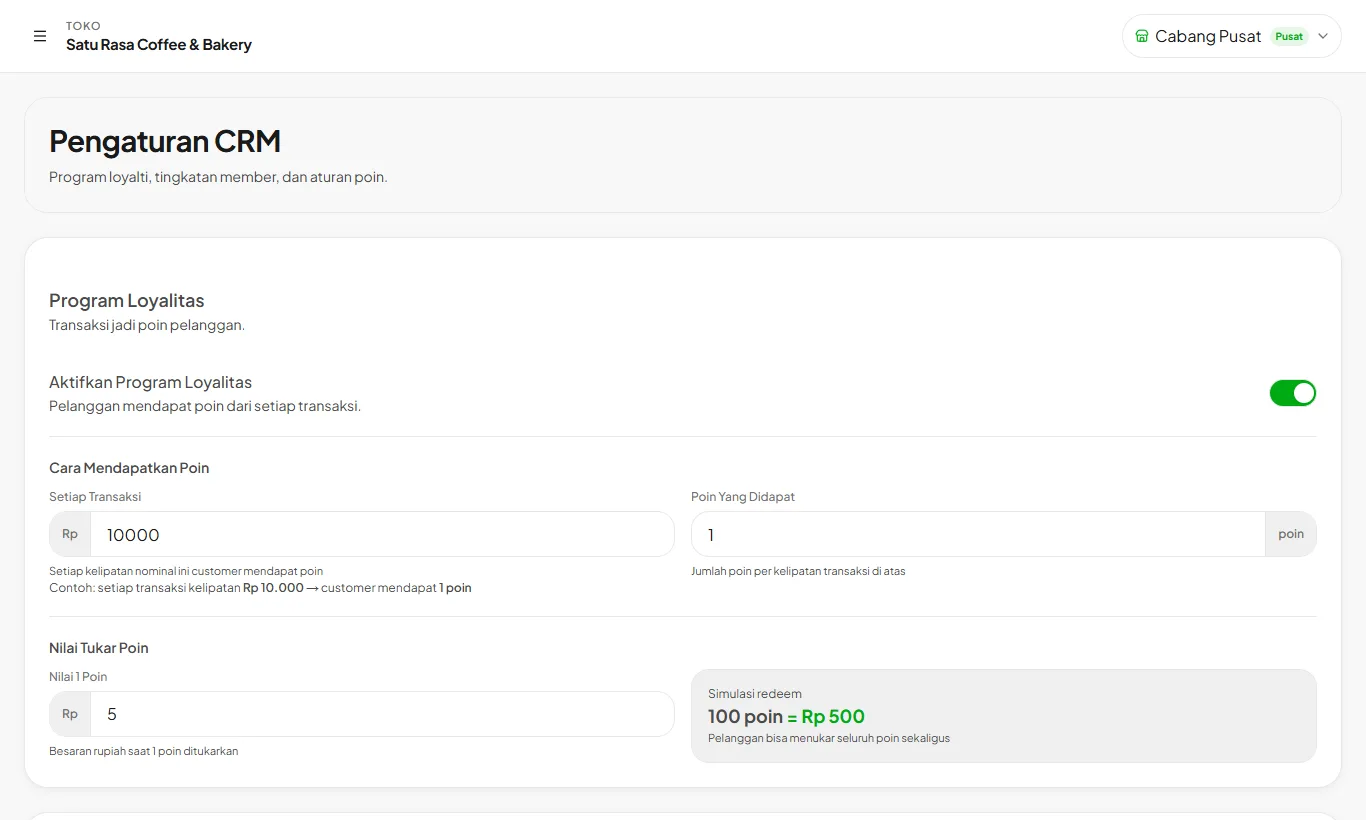
Turn on loyalty points
Growth and upIn CRM Settings, set the spend per point and the point redemption value.
- 3
Set membership tiers
Growth and upCreate tiers like Silver and Gold based on total spend or transaction count. Customers move up automatically.
Growth and up also include deposits: customers prepay and spend it on each visit.
Ready to try it in your store?
Sign up free and follow this guide right in the app.