
Growth and up
QR Menu for table ordering
Customers scan the table QR, pick items, and the order lands at the cashier.
Available on Growth, Enterprise
- 1
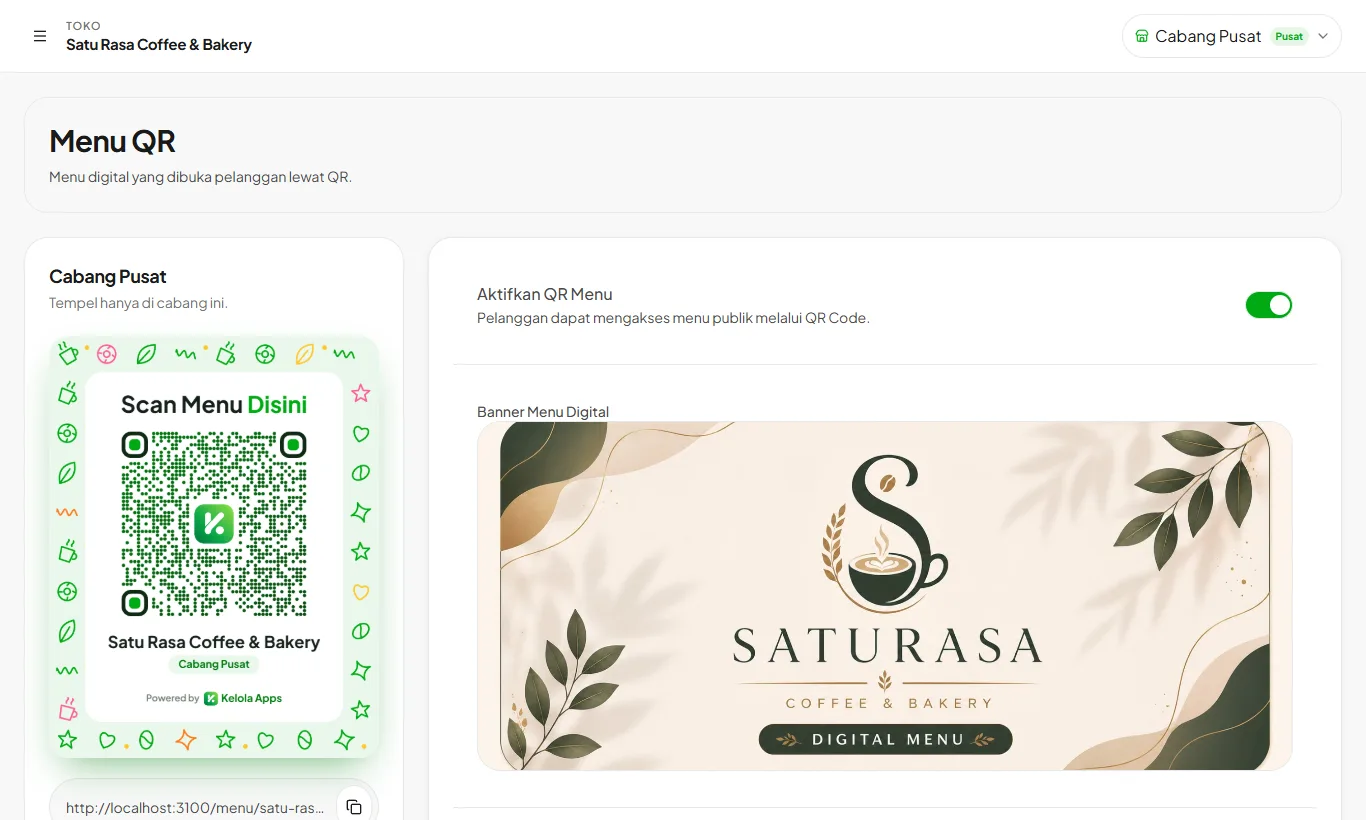
Turn on the QR Menu
Open Settings then QR Menu and switch it on. Choose whether prices, descriptions, and categories are shown.
- 2
Download the QR poster
Press Download QR Poster and print it. The poster shows your store and branch name, ready for the table.
- 3
Receive orders
QR orders appear at the cashier under Tables, with a sound alert.
Stores with several branches get one QR per branch so orders reach the right cashier.
Ready to try it in your store?
Sign up free and follow this guide right in the app.