
All plans
Promos and discounts
Percentage discounts, fixed discounts, buy X get Y, and coupon codes applied right at the cashier.
Available on Starter, Growth, Enterprise
- 1
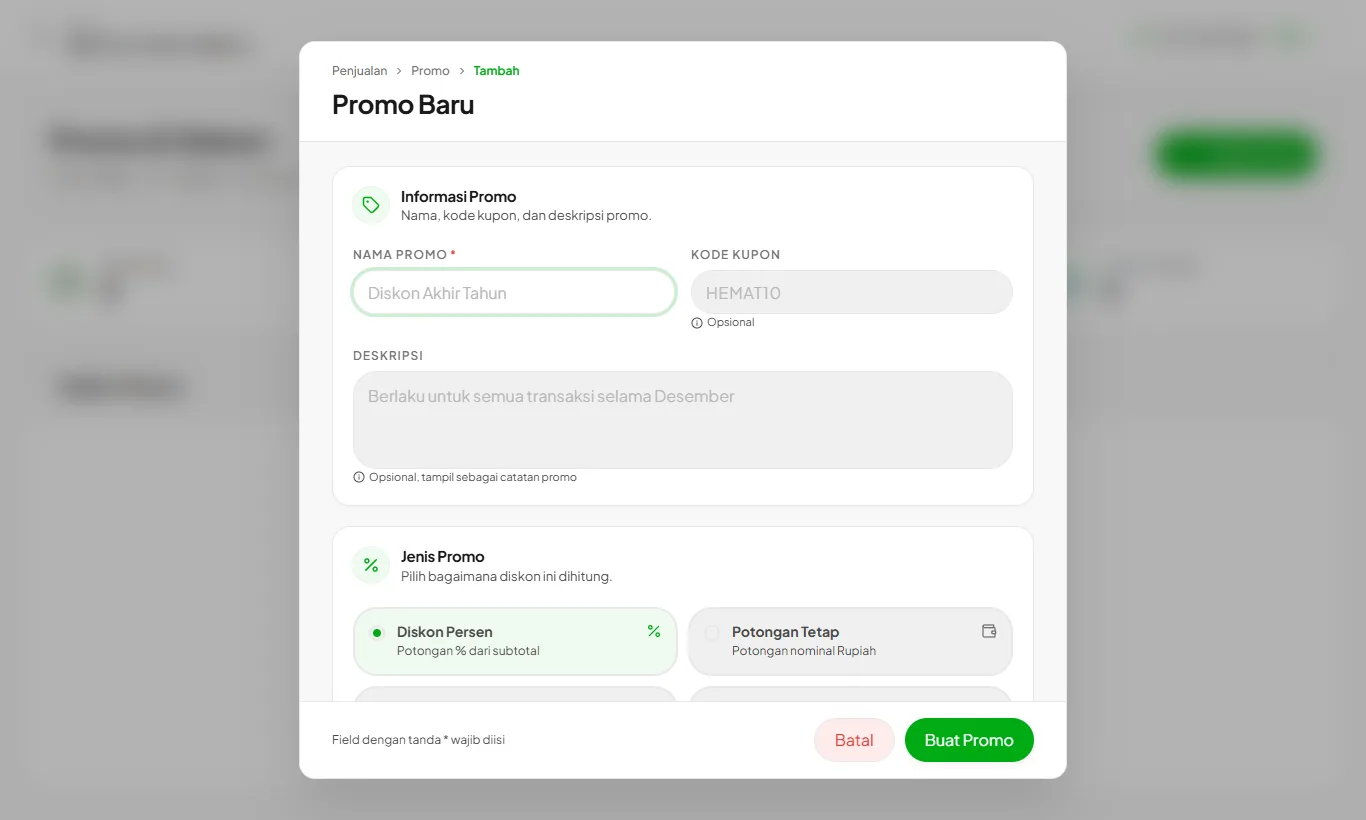
Create a promo
Open Promos then Create Promo. Choose the type, discount value, and whether it applies to all or specific products.
- 2
Set the conditions
Add a minimum spend, usage limit, validity dates, or a coupon code. Without a code, the promo applies automatically.
- 3
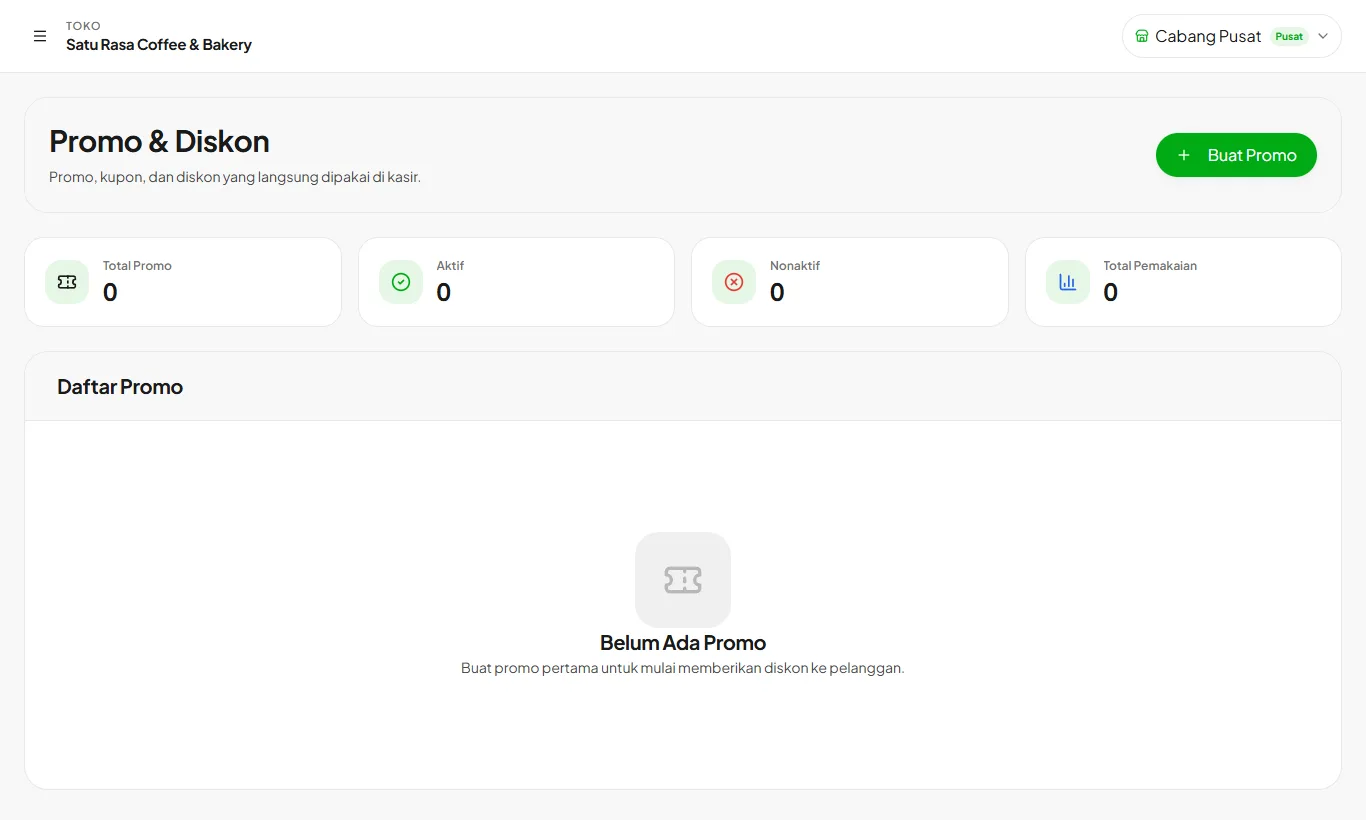
Track usage
The promo list shows active status and how many times each has been used.
Ready to try it in your store?
Sign up free and follow this guide right in the app.