
All plans
Connecting a receipt printer
58 mm or 80 mm thermal printers over Bluetooth, USB, or LAN.
Available on Starter, Growth, Enterprise
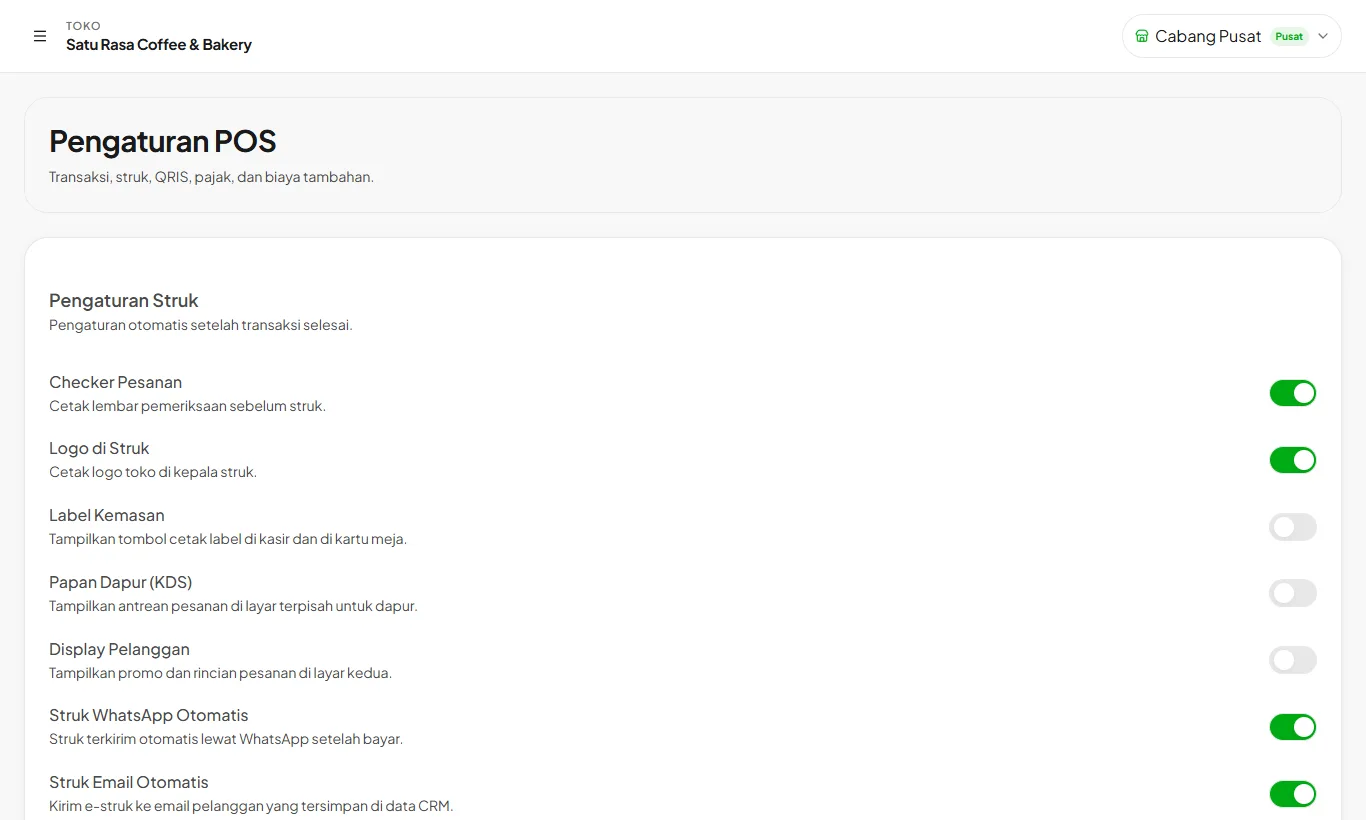
- 1
Open POS Settings
Scroll to Receipt Printer. Choose the paper size that matches your printer.
- 2
Connect
Press Connect Bluetooth, USB, or LAN, then pick your printer. A receipt preview shows on the same page.
- 3
Kitchen printer
Order checkers can print on a separate printer for the kitchen or bar.
The logo prints on receipts as long as it is uploaded and the switch is on.
Ready to try it in your store?
Sign up free and follow this guide right in the app.