
All plans
Closing a shift and daily report
Count the cash drawer, close the shift, and the daily report is emailed to the owner.
Available on Starter, Growth, Enterprise
- 1
Press Active Shift
In the cashier header, press Active Shift. At 11:30 PM the dialog also appears as a reminder.
- 2
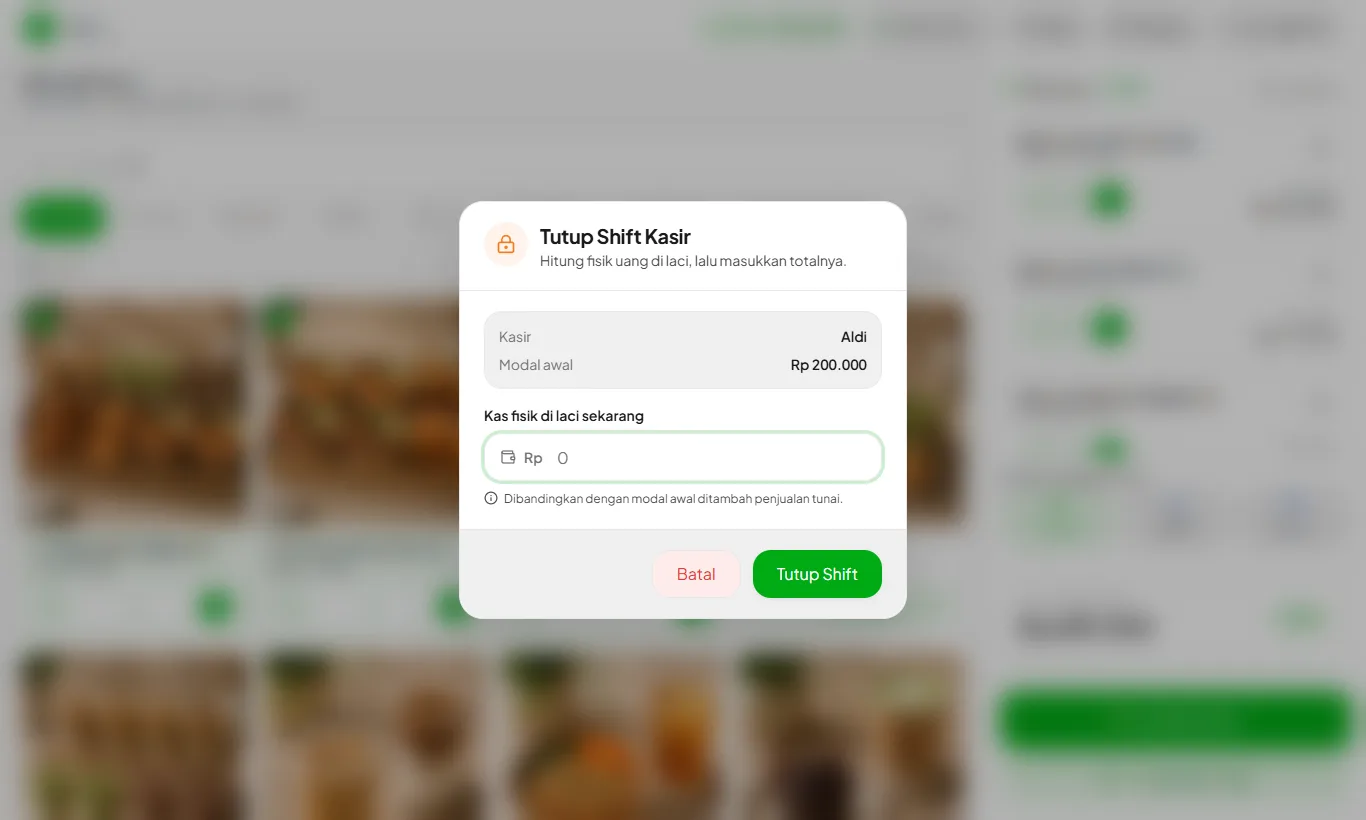
Enter the counted cash
Count the drawer and enter the total. It is compared with the opening cash plus cash sales.
- 3
Review the result
Cash difference, sales per payment method, and transaction count are shown. The daily report is emailed to the owner.
An unclosed shift from a previous day locks the cashier until it is closed.
Ready to try it in your store?
Sign up free and follow this guide right in the app.