
All plans
Stock count and movements
Match system stock with physical counts, and track every stock in, out, and waste.
Available on Starter, Growth, Enterprise
- 1
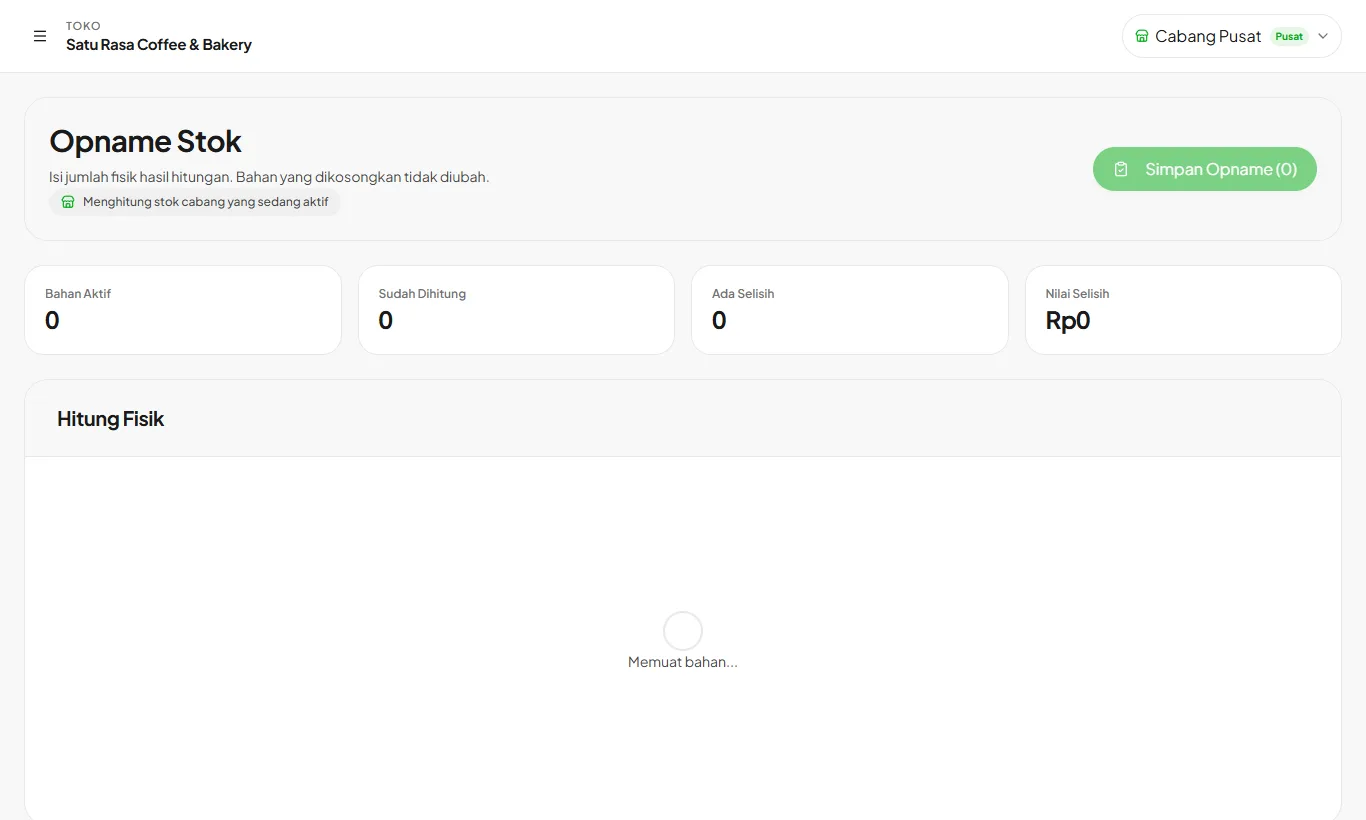
Count physically
Open Stock Count. Enter the physical amount for each counted ingredient. Blank rows are left unchanged.
- 2
Save the count
The difference between system and physical stock shows per row. Once saved, stock is adjusted and logged as an adjustment.
- 3
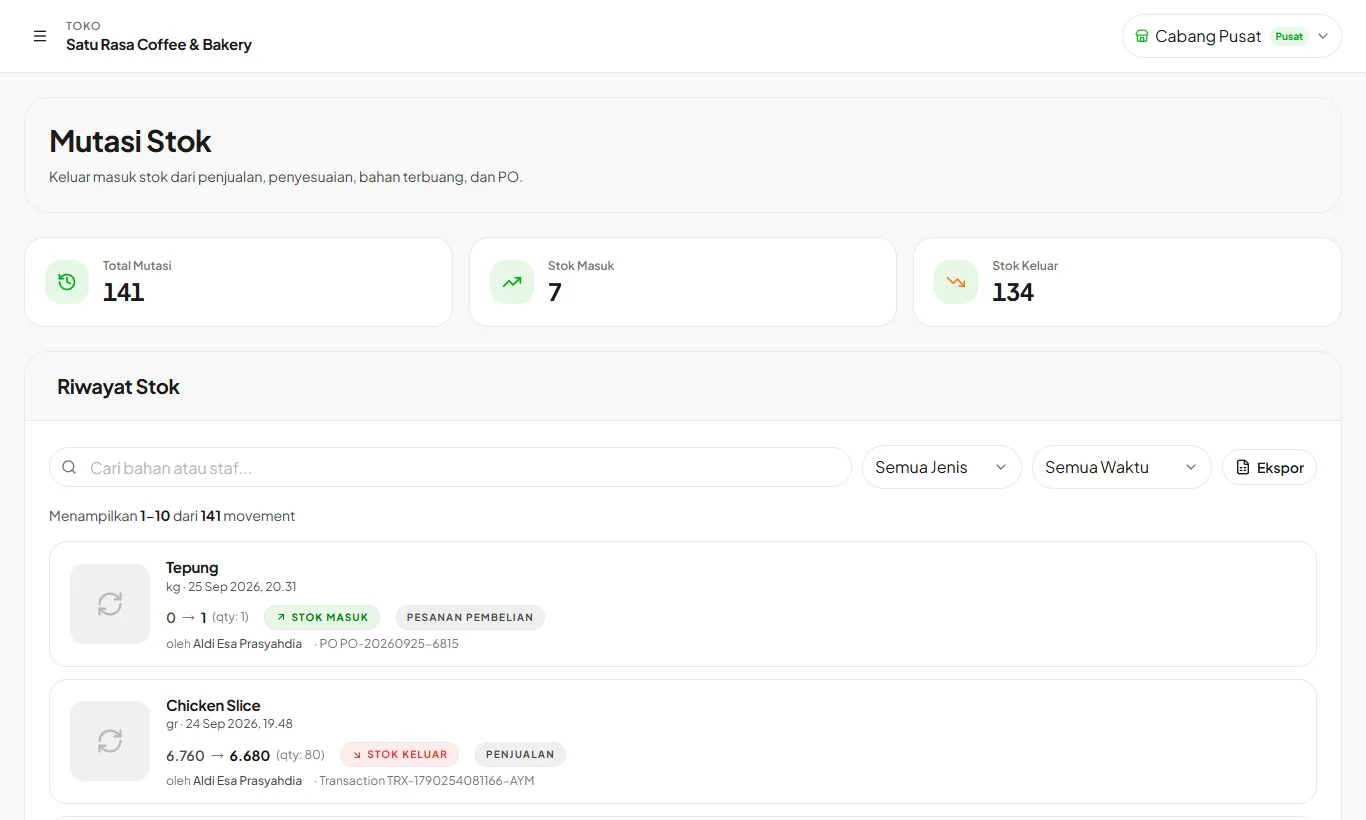
Track in Stock Movements
Every stock movement is logged: sales, purchases, waste, and adjustments. Filter by type and period.
Ready to try it in your store?
Sign up free and follow this guide right in the app.