
All plans
Adding products and variants
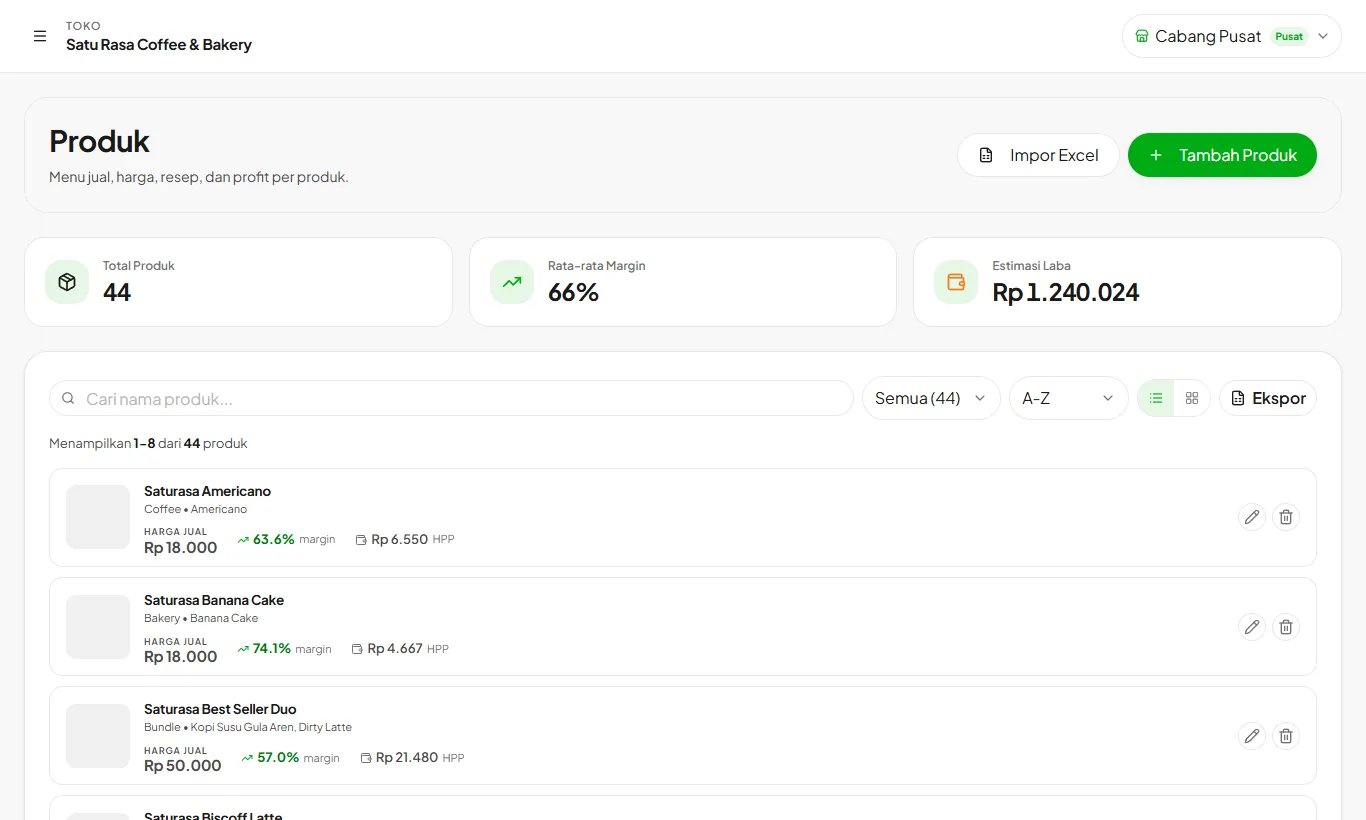
Products are what you sell at the cashier. Link them to recipes so stock is deducted and margins are visible.
Available on Starter, Growth, Enterprise
- 1
Add a product
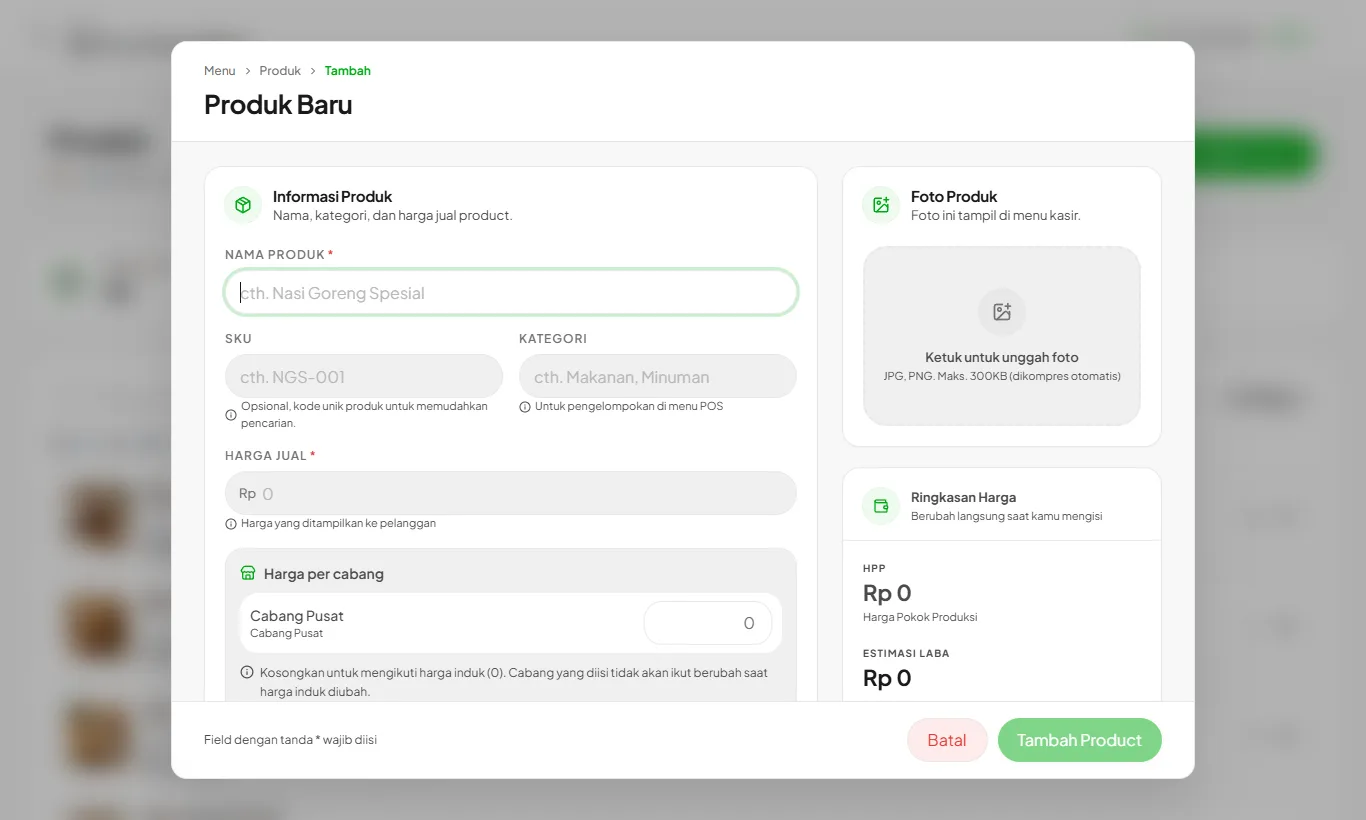
Open Products then Add Product. Fill in the name, category, photo, and price, then link its recipe.
- 2
Use variants when needed
Products with different sizes (regular, large) can be variants, each with its own price and recipe.
- 3
Add-ons for many products
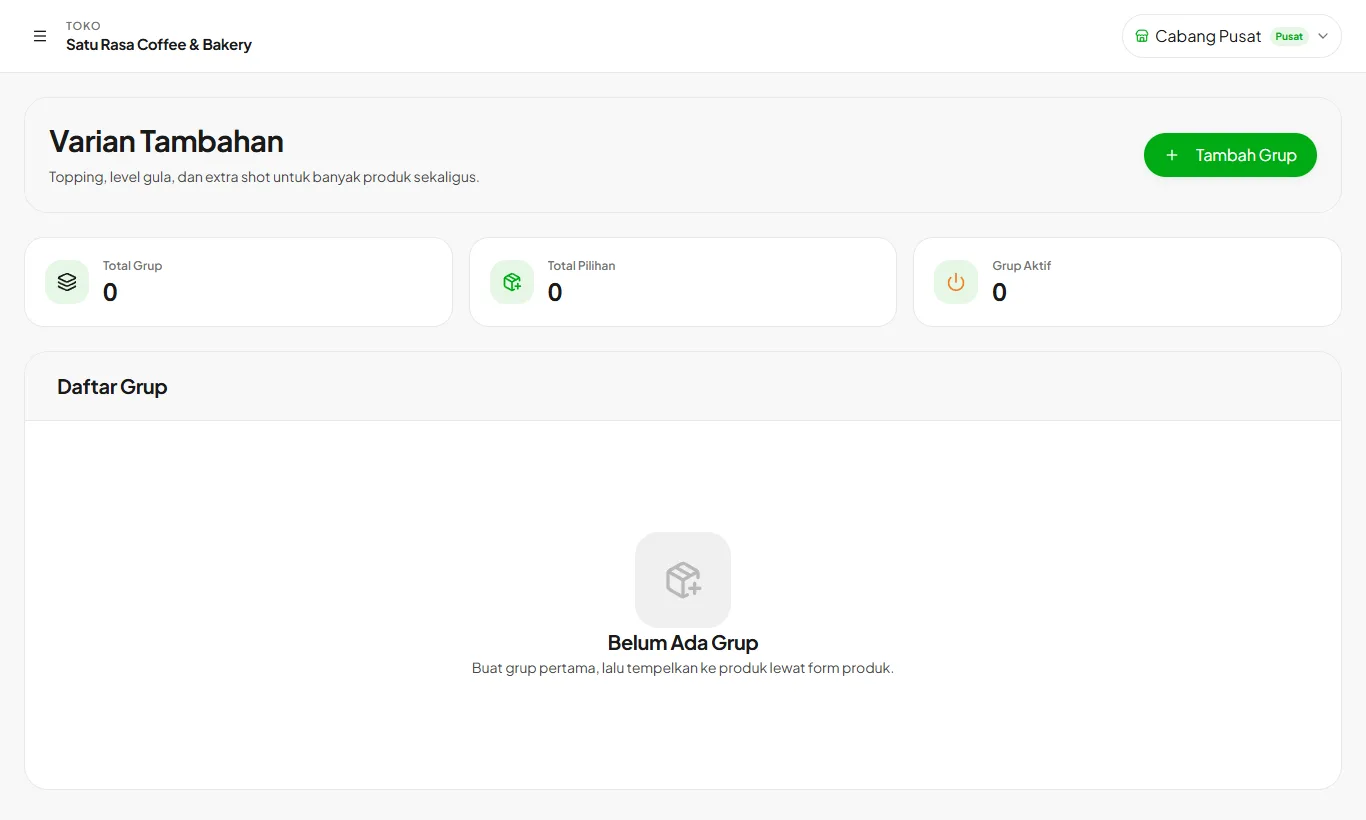
Toppings, sugar levels, and extra shots are created in Add-ons, then attached to any product.
- 4
Watch your margins
The product list shows COGS, margin, and estimated profit per product.
Product limits follow your plan: Starter 30, Growth 150, Enterprise unlimited.
Ready to try it in your store?
Sign up free and follow this guide right in the app.