Subscription and invoices
Renew or change plans, pay by QRIS or virtual account, then download an official invoice for every payment.
Available on Starter, Growth, Enterprise
See the steps· 3 stepsStep 1
Renew or change plan
Open Settings, then Subscription. Choose a duration and plan, then pay by QRIS or virtual account. The active period extends automatically once payment arrives. Paying 12 months at once is charged as 10.
Step 2
Add-ons
Need branches, staff, products, or a single feature beyond your plan? Contact the Kelola team from the Add-On card and the team sets it up. If your plan is active, the bill for the remaining months appears on that card and the add-on turns on once you tap Pay Add-On. If not, the cost is included in the subscription price above. Add-ons end with your plan and renew with it.
Step 3
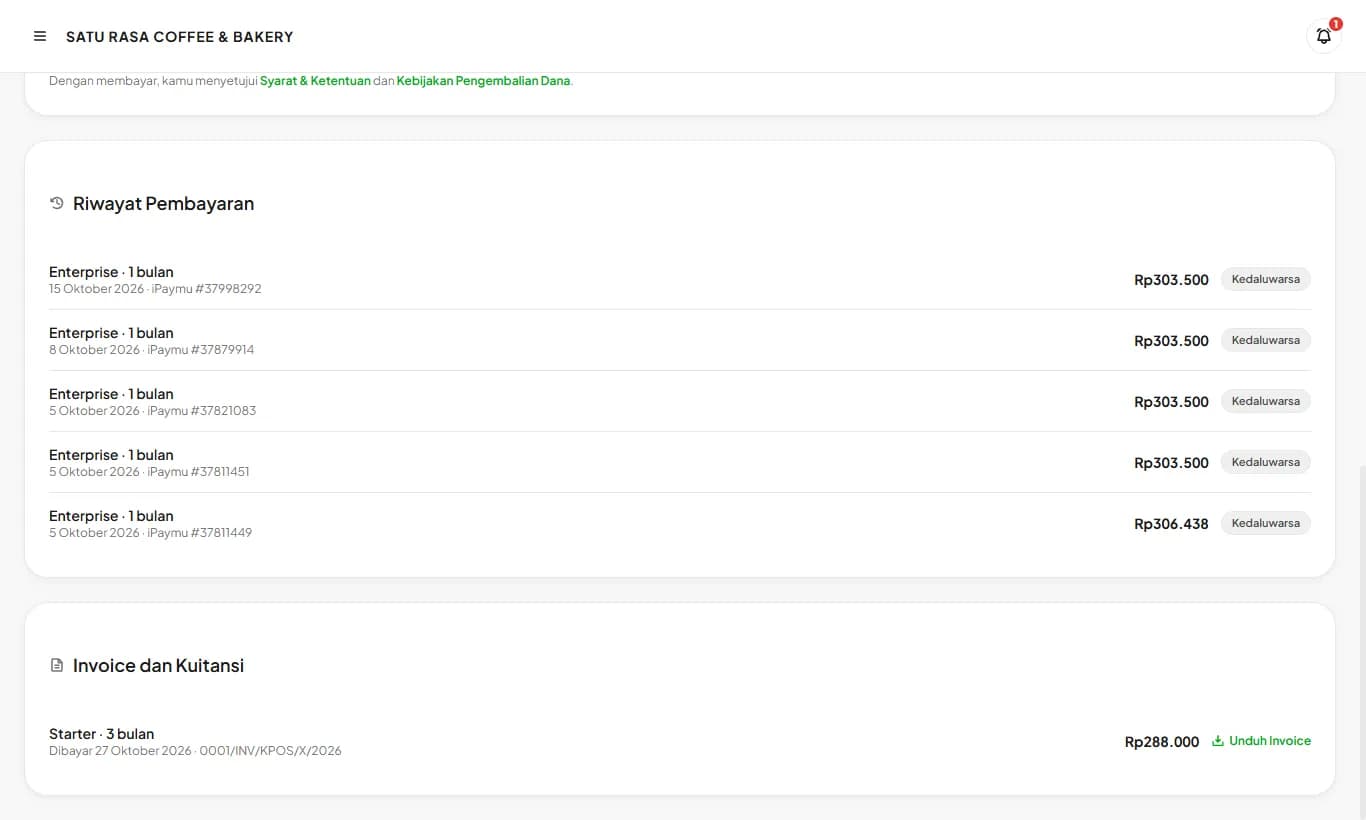
Download invoices and receipts
Every completed payment appears under Invoices and Receipts. Tap Download Invoice to get an officially numbered PDF with a PAID stamp, which also serves as the receipt.
Ready to try it in your store?
Sign up free and follow this guide right in the app.