How to Choose a POS App for Cafes and Restaurants: 10 Things to Check
The wrong POS app only shows after a few months: stock that never matches, reports you cannot trust, a till that freezes when the internet drops. Here is what to check before you choose.
Almost every POS app can record a sale. The differences only show in what a demo does not: what happens when the internet drops, whether ingredient stock goes down, and whether the profit report can be trusted. These ten points separate apps that merely record from apps that actually help run the business.
1. Keeps working when the internet drops
An outage at lunchtime is not rare. Make sure the till can keep recording sales offline, and that transactions sync on their own once the connection returns, with nothing lost.
2. Cost calculated from recipes
An app that only records selling prices cannot tell you your profit. Look for one that stores a recipe per item, so the cost per serving calculates itself and updates when ingredient prices rise.
3. Ingredient stock deducted automatically
F&B businesses sell dishes but buy ingredients. Stock tracked per ingredient rather than per dish makes discrepancies visible and lets you reorder before you run out.
4. Open bills, table moves, and split bills
For dine-in, the app has to save bills to tables, add orders anytime, move tables, and split bills per person without re-entering orders.
5. QRIS with the amount filled in
Customers typing the amount themselves can mistype. A QR that already carries the order amount speeds up the queue and cuts discrepancies.
6. Profit and loss, not just revenue
Rising revenue is not the same as profit. A report that includes cost of goods and expenses like rent, wages, and utilities shows whether the business is really making money.
7. Access control and PINs
Cashiers do not need financial reports, and voiding a sale should need approval. Separate roles and an activity log protect both owner and staff.
8. Runs on devices you already own
An app that runs on phones, tablets, and computers saves upfront cost. Also check that common receipt printers, such as Bluetooth thermal printers, connect directly.
9. Your data can be exported
Sales, customer, and ingredient data belong to you. A good app lets you download them to Excel or PDF at any time.
10. Clear pricing and a trial
Watch for costs that often hide: per-device fees, per-branch fees, or key features locked to the top tier. A trial without a credit card lets you test every point above with your own data.
Choose a POS app for your busiest day, not for demo day.
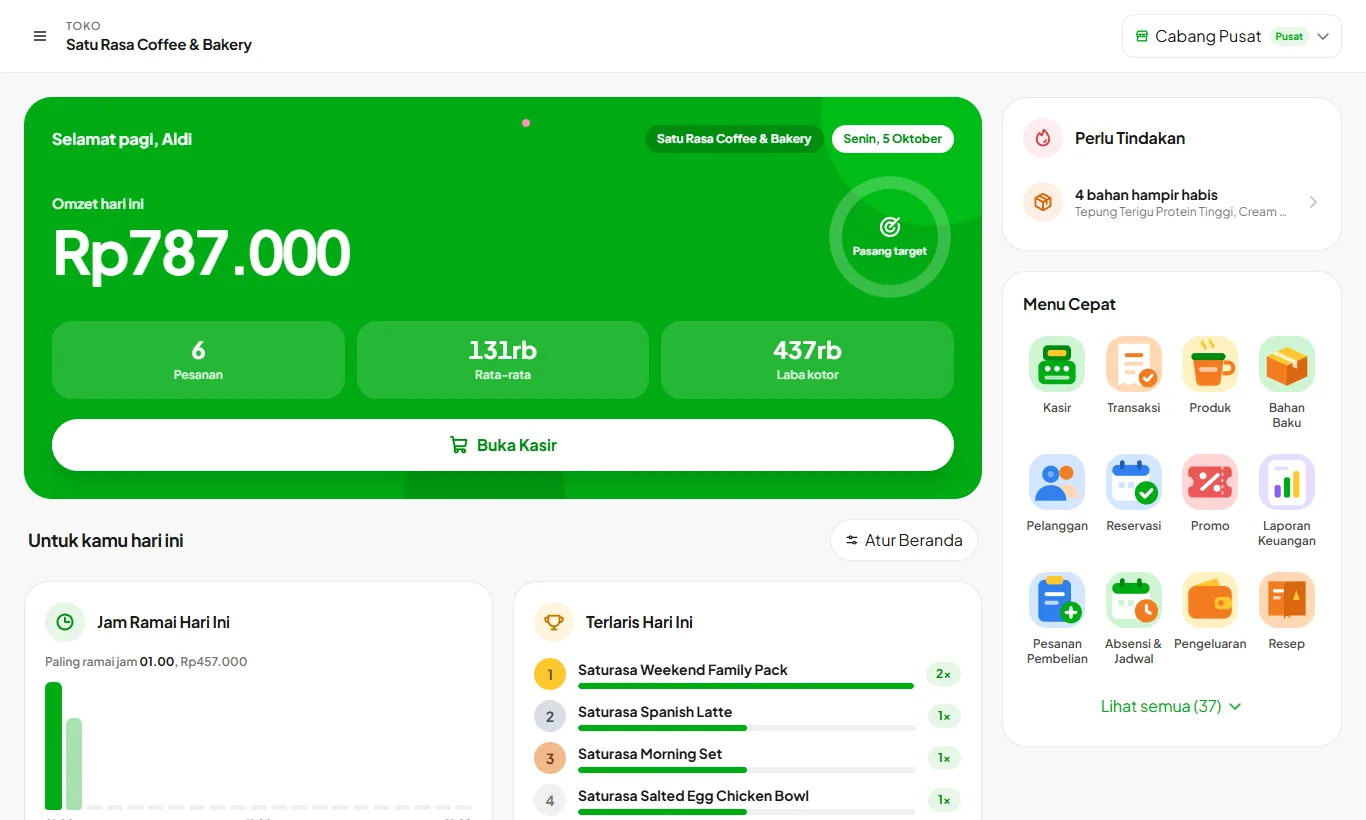
Kelola is built to meet all ten points in one app: a till that keeps working offline, recipe costing, automatic ingredient deduction, open and split bills, QRIS with the amount filled in, profit and loss reports, roles and PINs, and it runs on phones, tablets, and computers. Every plan feature can be tried free for 30 days without a credit card.