All plans
Quick Search
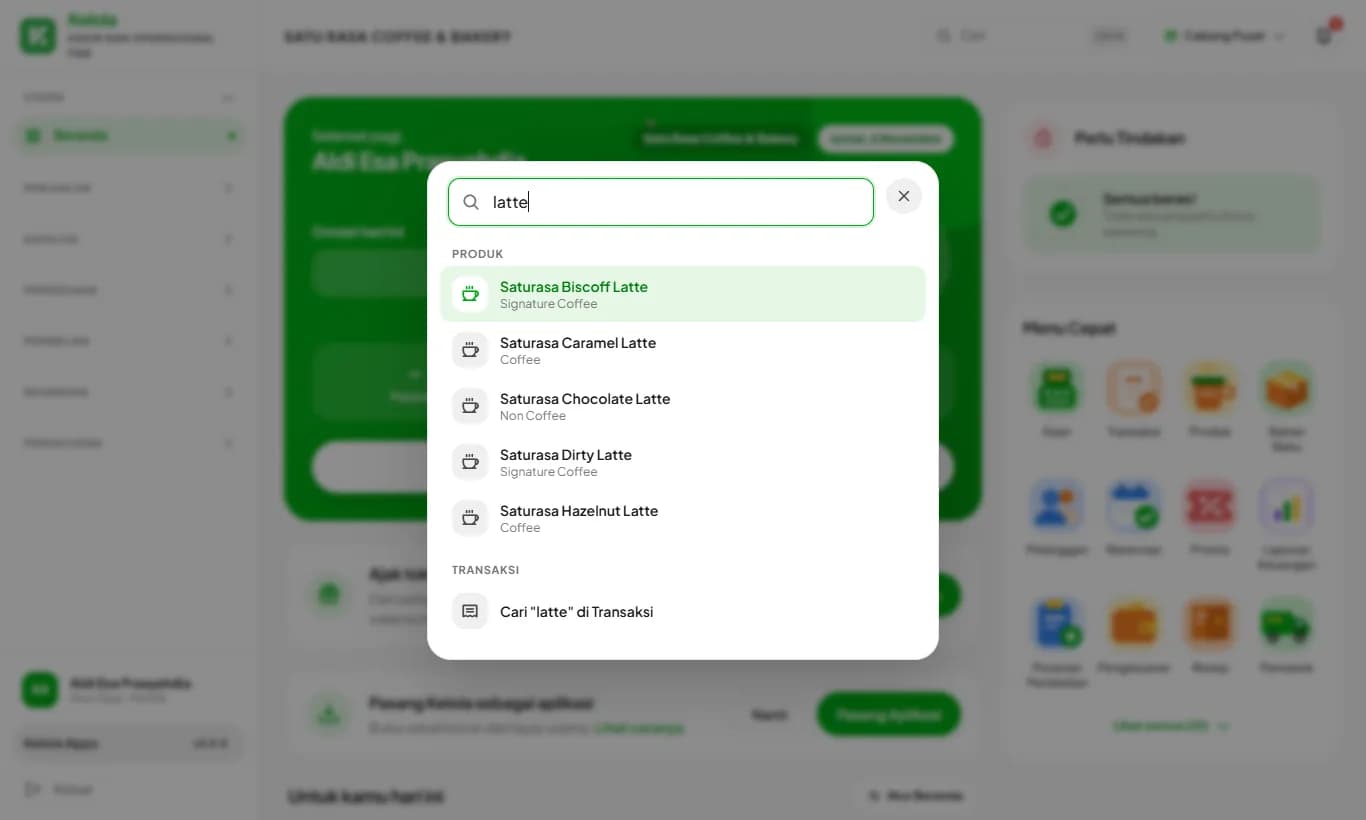
One search box to open pages, products, customers, and transactions without going through the menu.
Available on Starter, Growth, Enterprise
See the steps· 2 stepsSteps · 2
Step 1
Open Quick Search
Tap the magnifier icon at the top of the screen. On a computer, press Ctrl+K (Cmd+K on Mac) from any page.
Step 2
Type, then pick
Type a page, product, or customer name. Picking a product or customer opens its list with that name already searched. Type a receipt code and choose Search in Transactions to find this month's transactions.
While the search box is empty, the pages you last opened from Quick Search appear at the top.
Ready to try it in your store?
Sign up free and follow this guide right in the app.